INTERACTIONFQM

Products

Menus, orders, payments, kitchen and guests in one system. All products are listed below, with the purpose of each clear at a glance.

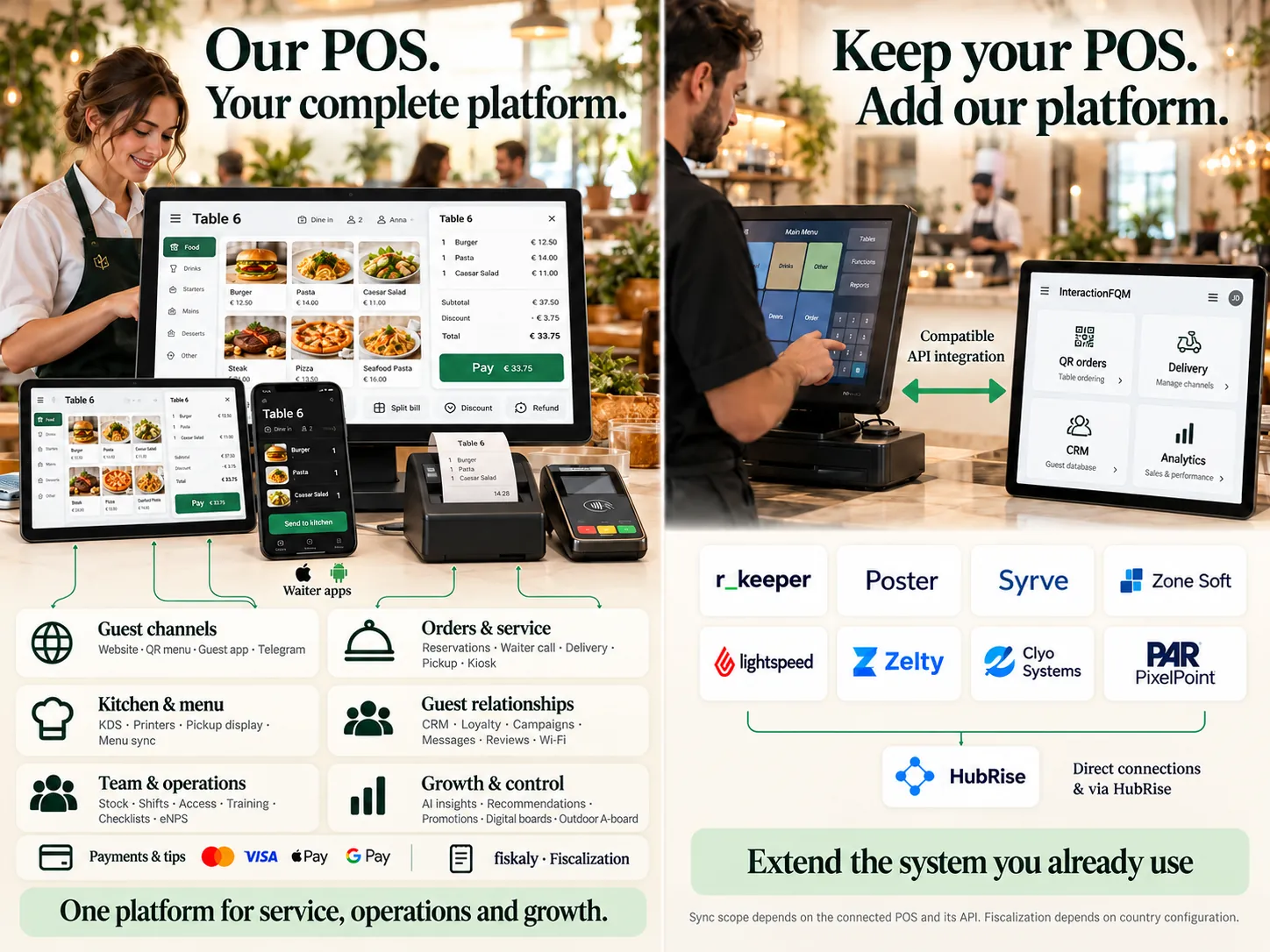
InteractionFQM POS

POS system and restaurant management

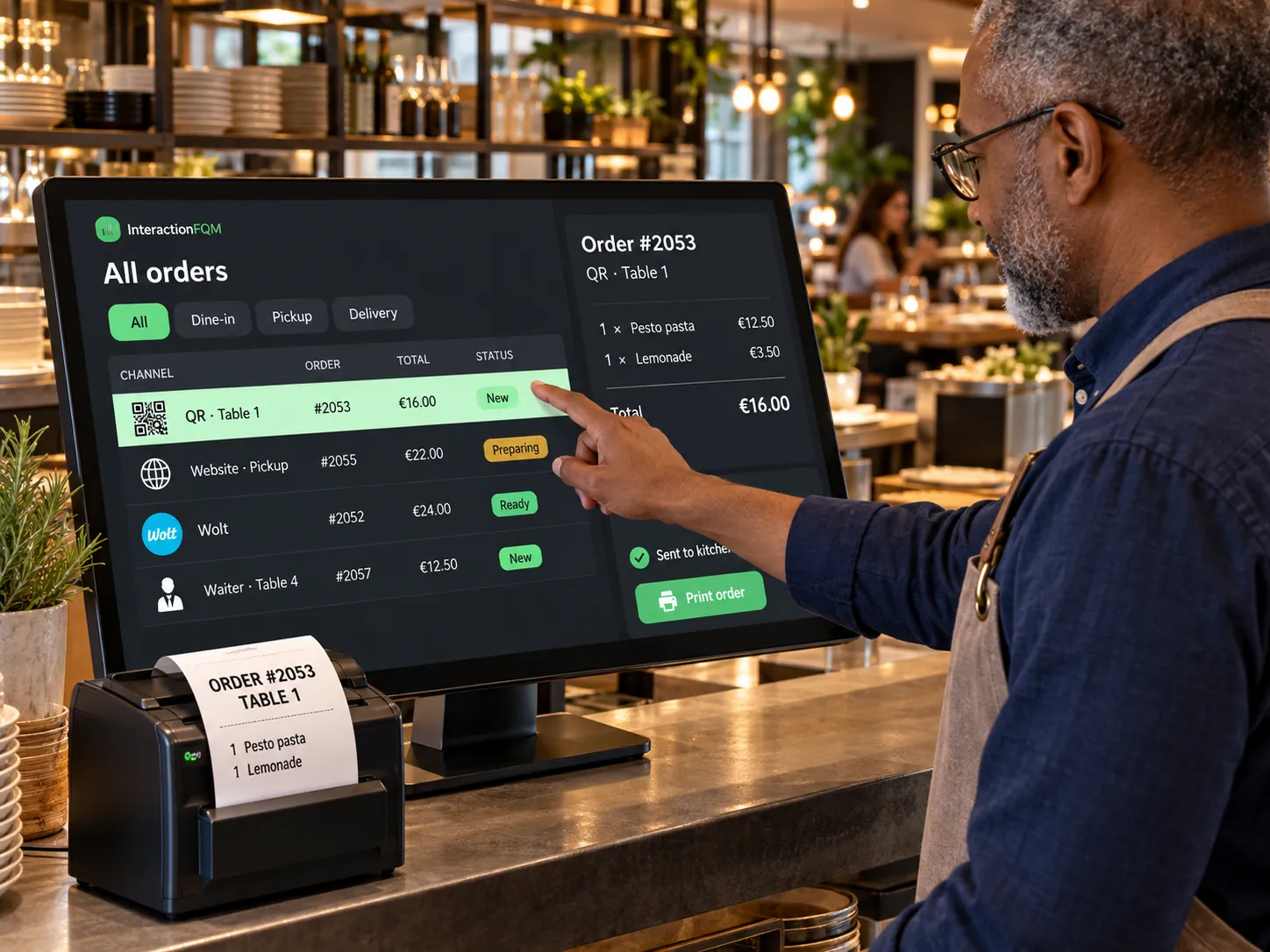
Use InteractionFQM as your main system for orders, payments and venue management, or connect it to your existing POS to extend its capabilities.

Explore featuresHide details
What it brings to your venue

Connect service, kitchen, stock, staff and analytics. Work on one platform or keep your familiar POS and add InteractionFQM digital services.

Features

  • Tables and guests. Floor plan, items by guest, additional orders, moving dishes and tables, merging and splitting bills.
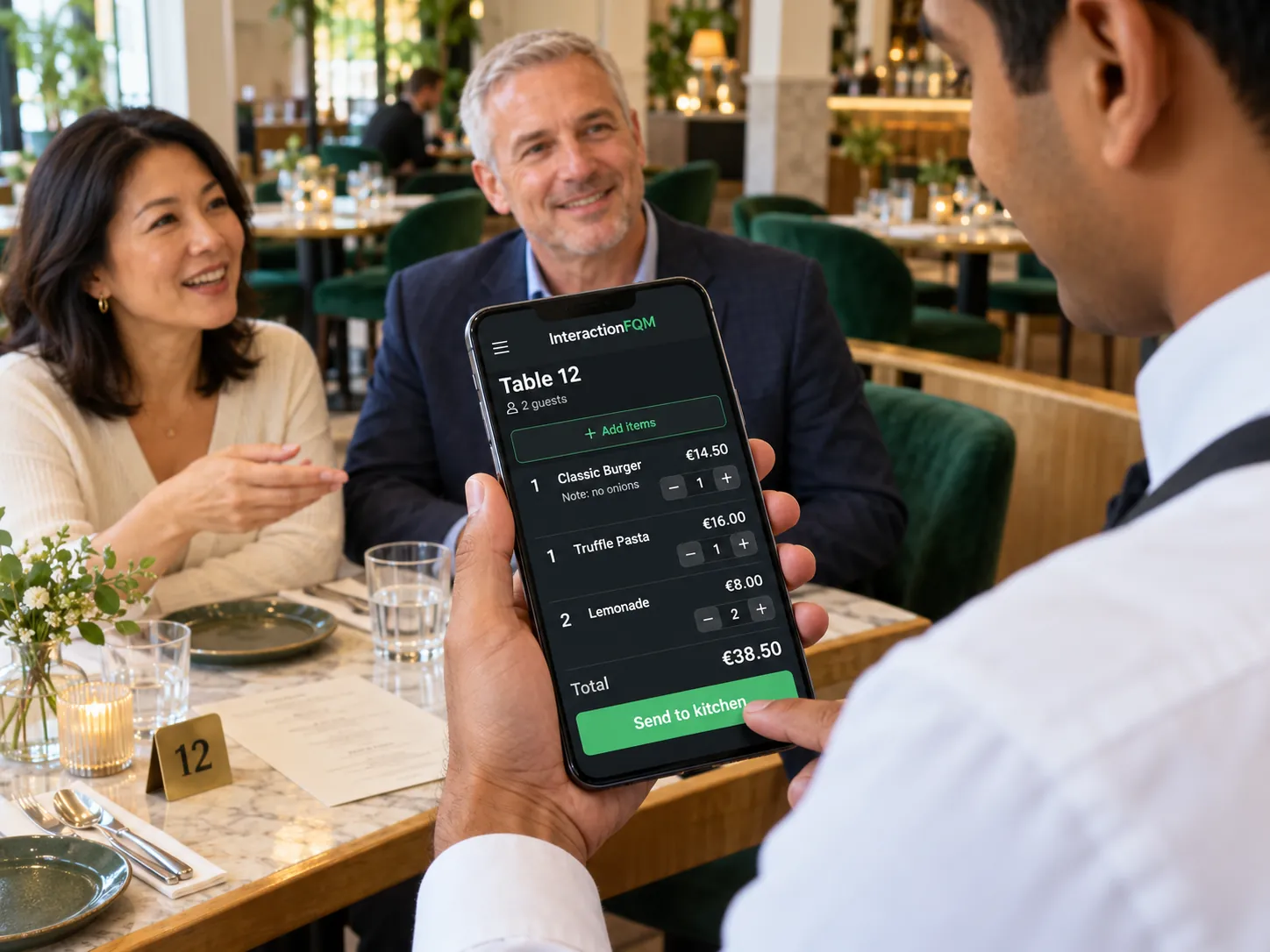
  • Waiters and cashiers. Ordering from a compatible phone or tablet, sizes and add-ons, comments, open pricing and cancellations according to staff permissions.
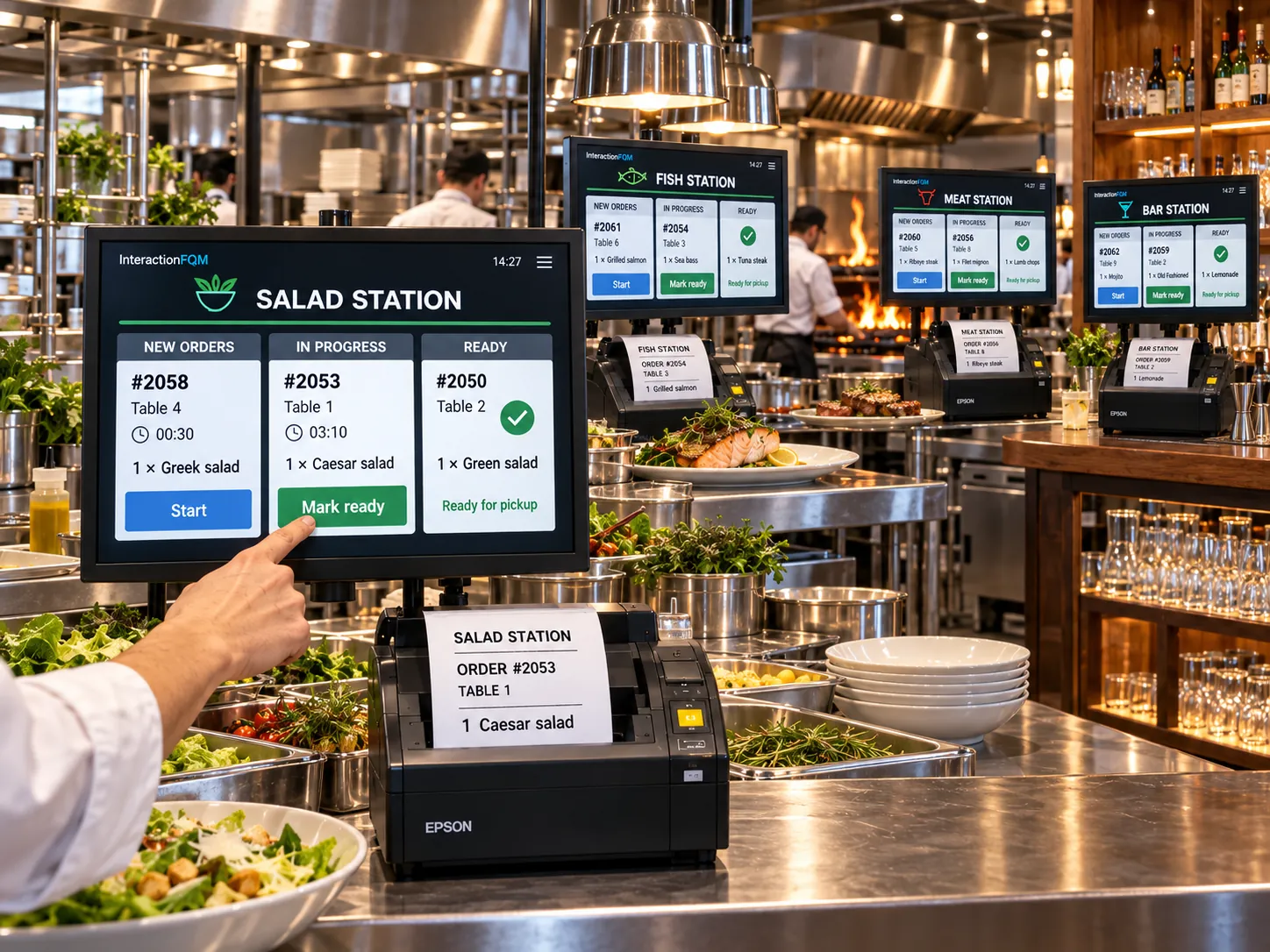
  • Kitchen and bar. Printing by category and dish, a separate kitchen-ticket language, comments and cancellations. Kitchen displays connect through an agreed workflow.
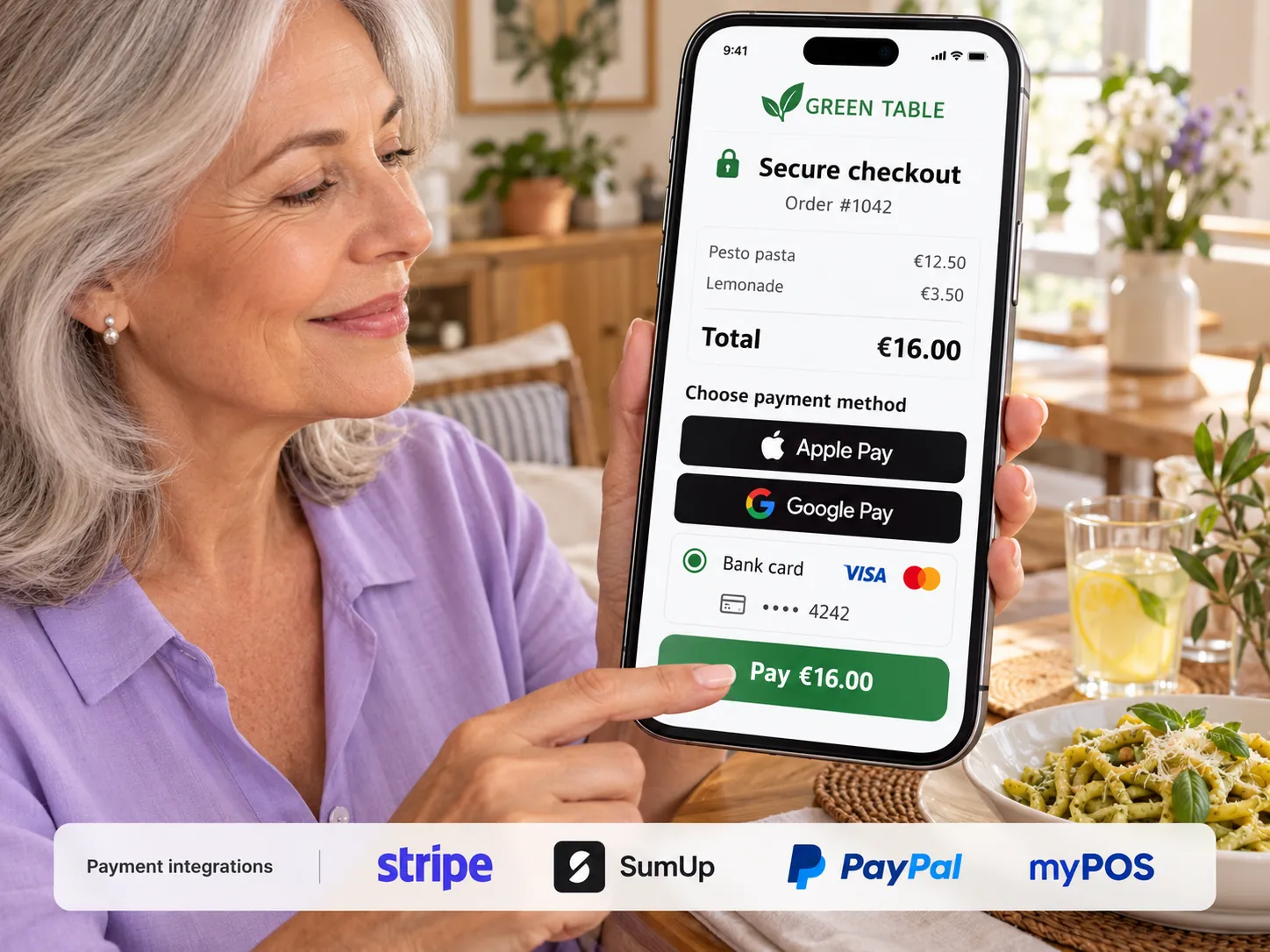
  • Payments and shifts. Cash, connected payment services, tips, pre-bills and shift reports broken down by payment method.
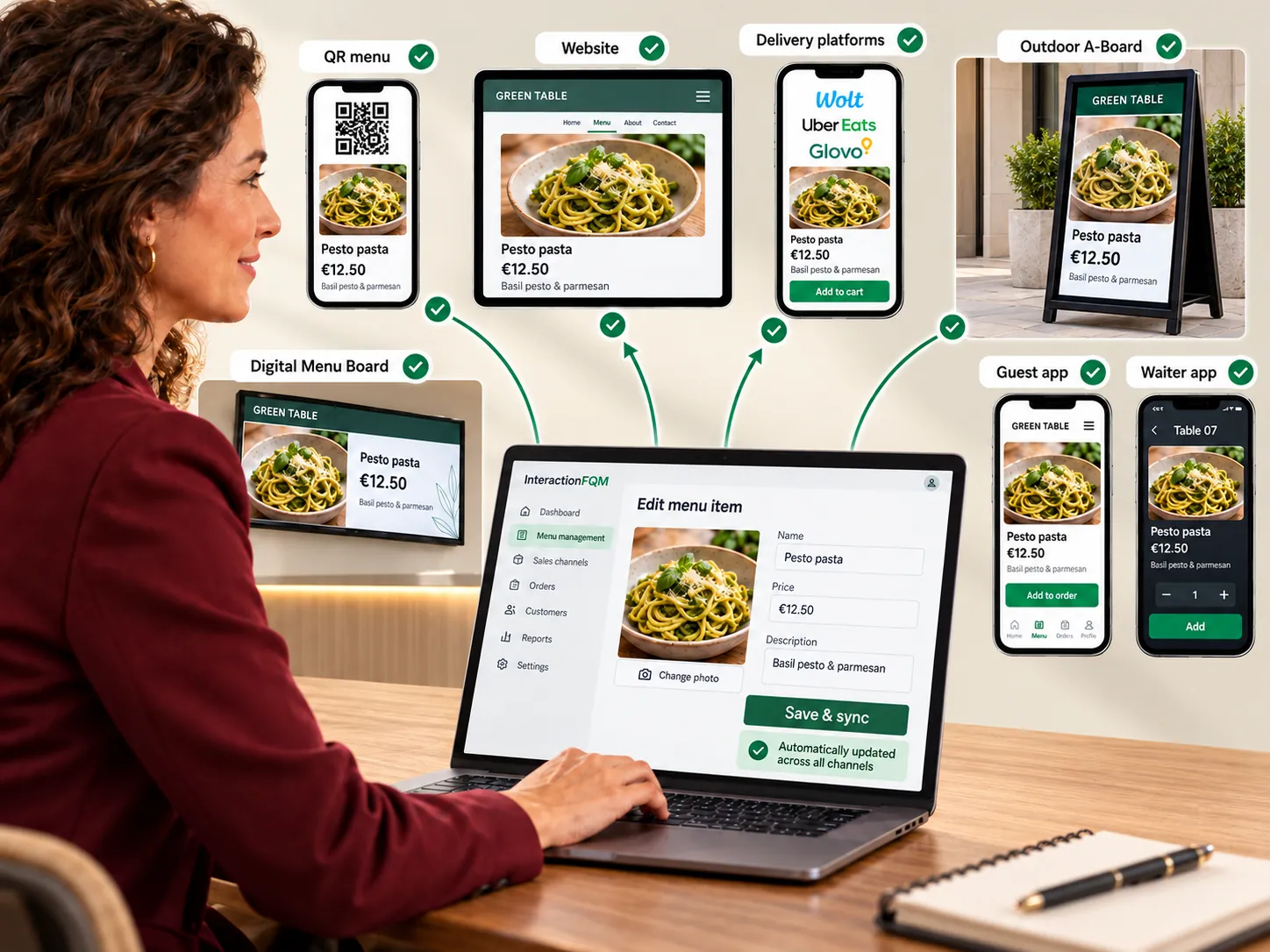
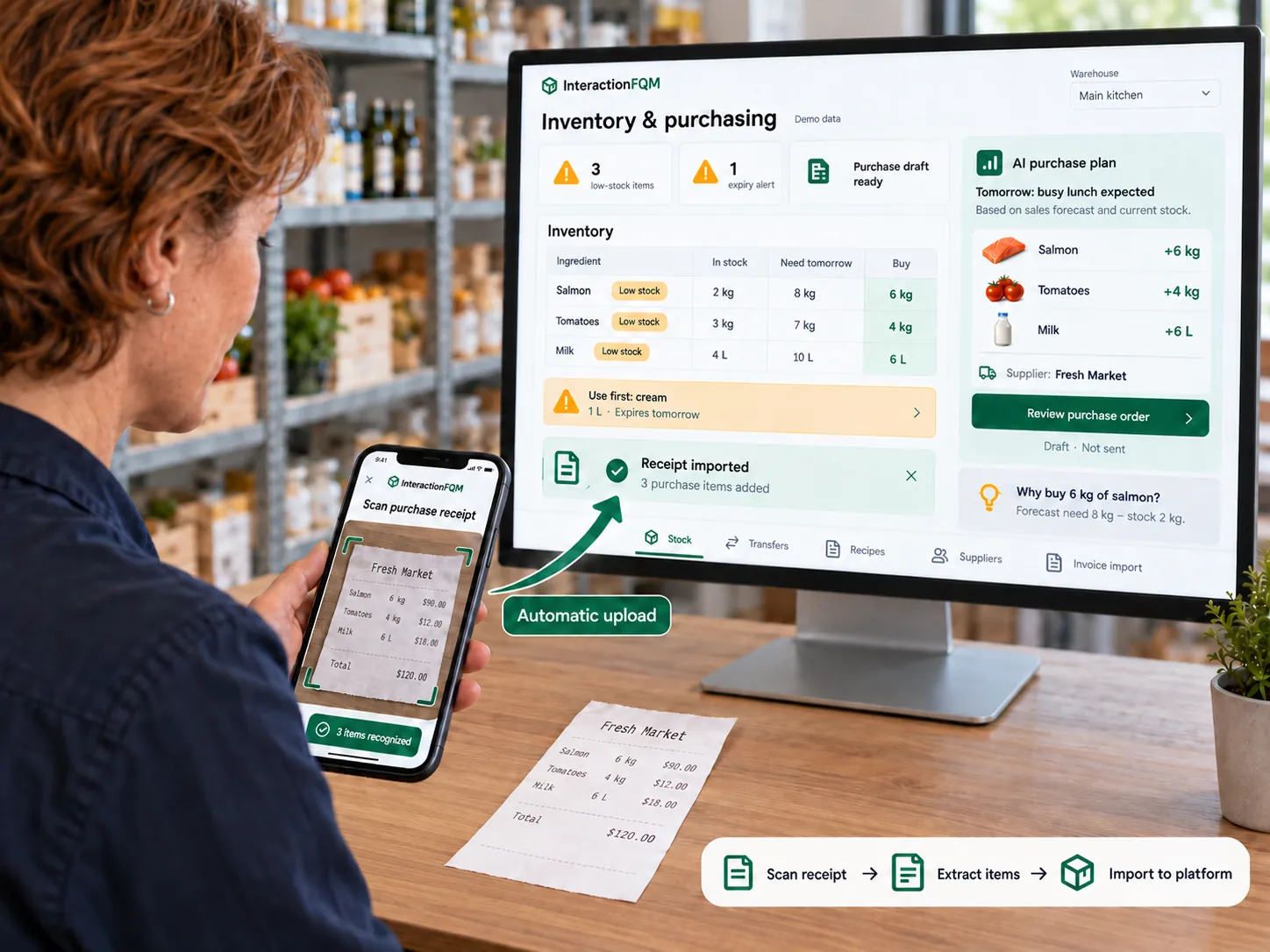
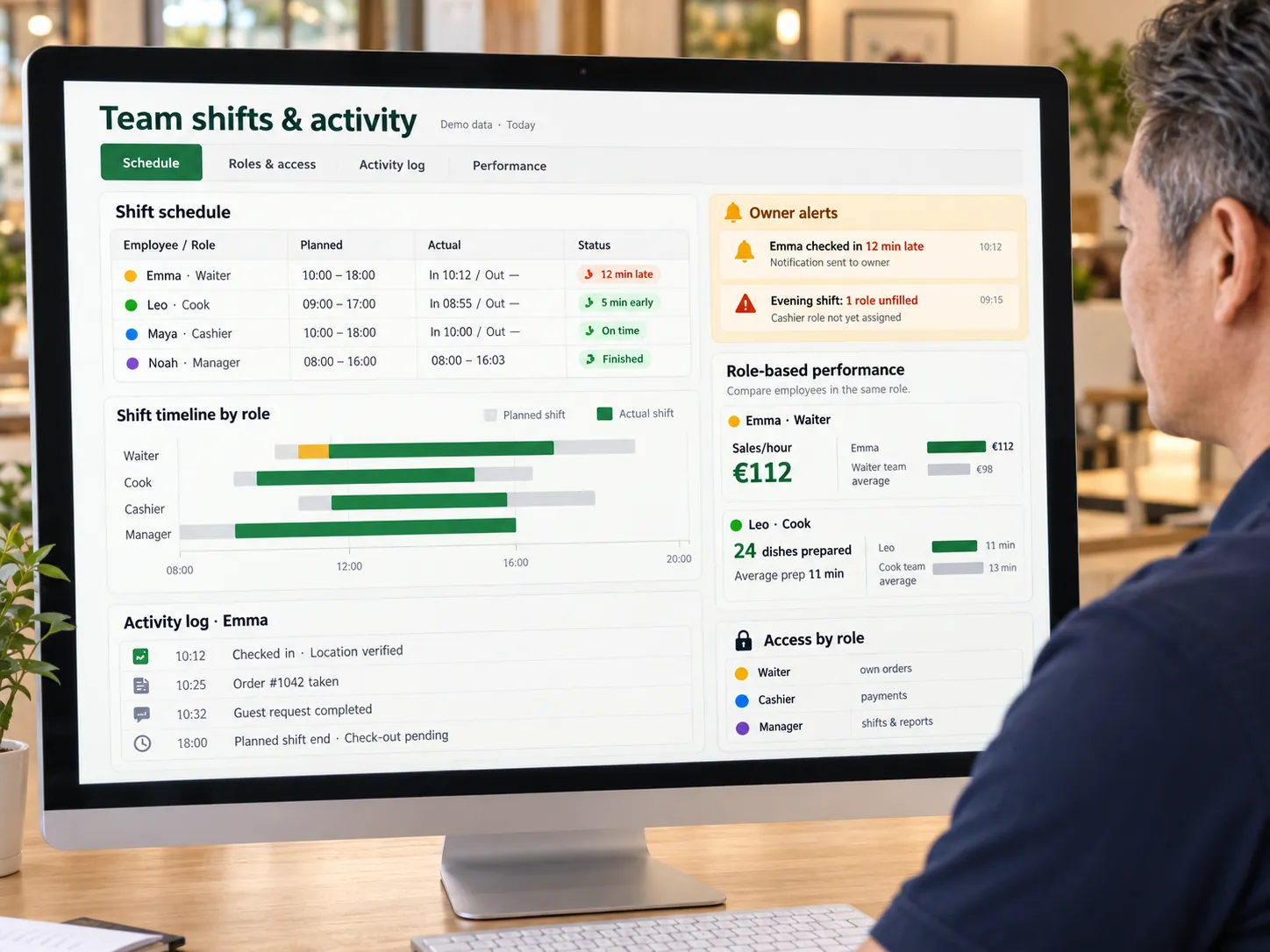
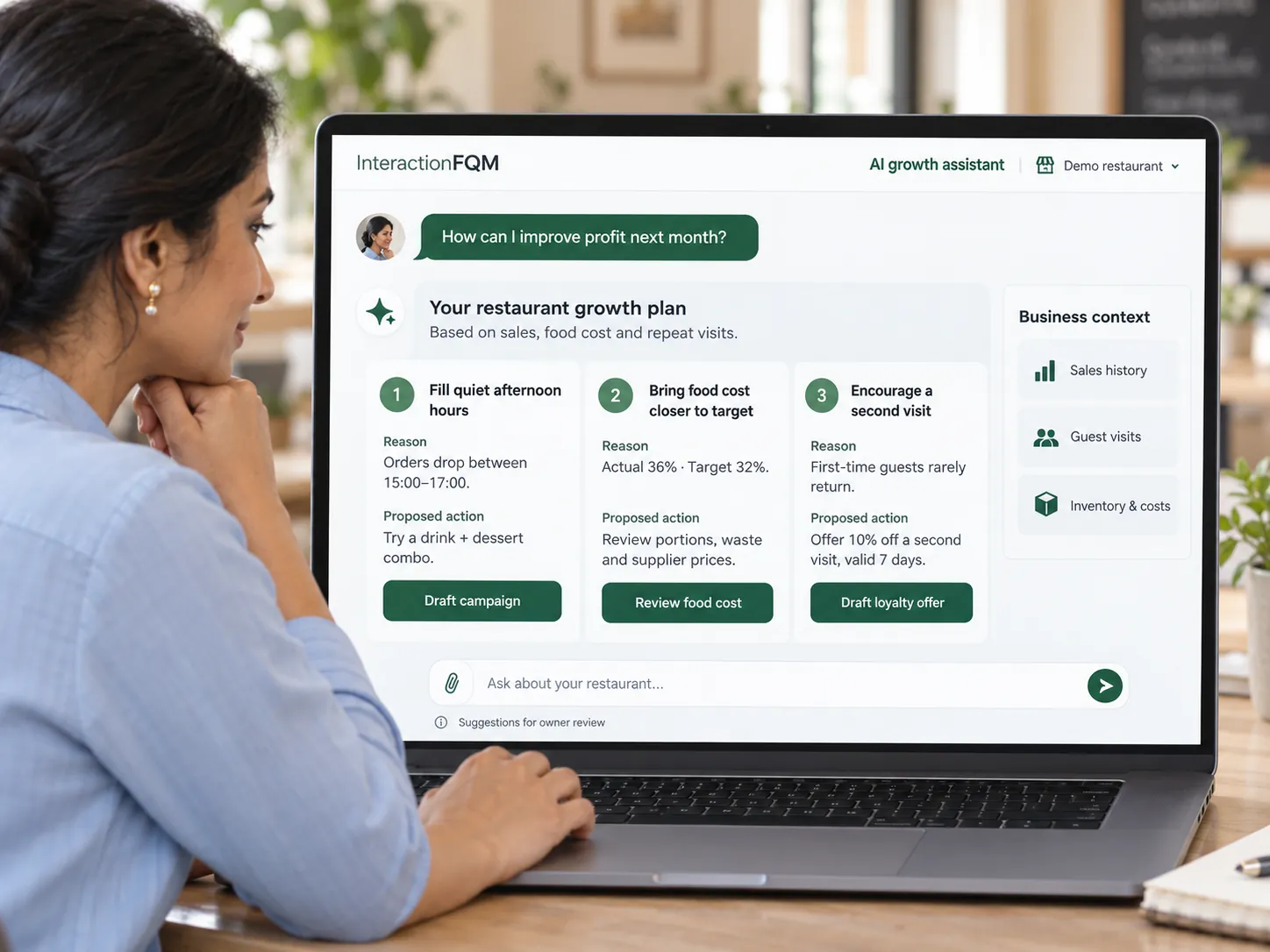
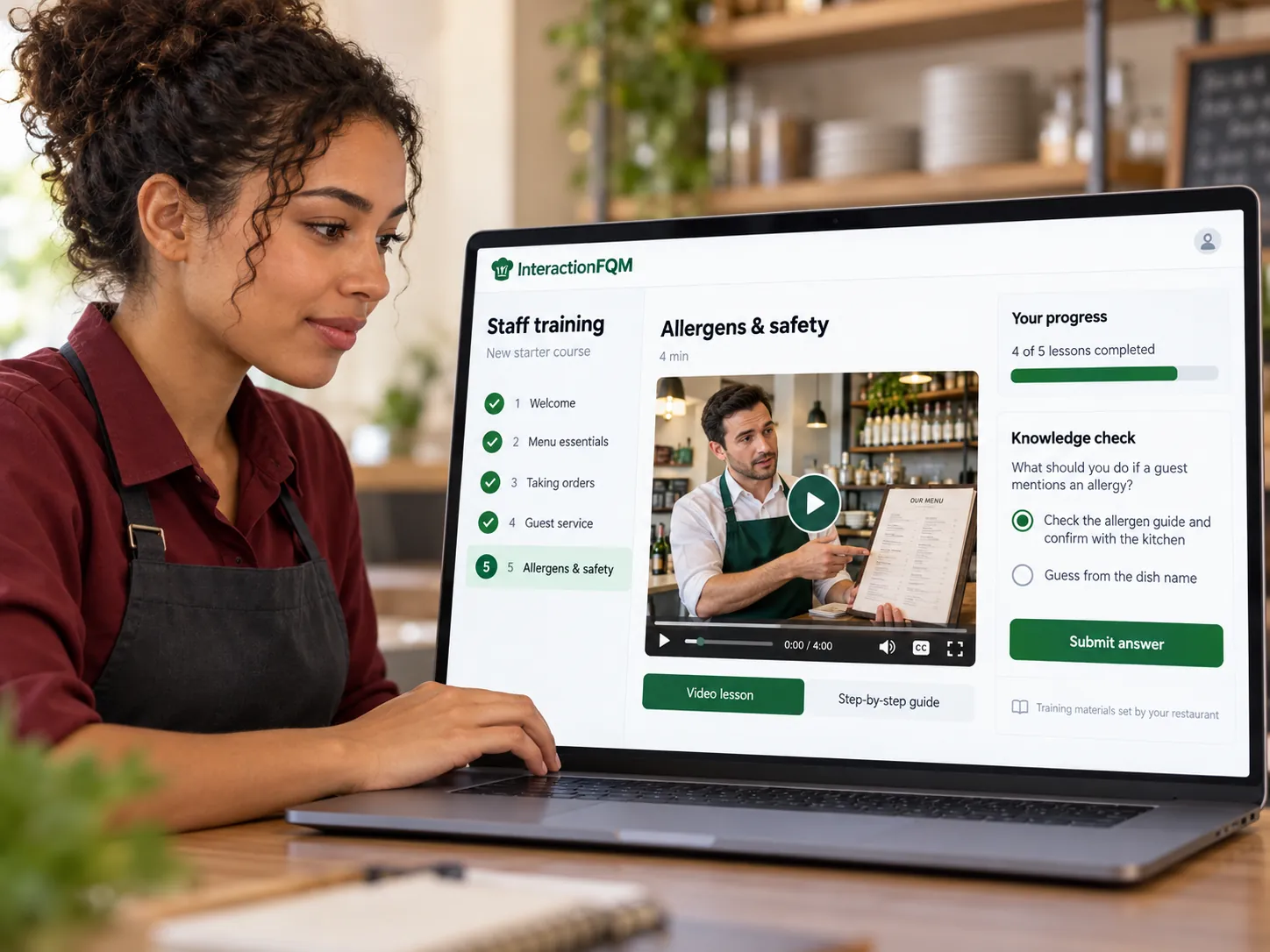
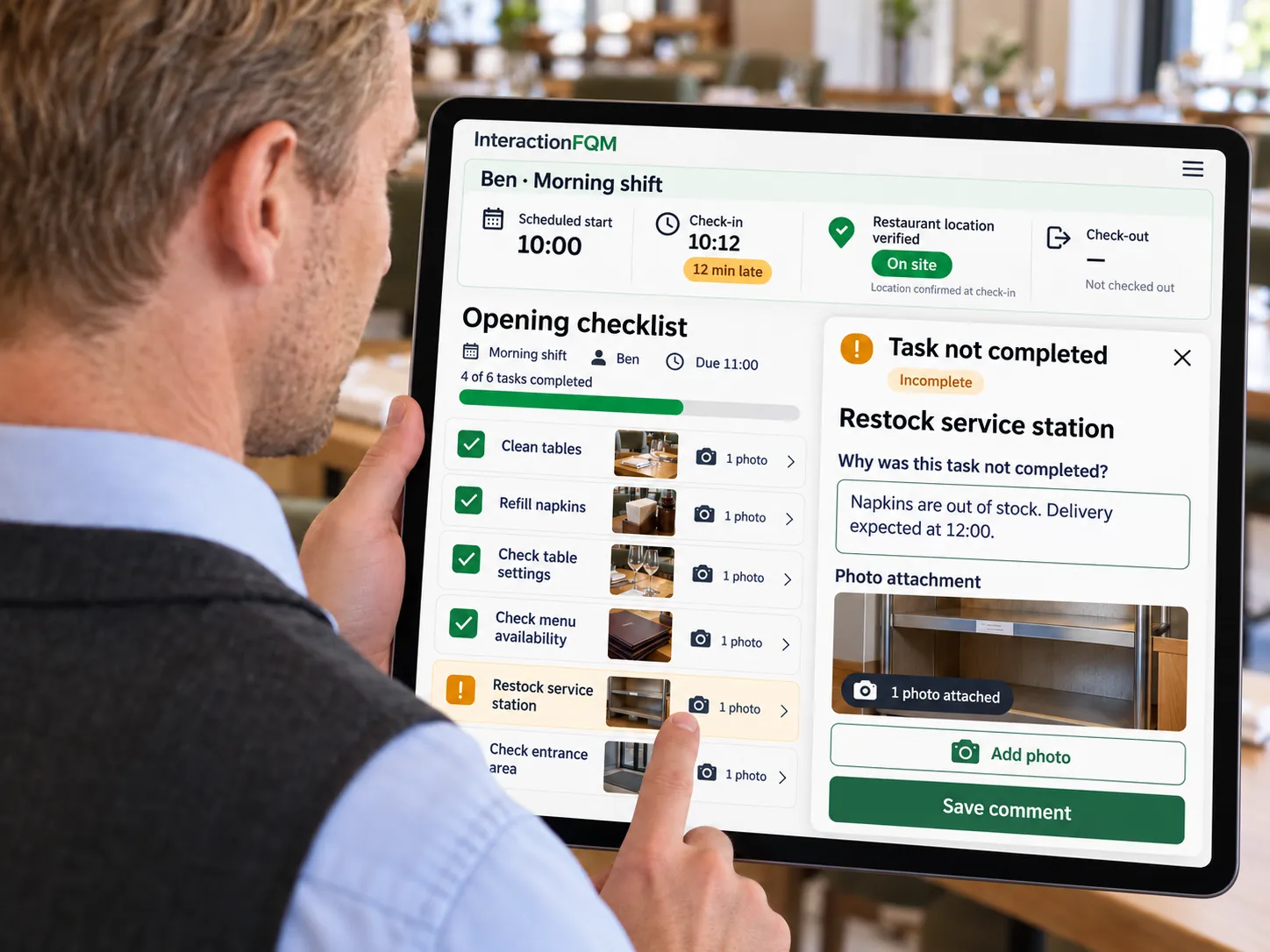
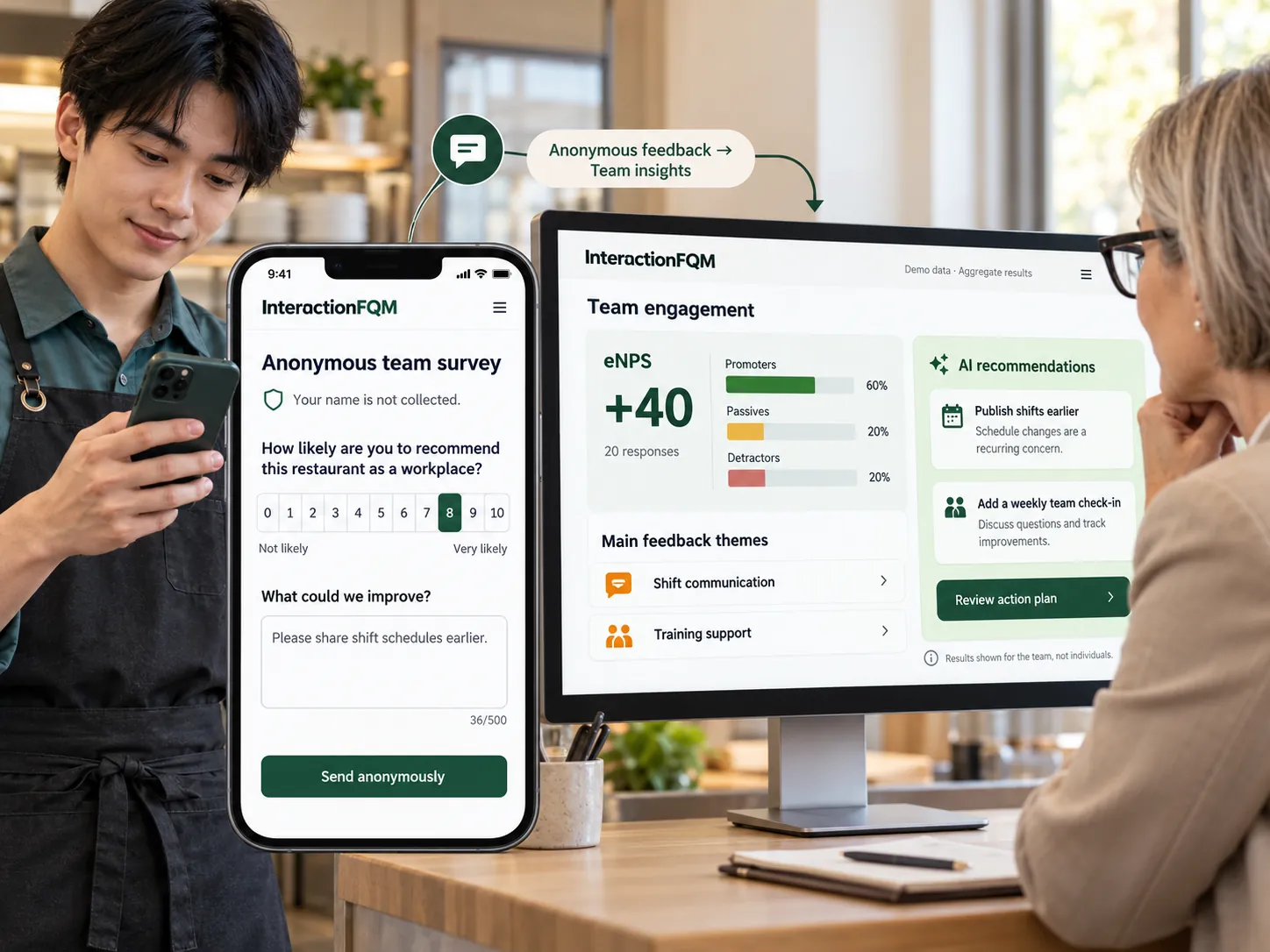
  • Venue management. Menu, stock, recipes, food costs, roles and permissions, training and analytics through selected modules.

For owners and managers

Choose the right configuration and manage connected workflows from one dashboard. The system can help reduce duplicate data entry and manual work.

If you already have a POS or till

Connect a compatible system directly or through HubRise. Data scope, sync directions and frequency depend on its API and the integration implementation. We will check the required data exchange workflows before launch.

Fiscalisation, payments and equipment are connected according to the country, selected modules and configuration. Till registration and operation requirements are checked for your venue. External POS compatibility is checked before launch.
Fiscalisation

Fiscalisation

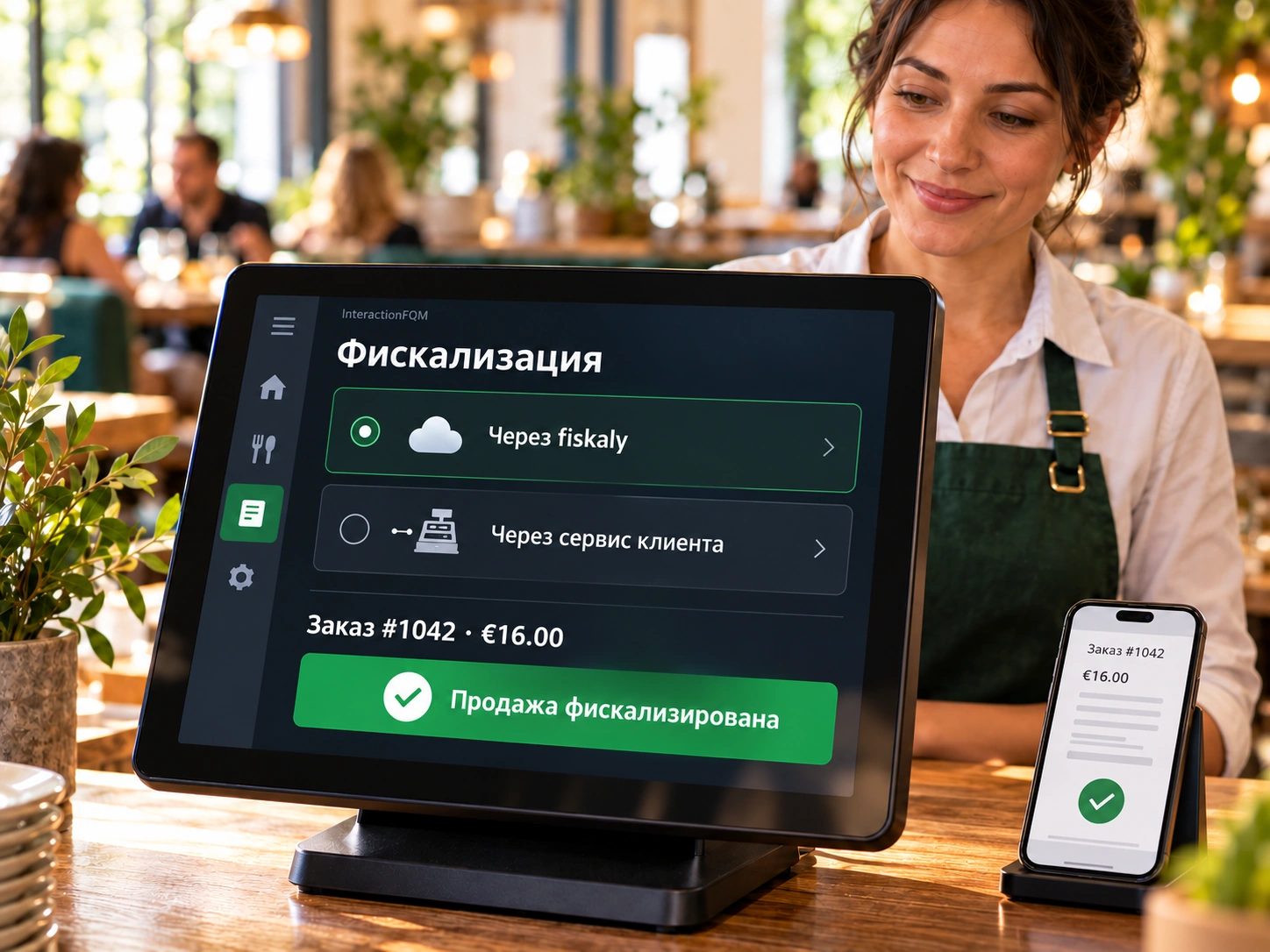
Use fiscalisation through InteractionFQM’s integration with fiskaly or through other fiscal services operated by your venue. We will choose a connection setup suited to your country and POS system.

Explore featuresClose
What it brings to your venue

Connect guest payments to a fiscal service within an agreed till workflow. Before launch, we identify which system handles fiscalisation, who is responsible for configuring it and how the result is verified.

Two connection options

  • Through a connected fiscal service. For supported EU countries: fiskaly (TSE in Germany); for Ukraine: Checkbox; for Kazakhstan: Webkassa and TipTopPay. The configuration and required registration steps are determined for your venue.
  • Through services on your side. Keep your existing fiscal service or till system if the available connection method supports the agreed data exchange with InteractionFQM. We check compatibility and integration scope before implementation.

Features

  • Choose a fiscal setup suited to your country, POS system and payment workflow.
  • Agree on the necessary data and interaction between the platform and selected service.
  • Check payment processing and documents in the agreed configuration.
  • Distinguish fiscal-service functions from printing guest receipts on compatible equipment.

How we launch

  1. Confirm your country, legal entity, POS and existing fiscal service.
  2. Select a connection option, check the API or other available data exchange method, and agree on the scope and cost.
  3. Configure the connection, run test transactions and check documents with the responsible employee.

Availability depends on the country, POS capabilities, selected service and supported API or connection method. Fiscal-provider terms, required registrations and service costs are confirmed separately. Having a POS or printer does not itself demonstrate fiscal compliance; requirements are checked for each venue.

More about this module →
Till / receipt printer

Till / receipt printer

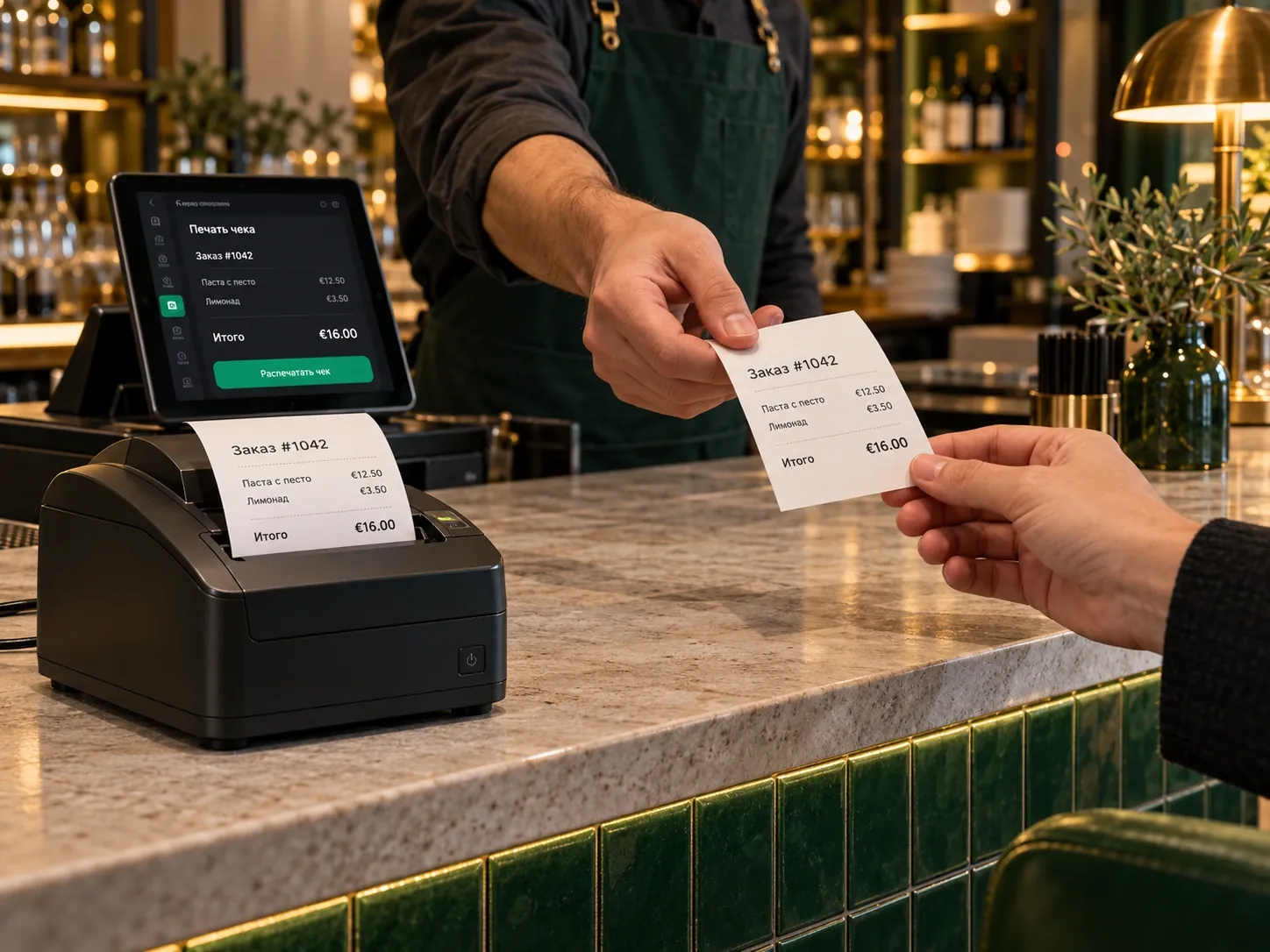
Print pre-bills, guest receipts and shift reports on a compatible receipt printer.

Explore featuresClose
What it brings to your venue
  • Guest documents are issued within the agreed till workflow.
  • Equipment compatibility and requirements are checked before connection.
  • Staff issue guest receipts within the familiar till workflow.

Features

Print pre-bills, guest receipts and shift reports on a compatible receipt printer.

What is needed for setup?

  1. Check the printer model and connection method.
  2. Configure documents, formatting and when to print.
  3. Check the pre-bill, payment and shift report using a test order.

Compatible Epson, Star and ESC/POS printers are supported. A German Bewirtungsbeleg is available in the relevant payment workflow. Printing a document does not itself replace fiscalisation.

More about this module →
Data export for accounting

Data export for accounting

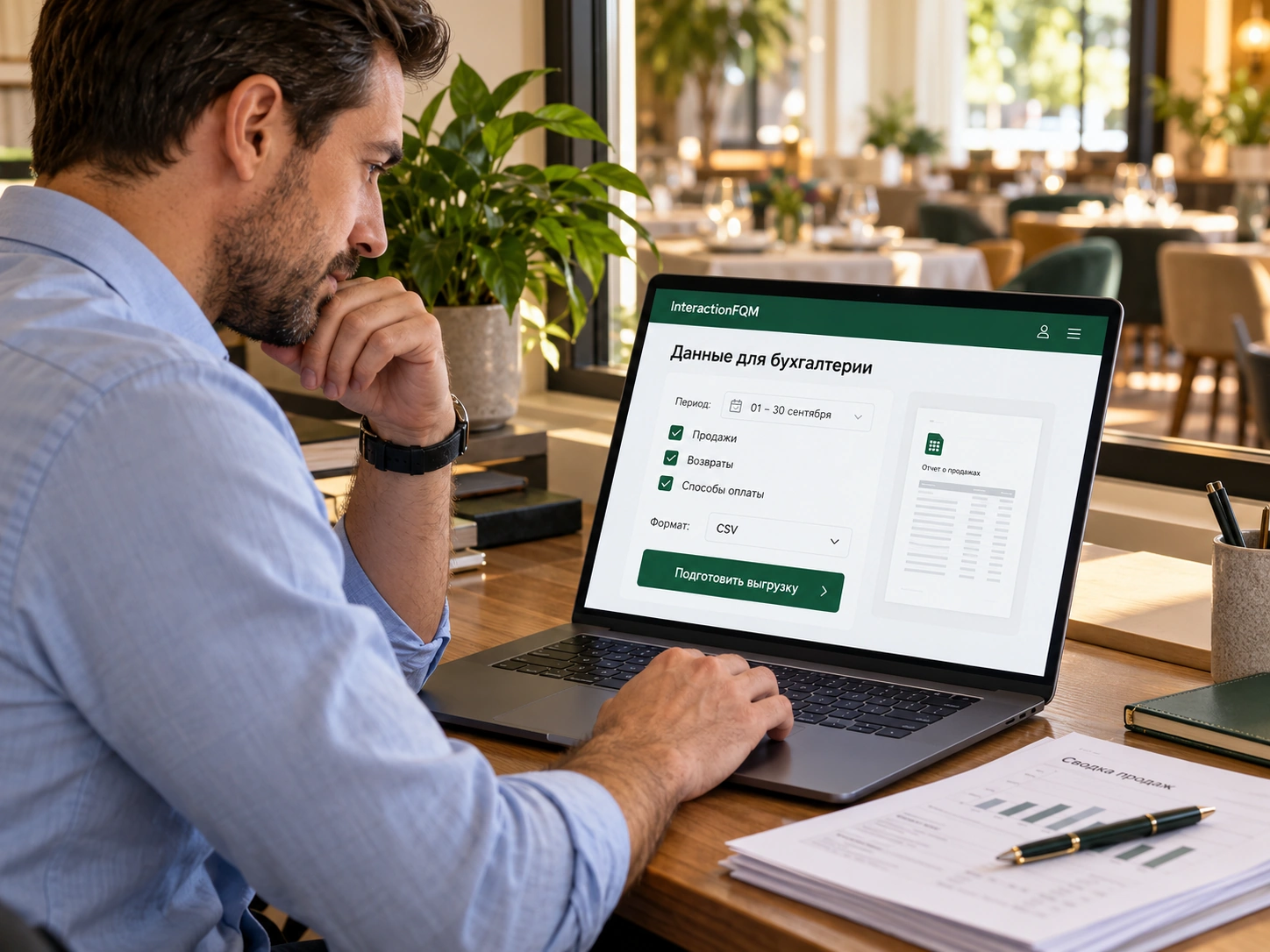
Export data to Excel for the period you need and send it to your accountant for further processing.

Explore featuresClose
What it brings to your venue
  • Sales and payment data are available for further processing.
  • Owners control the period and contents of the export.
  • The accountant receives a file; import and further accounting take place in their system.

Features

Export data to Excel for the period you need and send it to your accountant for further processing.

What is needed for setup?

  1. Choose the reporting period and data you need.
  2. Export the Excel file.
  3. Send the file to your accountant for checking and processing.

File export is not automatic synchronisation with accounting software. Agree on the fields and processing procedure with your accountant.

More about this module →

Sales channels

Unified aggregator dashboard

Unified aggregator dashboard

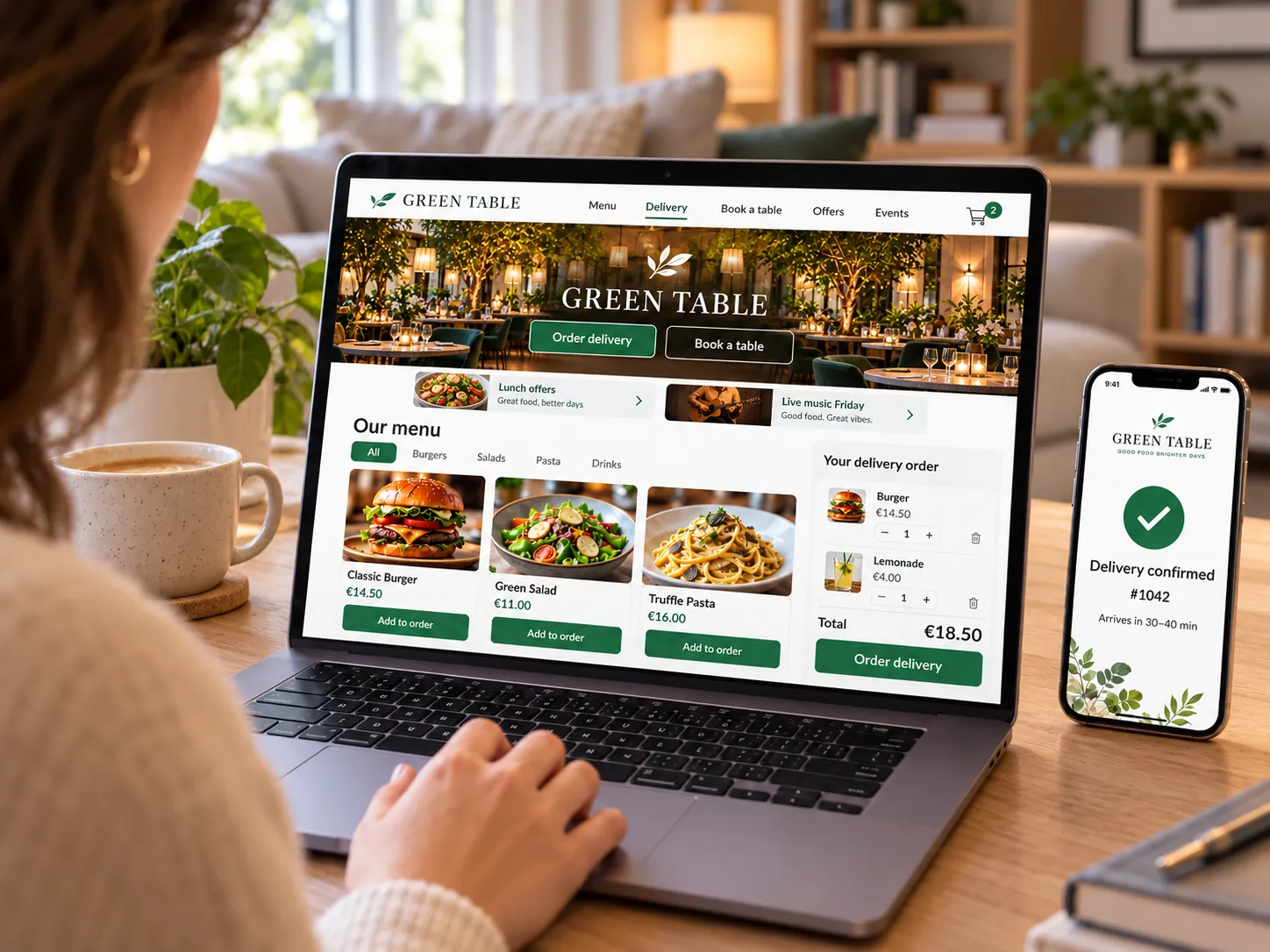
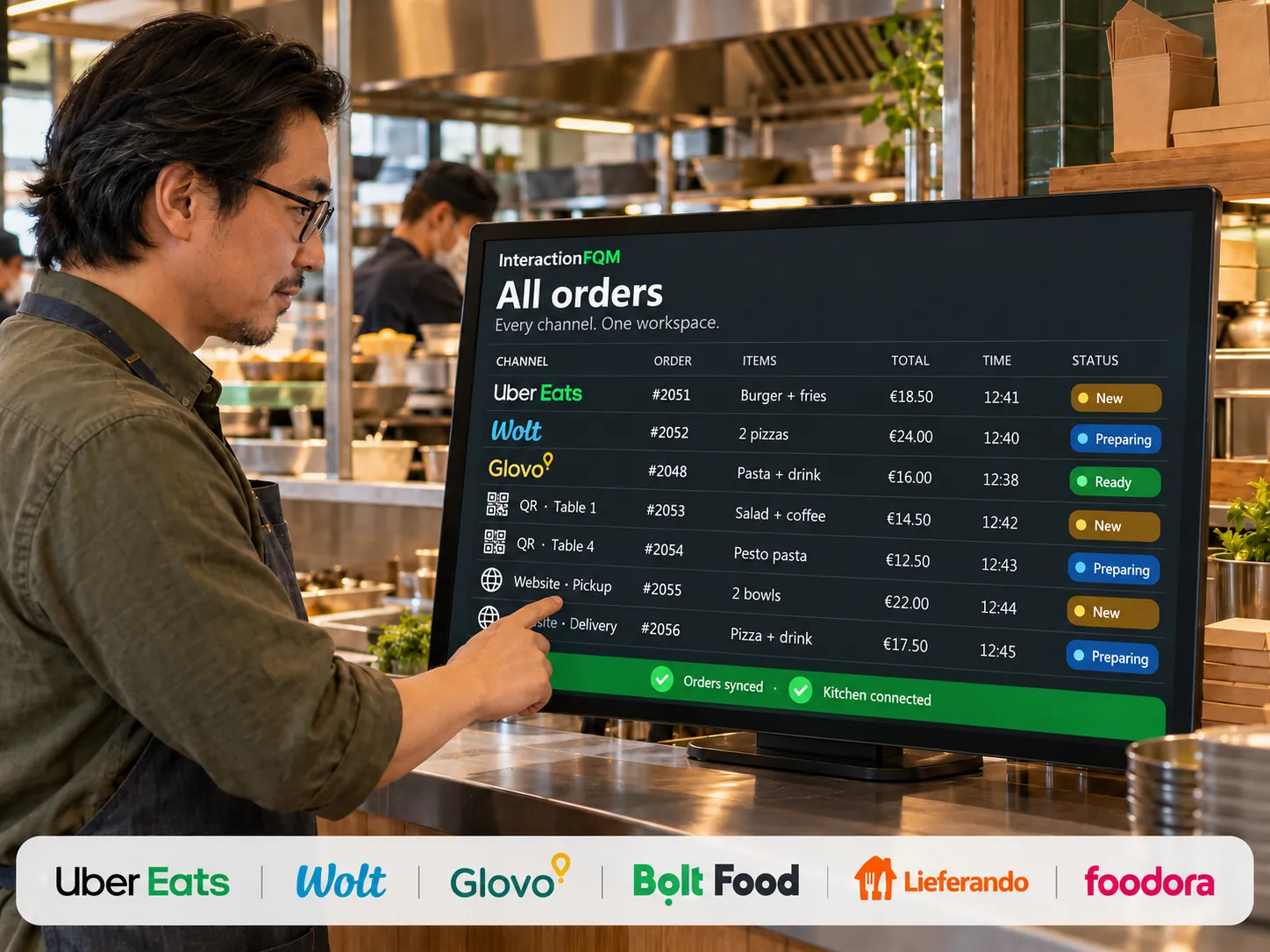
Connect orders from supported delivery services with your venue’s workflows. We check connection capabilities for each channel.

Explore featuresClose
What it brings to your venue

Order intake, statuses and menu updates are different integration functions. We check each service’s supported actions and connection terms for your venue before launch.
Features

  1. Choose delivery services and check the available data exchange.
  2. Agree on matching dishes, modifiers and statuses.
  3. Check a test order, kitchen transfer and error handling.

For owners and managers

Owners compare results across connected external sales channels.

The team switches less often between separate delivery-platform tablets.

Order intake and menu updates are different operations. Wolt, Uber Eats, Glovo, Bolt and other services’ capabilities depend on the specific connection. We do not promise automatic menu export before confirming it is ready.

More about this module →

Service & payments

Robot waiter

Robot waiter

Integrate compatible service robots into a workflow for delivering dishes around the dining area.

Explore featuresClose
What it brings to your venue

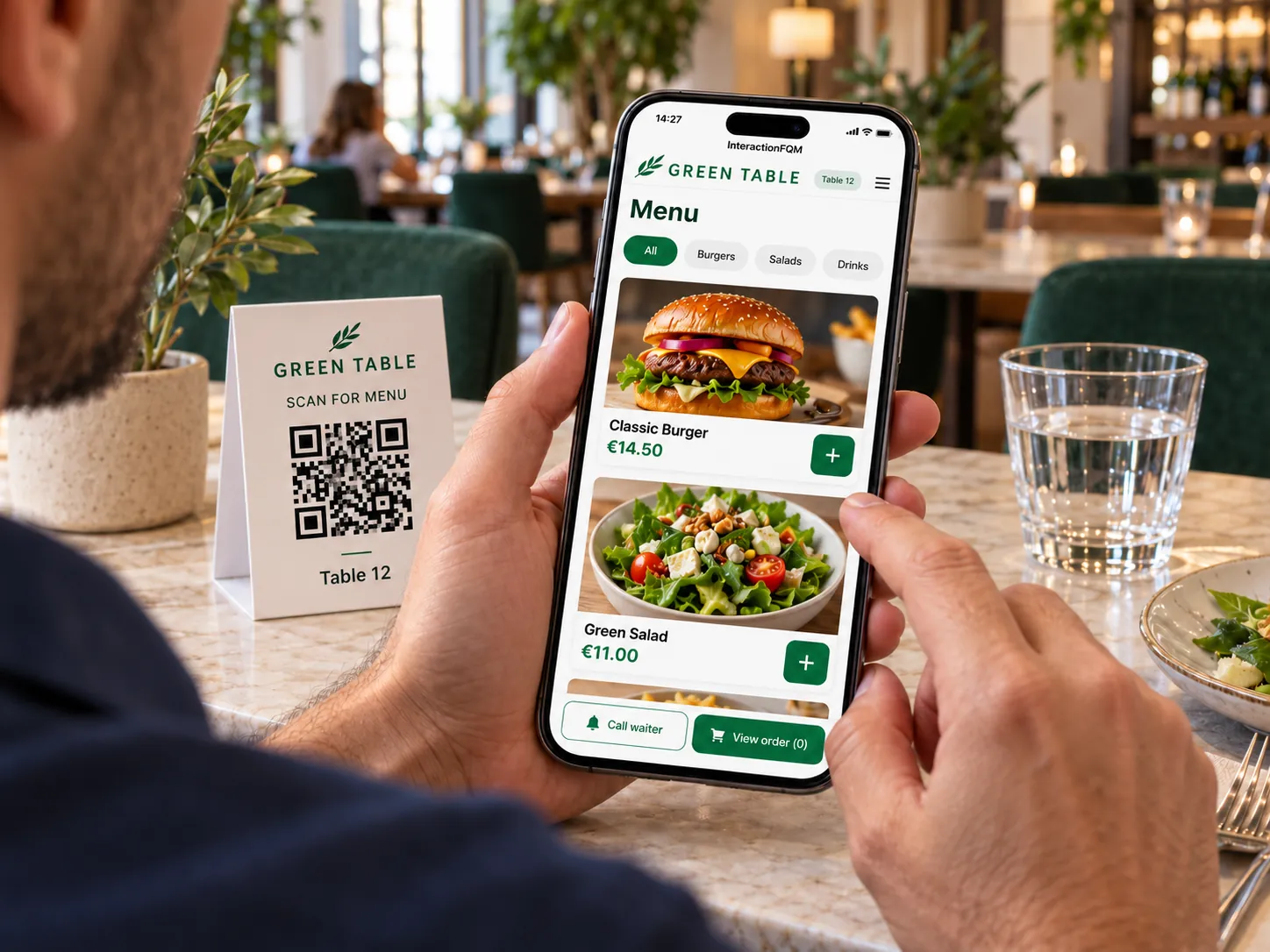
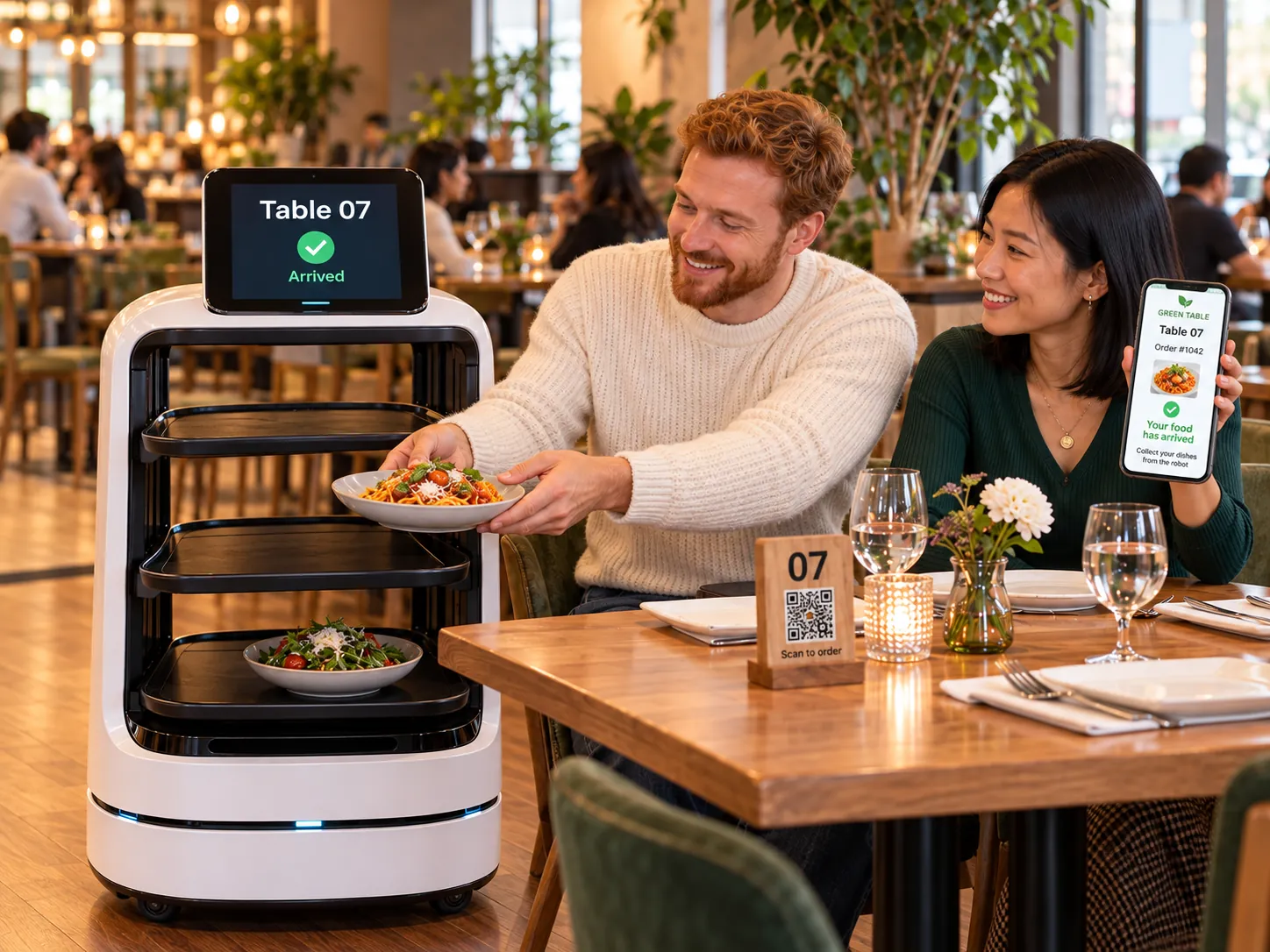
Guests order through the QR menu, a compatible robot brings dishes to their table, and guests collect them themselves. Equipment, routes and connection capabilities are checked separately.

Features

  1. Check robot compatibility and the route.
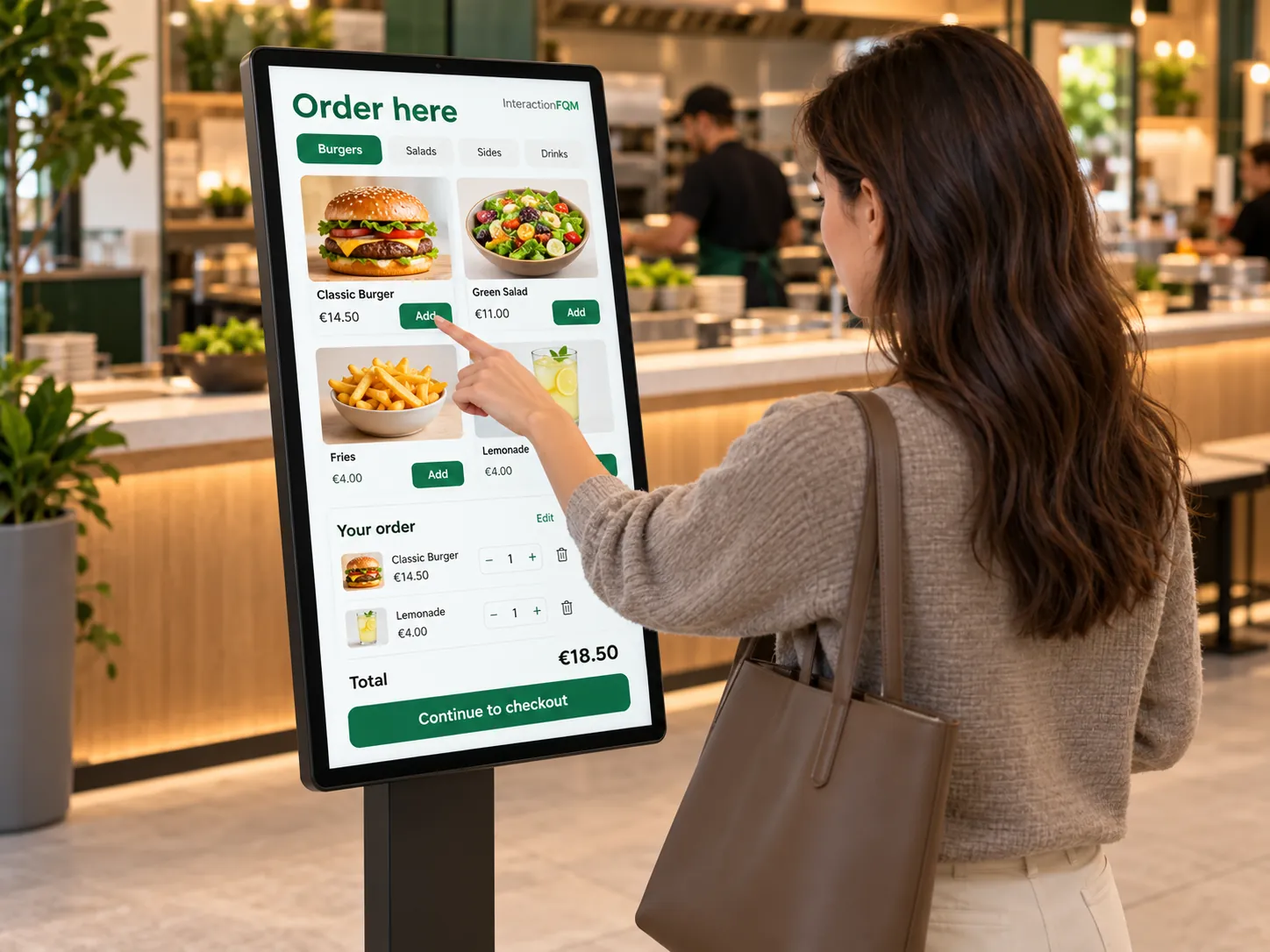
  2. Take the guest’s order through the QR menu.
  3. Deliver dishes to the table for guests to collect themselves.

For owners and managers

Owners check equipment, routes and connection capabilities.

The robot supports dish delivery along a verified route in the dining area.

Compatibility, country, equipment and connection capabilities are checked separately.

More about this module →

Kitchen & operations

Guests & marketing

AI & analytics

Your team

See how the platform can work for your venue

In 20 minutes, we will show the features relevant to your business and answer your questions. Then we can discuss a 14-day free trial, with no deposit or obligation.

Book a demo

Workflows that combine multiple modules