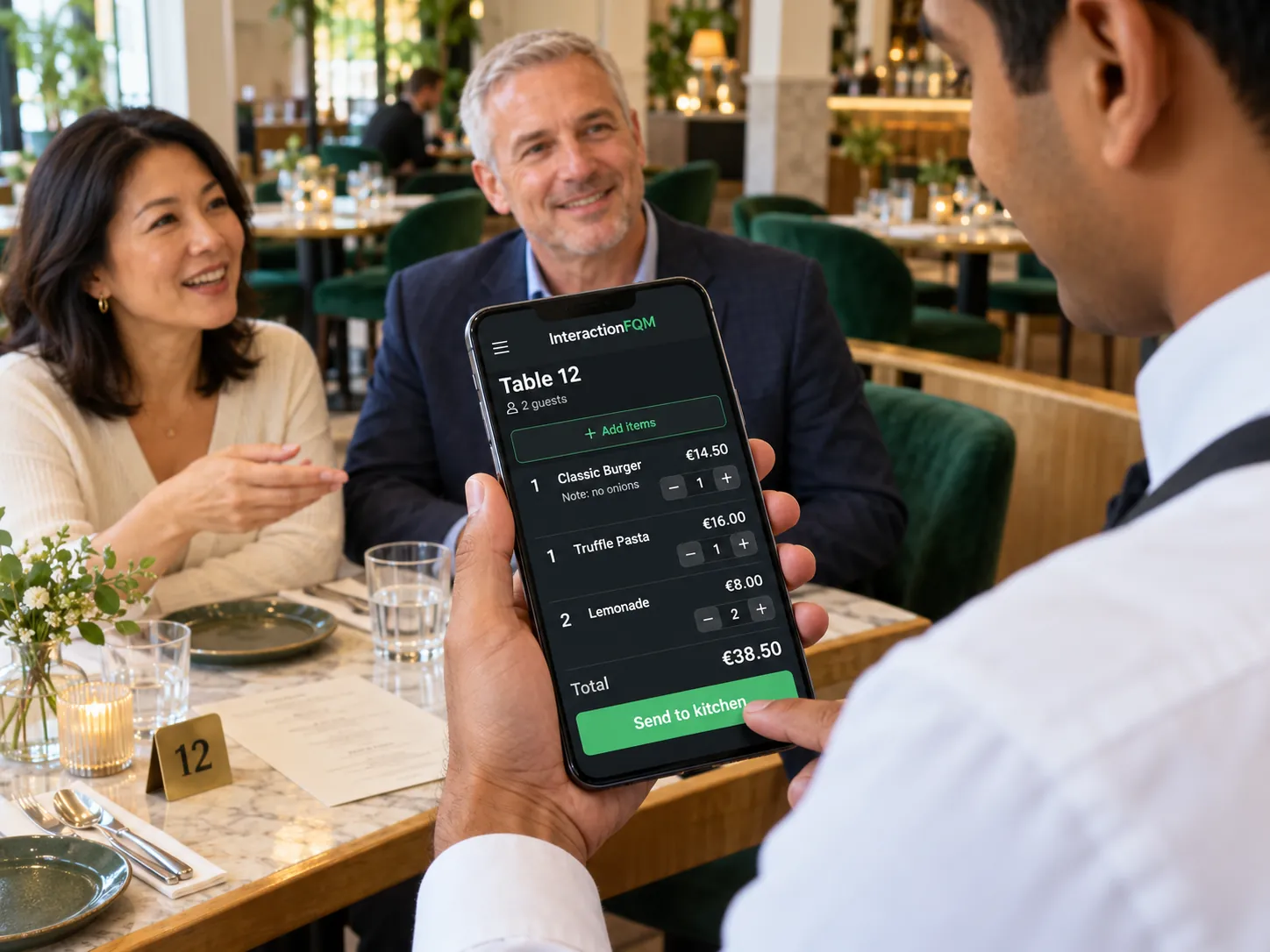
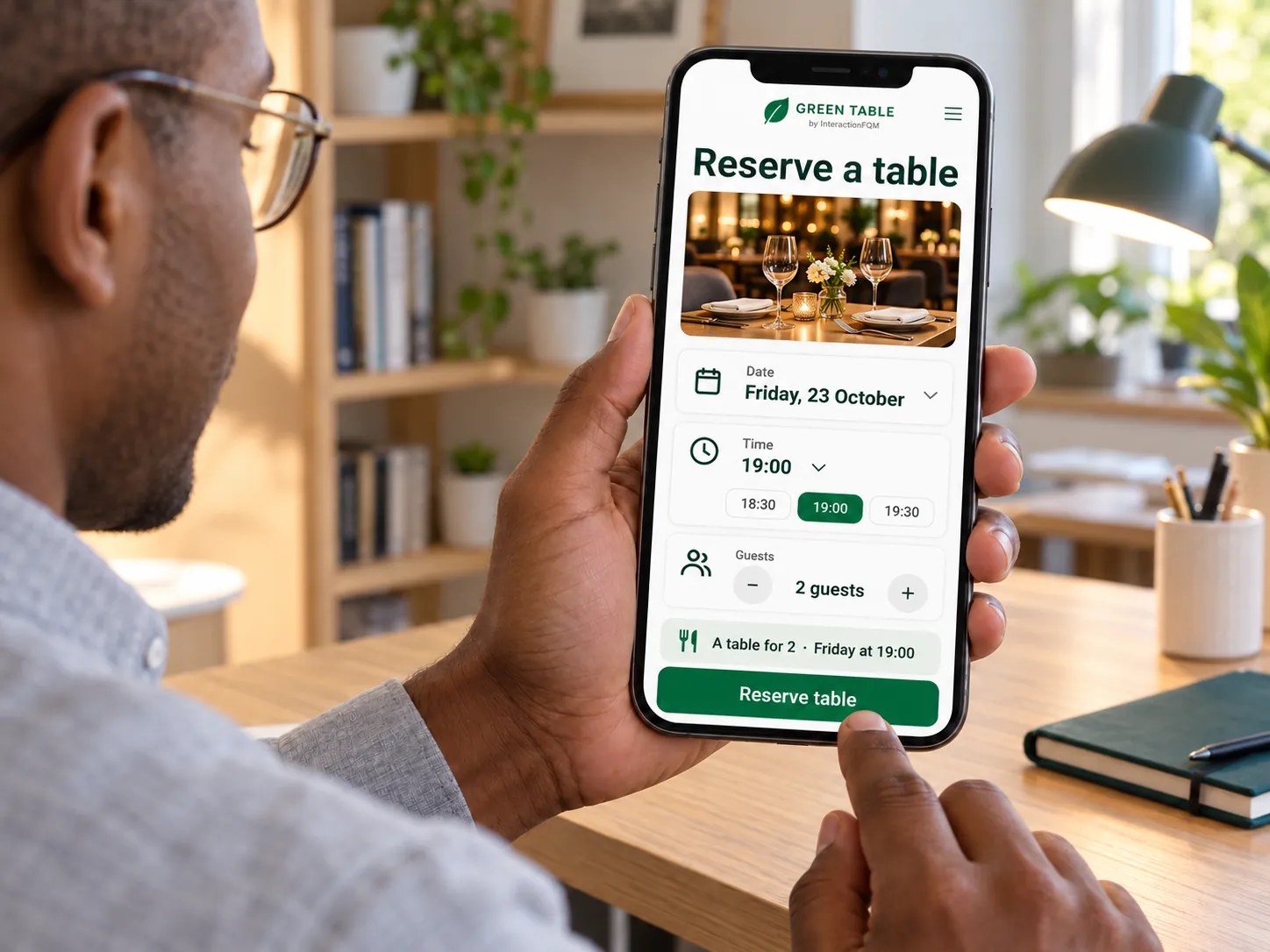
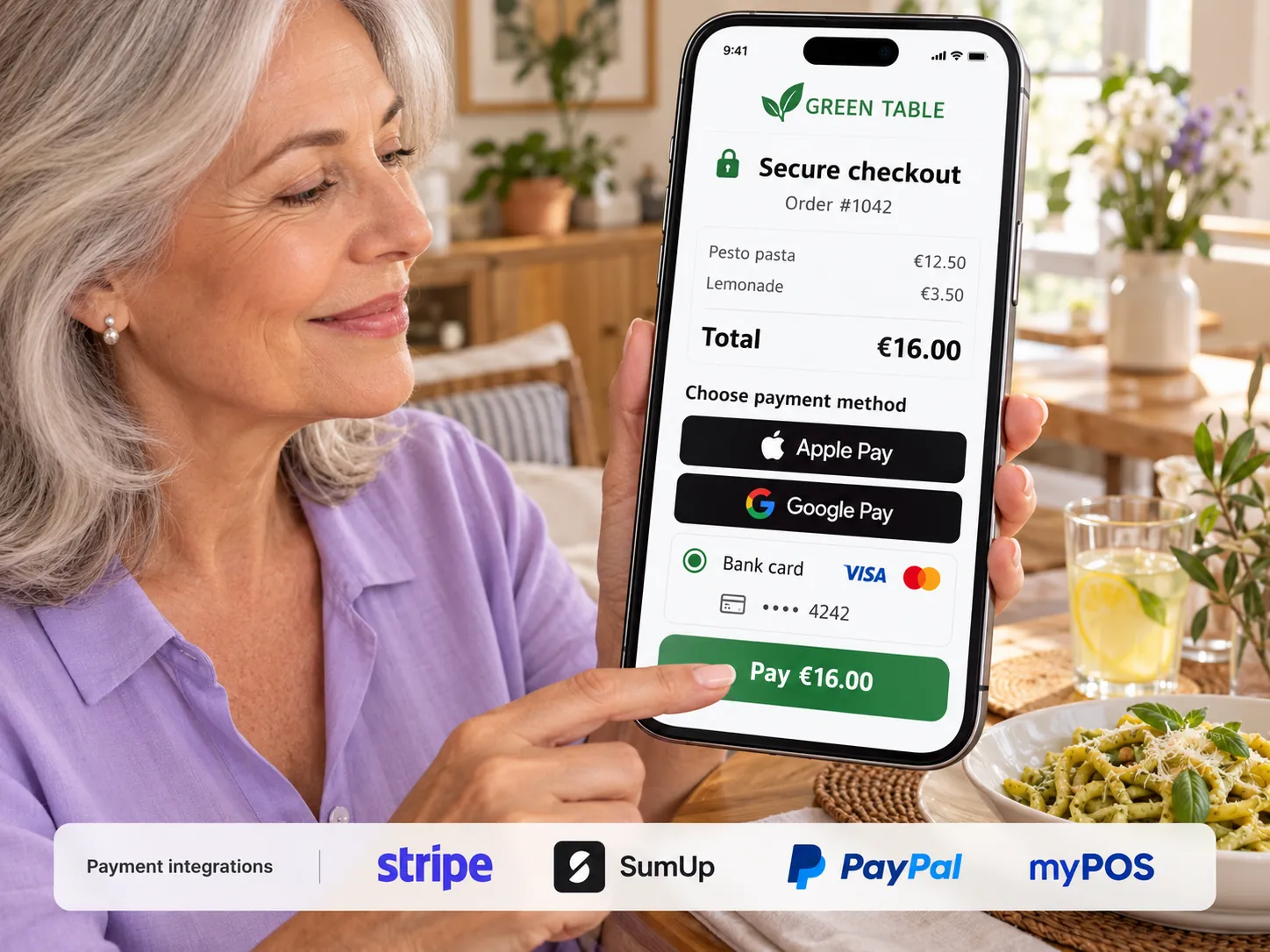
For owners
Choose a workflow: a QR code at the counter, a cashier’s tablet or compatible self-service equipment. Configure payment and pickup steps.

Guests place orders themselves, and the team receives them for preparation.
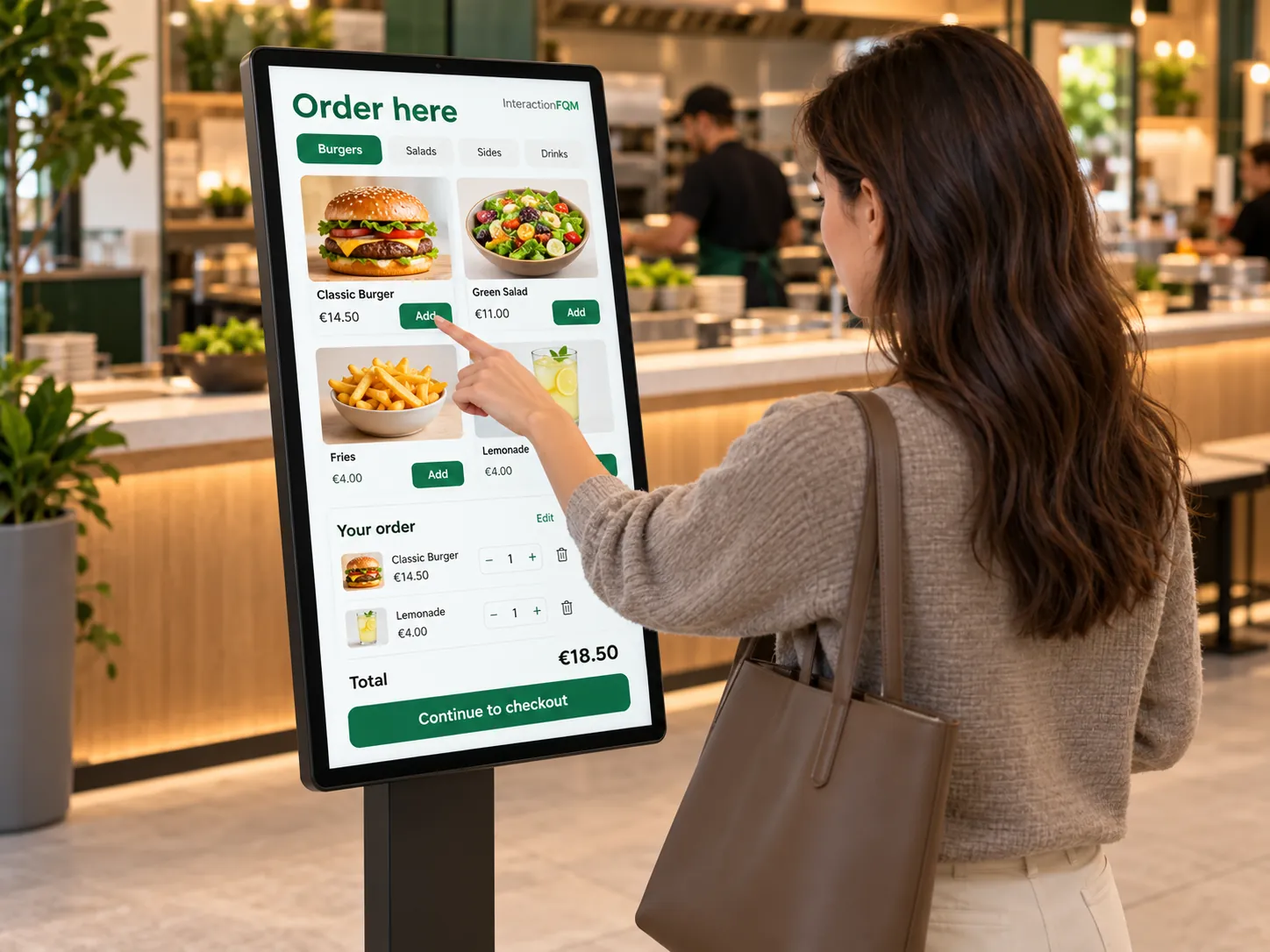
Self-service ordering helps distribute demand between the counter and the digital menu.
Choose a workflow: a QR code at the counter, a cashier’s tablet or compatible self-service equipment. Configure payment and pickup steps.
Guests select dishes and receive an order number; the team sees the items and fulfilment method.
The guest opens the menu
They select and pay for their order according to the configured workflow
The kitchen receives the items
The guest collects the order using its number
We will select a QR, tablet or kiosk workflow and check printer and payment compatibility.
No. A QR code at the counter lets guests use their own phone.
The physical display is a separate workflow marked Coming soon. QR ordering and order status on the guest's phone work independently of it.
We will review your processes, demonstrate the features you need and help you choose modules. Setup and team training are free. Test the solution for 14 days, then decide whether to move to a paid plan.
Book a demoIn 20 minutes, we will show the features relevant to your business and answer your questions. Then we can discuss a 14-day free trial, with no deposit or obligation.
Book a demo