INTERACTIONFQM

Unified orders

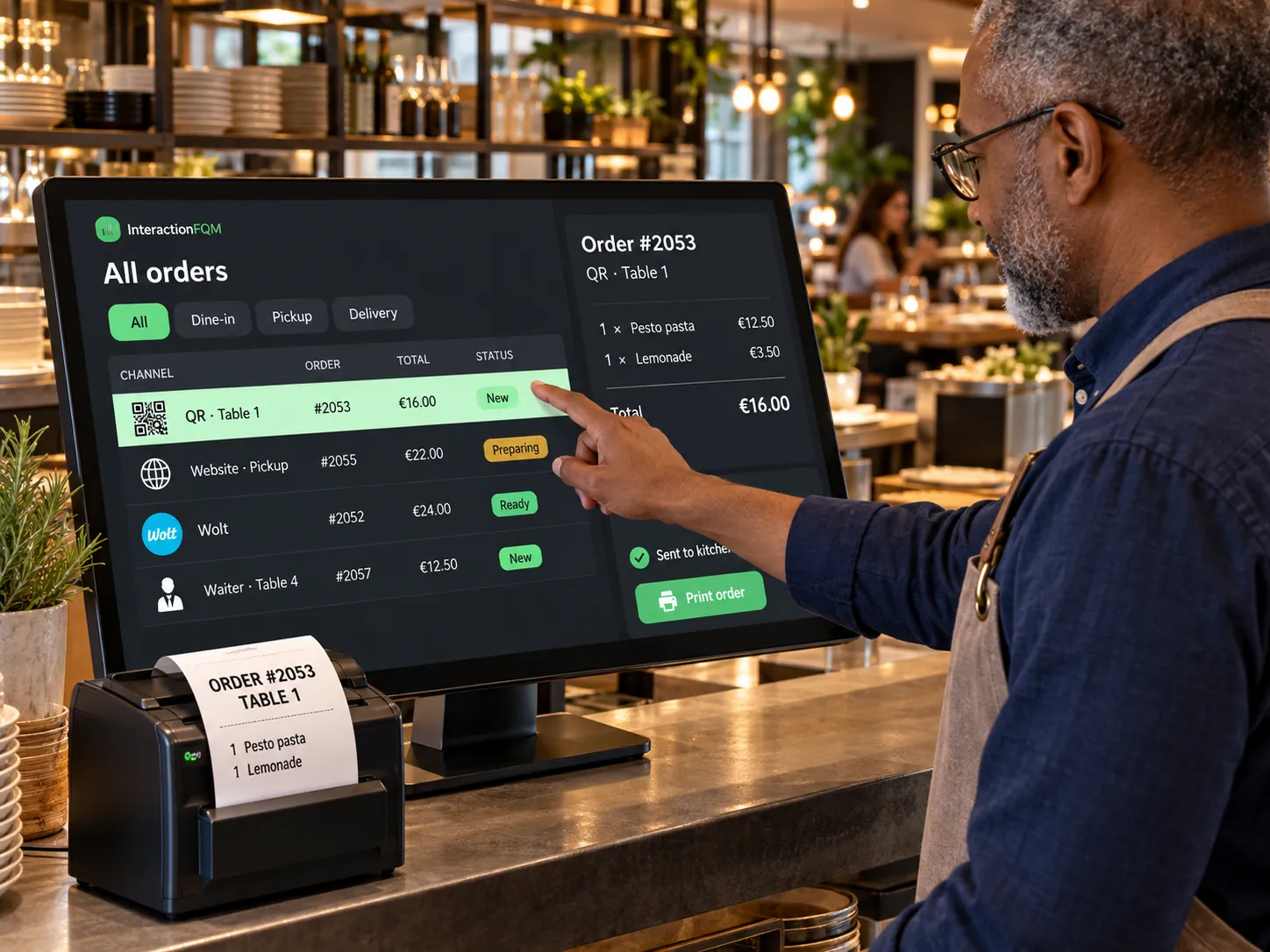
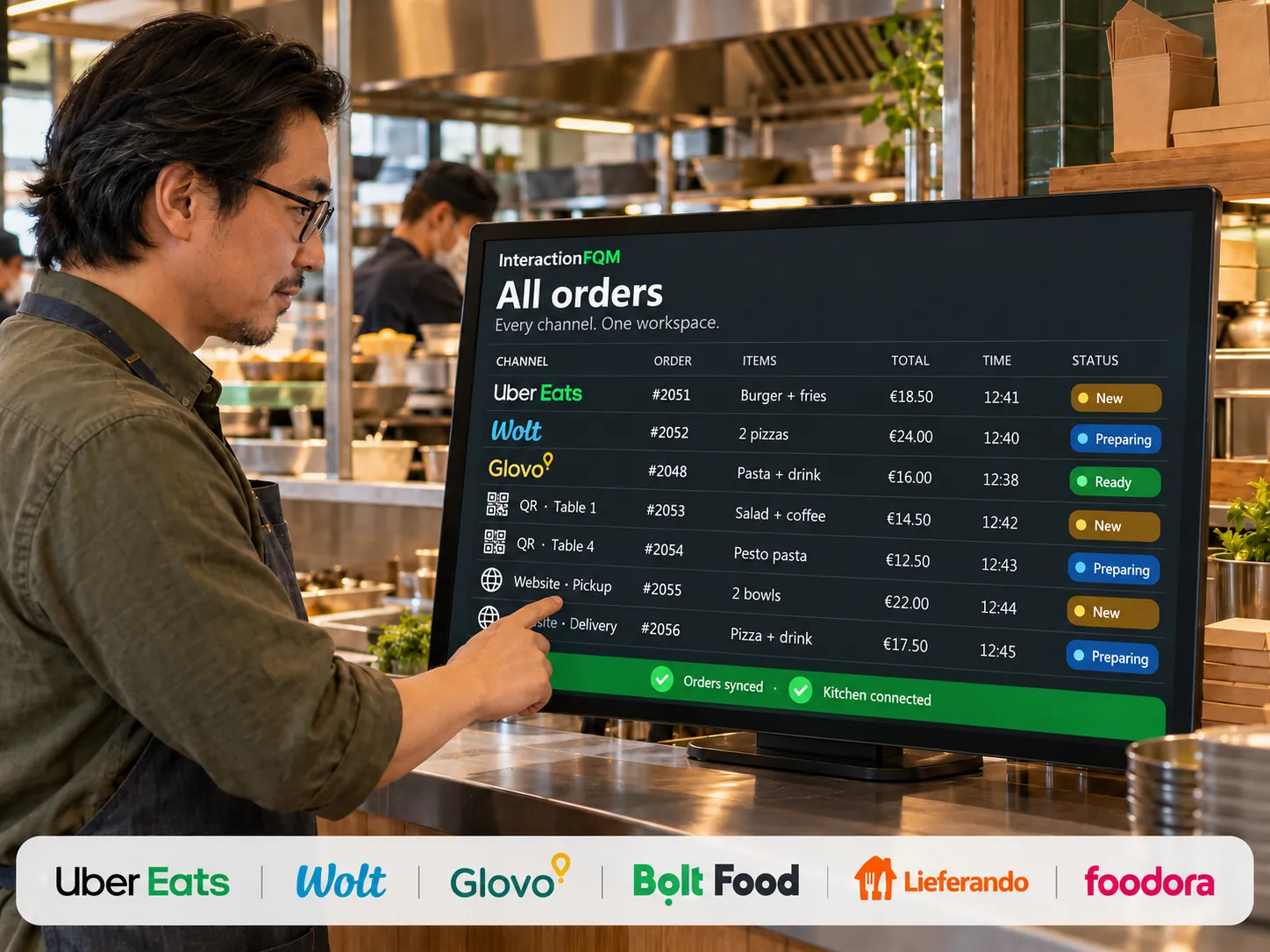
The team sees orders from connected channels in one working list.

What it brings to your venue

The order source, items and status are available within a shared workflow, reducing duplicate entry and switching between systems.

For owners

Monitor dine-in, QR, website and pickup orders. Check whether transfer to a compatible POS succeeded.

For guests and your team

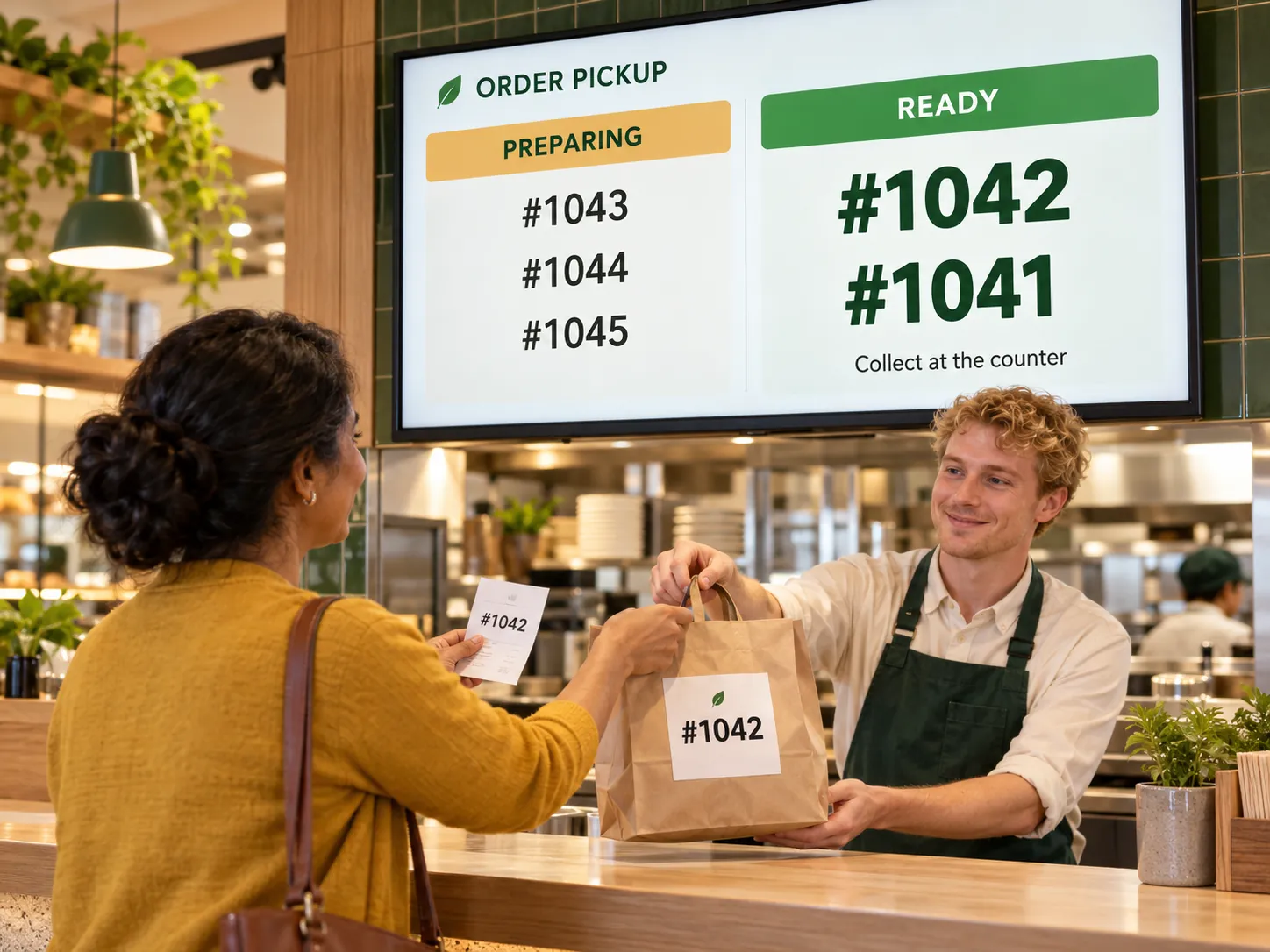
The team receives the order items and source; guests see their status in the connected workflow.

How it works

  1. An order arrives from a connected channel

  2. The team accepts it in the shared order list

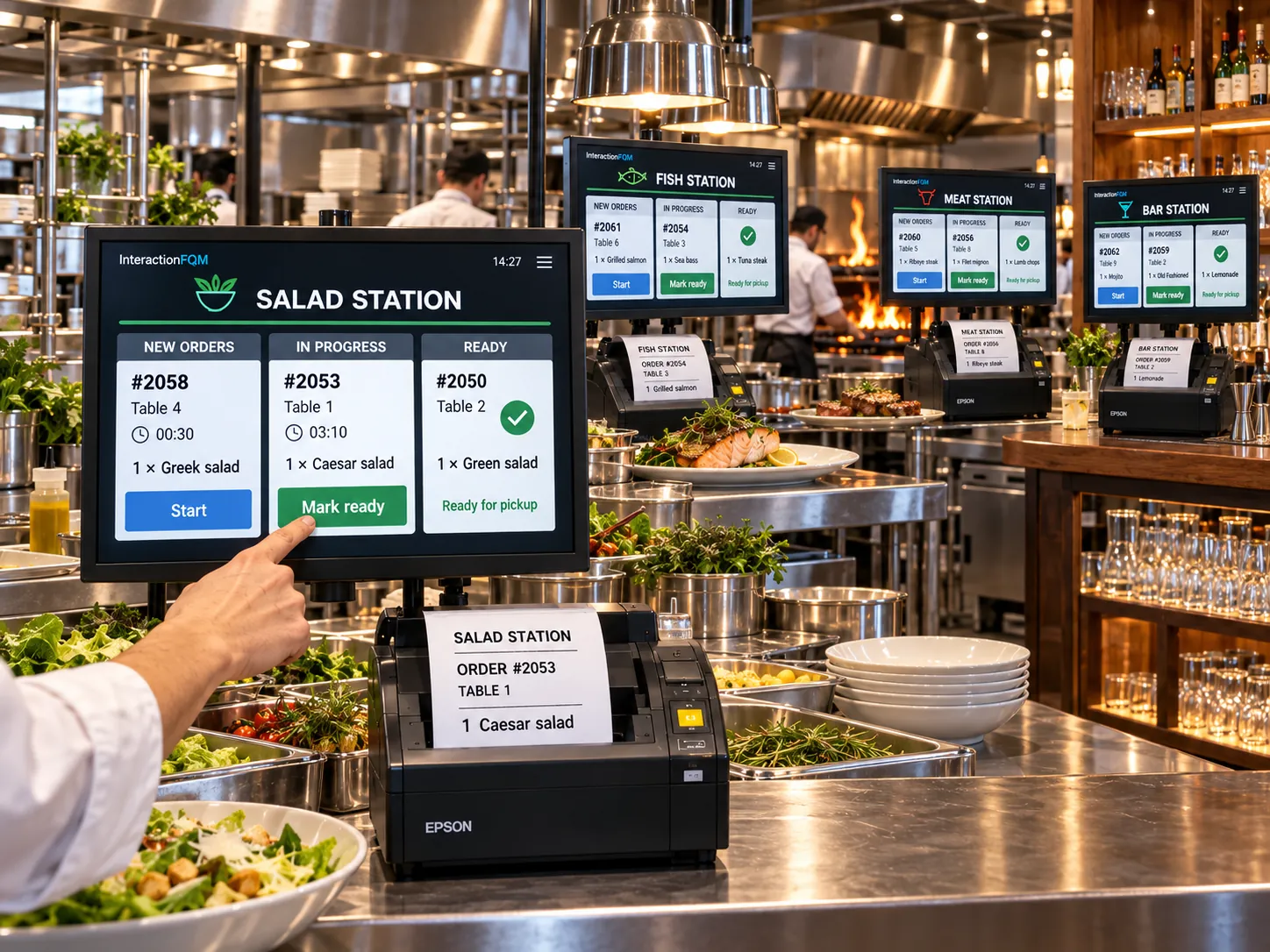
  3. They send it to the kitchen and update its status

  4. They complete payment and handover

Module features

All sources and statuses on one screen

  • A unified waiter order feed labelled by source: dine-in, QR, delivery or collection
  • Orders dashboard with New, Preparing and Completed columns and a new-order sound
  • Phone orders: an administrator enters the order in the dashboard
  • Orders from Wolt, Uber Eats, Glovo and Bolt in one feed: availability of each connection is confirmed for your venue.
  • Orders appear immediately, without polling

Order transfer and team actions

  • All orders in the dashboard, with printing, refunds and fiscal receipts
  • Orders sent to POS — iiko/Syrve, r_keeper and Lightspeed via HubRise — with an alert if delivery fails
  • Order notifications in the venue's Telegram
  • POS interface in 26 languages and a built-in What's New guide

Analytics and exports

  • Analytics: revenue, QR and waiter channels, top dishes with ABC analysis, waiters, tables, tips, payment methods and export
  • XLS order export distinguishing takeaway from dine-in

Setup and conditions

  • Channels and responsible staff
  • Kitchen and POS connections
  • Supported integration actions

POS and delivery-platform connections are checked separately; order sources remain visible in the shared feed.

Frequently asked questions

Are all delivery aggregators already connected?

Available actions and the connection of each aggregator are checked separately for your venue.

See how it works for your venue

We will review your processes, demonstrate the features you need and help you choose modules. Setup and team training are free. Test the solution for 14 days, then decide whether to move to a paid plan.

Book a demo

Works with this product

See how the platform can work for your venue

In 20 minutes, we will show the features relevant to your business and answer your questions. Then we can discuss a 14-day free trial, with no deposit or obligation.

Book a demo