INTERACTIONFQM

KDS & kitchen printing

Send each kitchen station its items and the guest’s preferences.

KDS & kitchen printing — Send each kitchen station its items and the guest’s preferences.

What it brings to your venue

Cooks receive clear order details, add-ons and cancellations; the team chooses a suitable printing and display workflow.

For owners

Configure routing to printers and workstations. Agree on a separate KDS workflow for your kitchen.

For guests and your team

The kitchen sees dishes, portion sizes and comments; the team tracks order completion.

How it works

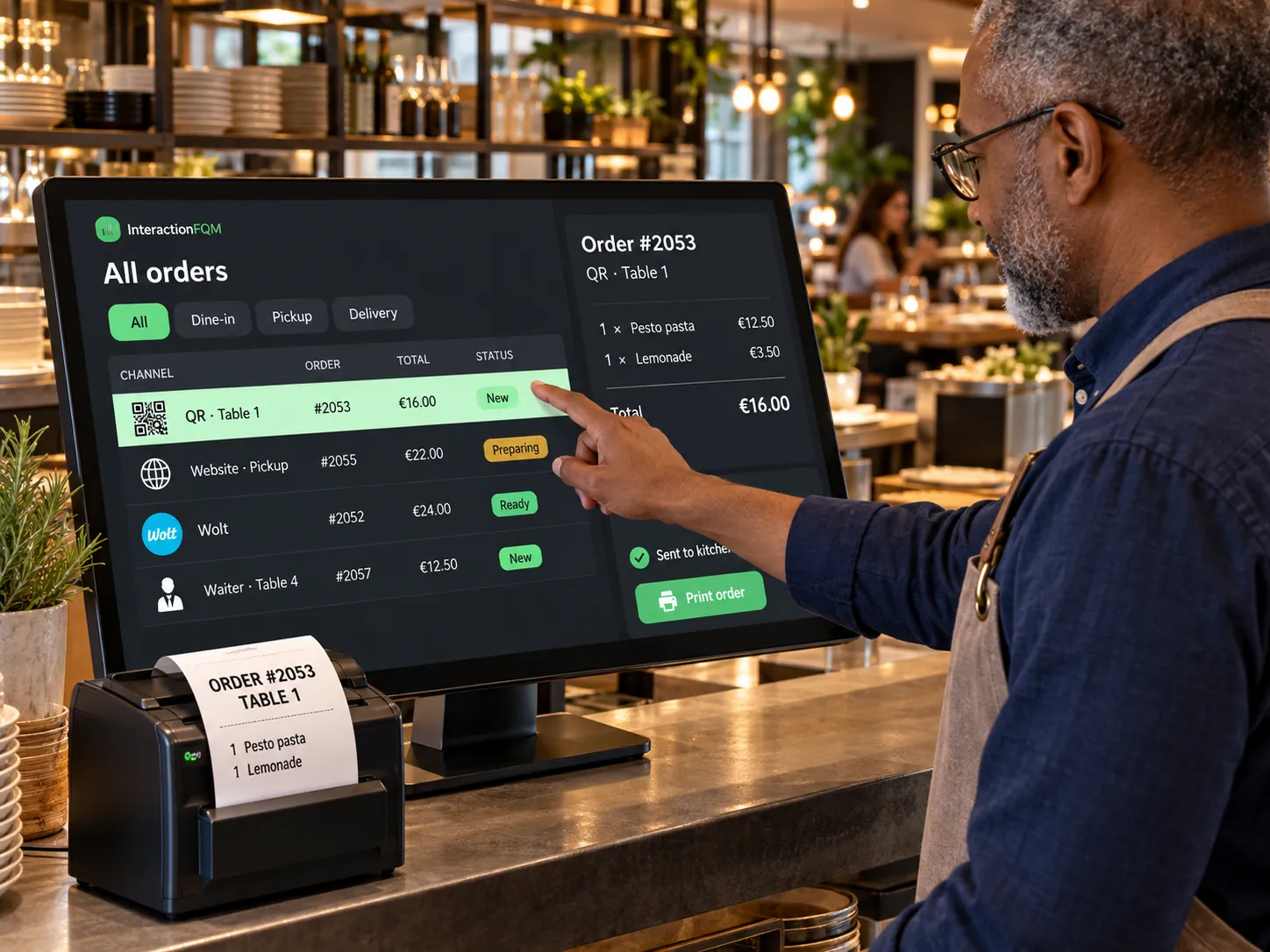
  1. The order enters the system

  2. Items are routed to the right kitchen station

  3. The team prepares the food and updates the status

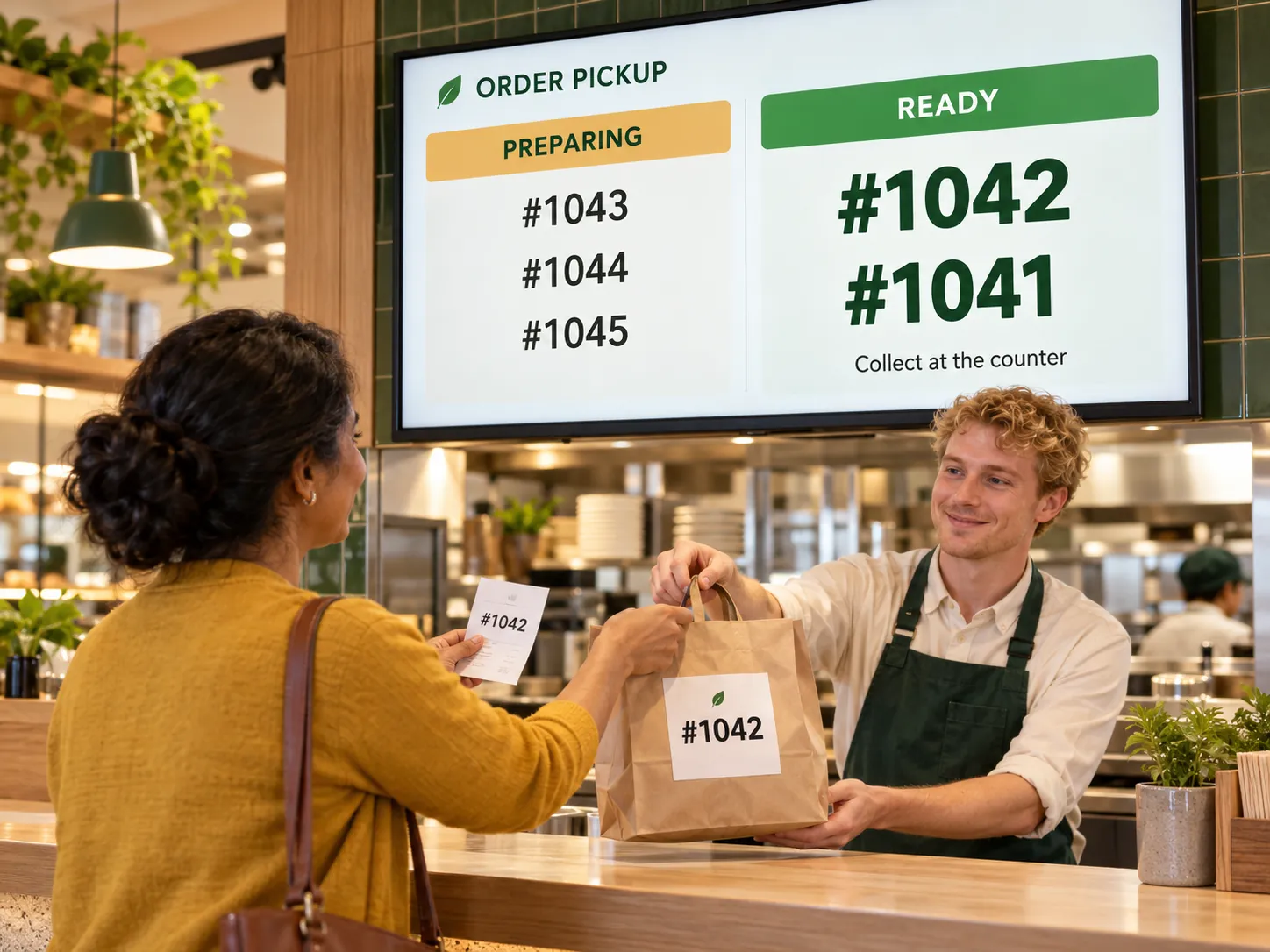
  4. The order moves to pickup

Module features

Printing by kitchen station and your rules

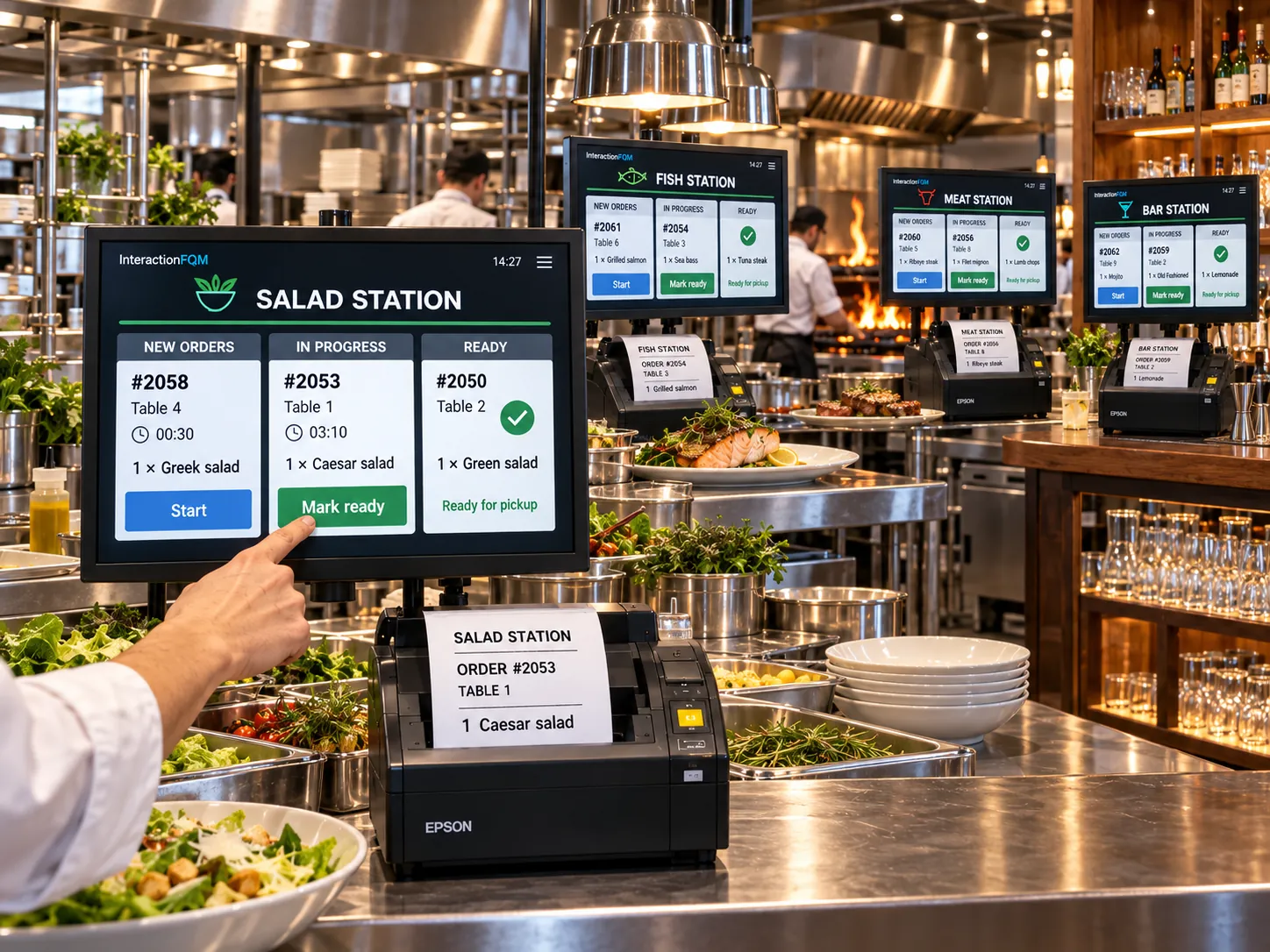
  • Assign a printer to a category or dish so each station receives its own ticket
  • Compatible Epson and Star printers, including cloud printing, plus ESC/POS printers. We check the model and connection method before launch
  • Kitchen ticket language independent of the guest menu language
  • Compact or full tickets and print timing: immediately or when ready
  • Large, bold comments and portion sizes on the ticket
  • Kitchen cancellation tickets
  • Alerts when a printer disconnects

Kitchen display and pickup

  • Orders screen with New, Preparing and Completed columns and sound alerts
  • Kitchen display accessed by login: three columns, a timer, colour alerts at 50%, 75% and 100% of the target time, and large buttons.
  • A Collected button in the kitchen when no cashier is present
  • Separate displays for kitchen stations and preparation timers.

Setup and conditions

  • Printers and connection method
  • Categories and kitchen stations
  • Logins, displays and target preparation times

We will check printer compatibility and dish routing to kitchen stations.

Frequently asked questions

Will any receipt printer work?

We check the model, protocol and connection method before launch.

Are kitchen printing and KDS always enabled together?

They are different kitchen workflows. The connection scope is selected separately.

See how it works for your venue

We will review your processes, demonstrate the features you need and help you choose modules. Setup and team training are free. Test the solution for 14 days, then decide whether to move to a paid plan.

Book a demo

Works with this product

See how the platform can work for your venue

In 20 minutes, we will show the features relevant to your business and answer your questions. Then we can discuss a 14-day free trial, with no deposit or obligation.

Book a demo