INTERACTIONFQM

Centralised menu management

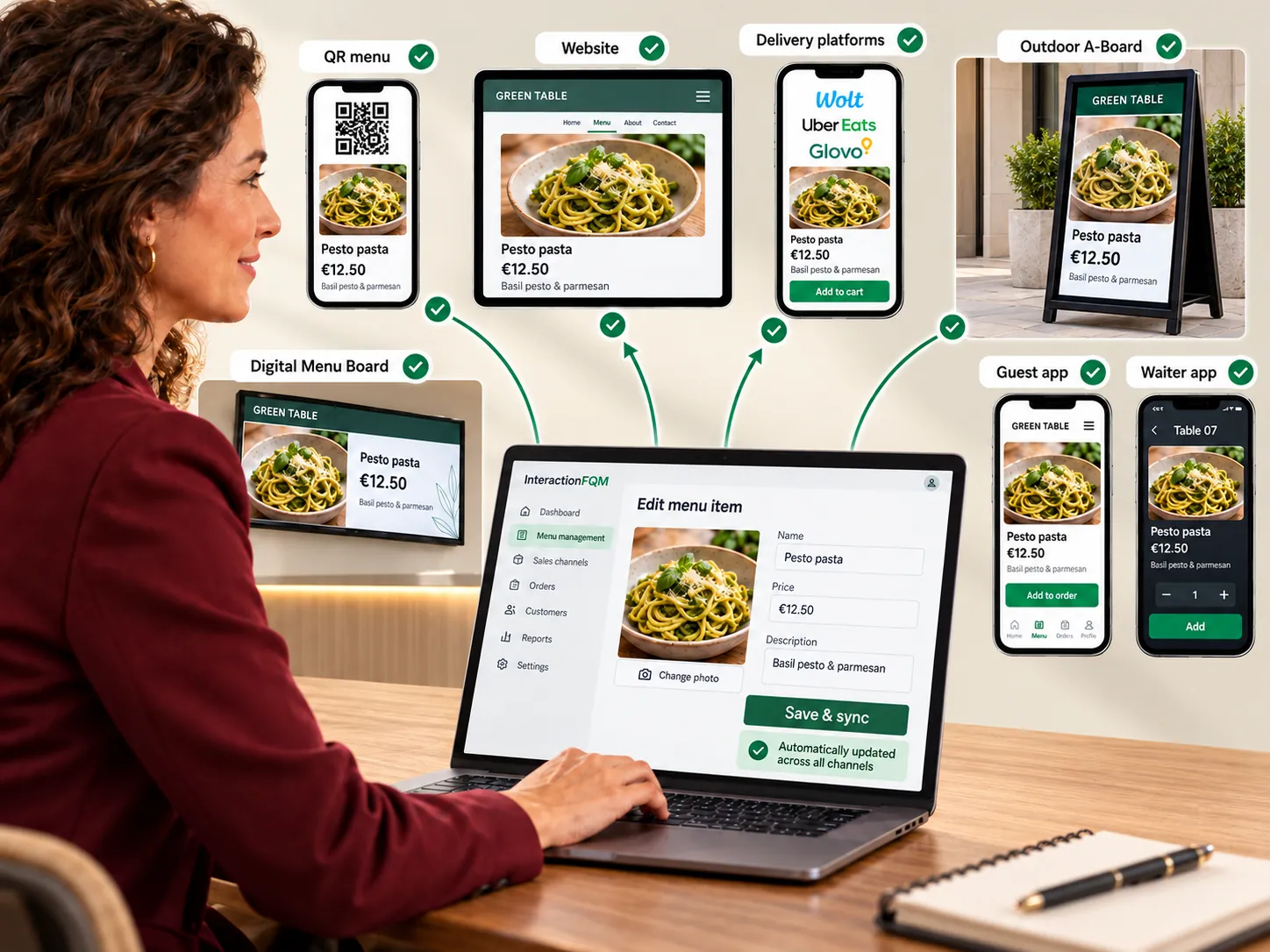
Update menus in one place for connected channels.

Centralised menu management — Update menus in one place for connected channels.

What it brings to your venue

The team maintains consistent names, prices and availability, and guests see the current selection.

For owners

Manage the base language, categories, preparation times and printing. Check imports before publishing.

For guests and your team

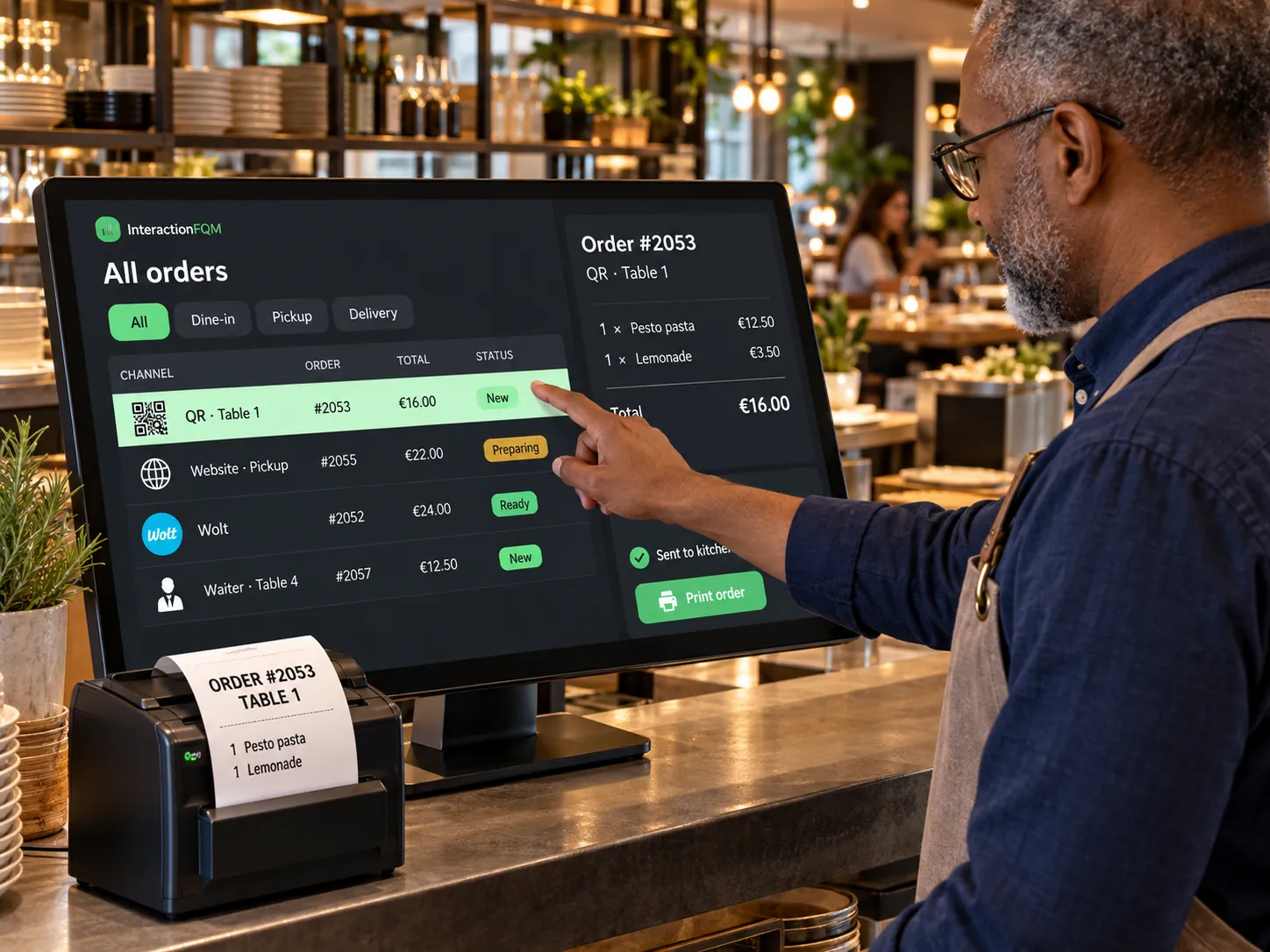
Guests, waiters and the connected POS use a consistent menu within the configured data exchange.

How it works

  1. Upload or create your menu

  2. Check prices and ingredients

  3. Configure categories and connections

  4. Publish changes

Module features

Menu import and POS connection

  • AI-assisted menu import from a file or photo, with a prompt and review before upload
  • AI-assisted import of upselling recommendations
  • Menu and table synchronisation with iiko/Syrve and r_keeper
  • Catalogue and availability from the POS via HubRise, including Lightspeed and others, with manual dish mapping
  • Guests, waiters and the POS immediately see changes to the same menu
  • Menu transfer to Wolt and Yandex, and updates to connected aggregators including Uber Eats — coming soon.

Complete dish profiles and mobile editing

  • Edit the menu from a waiter's phone
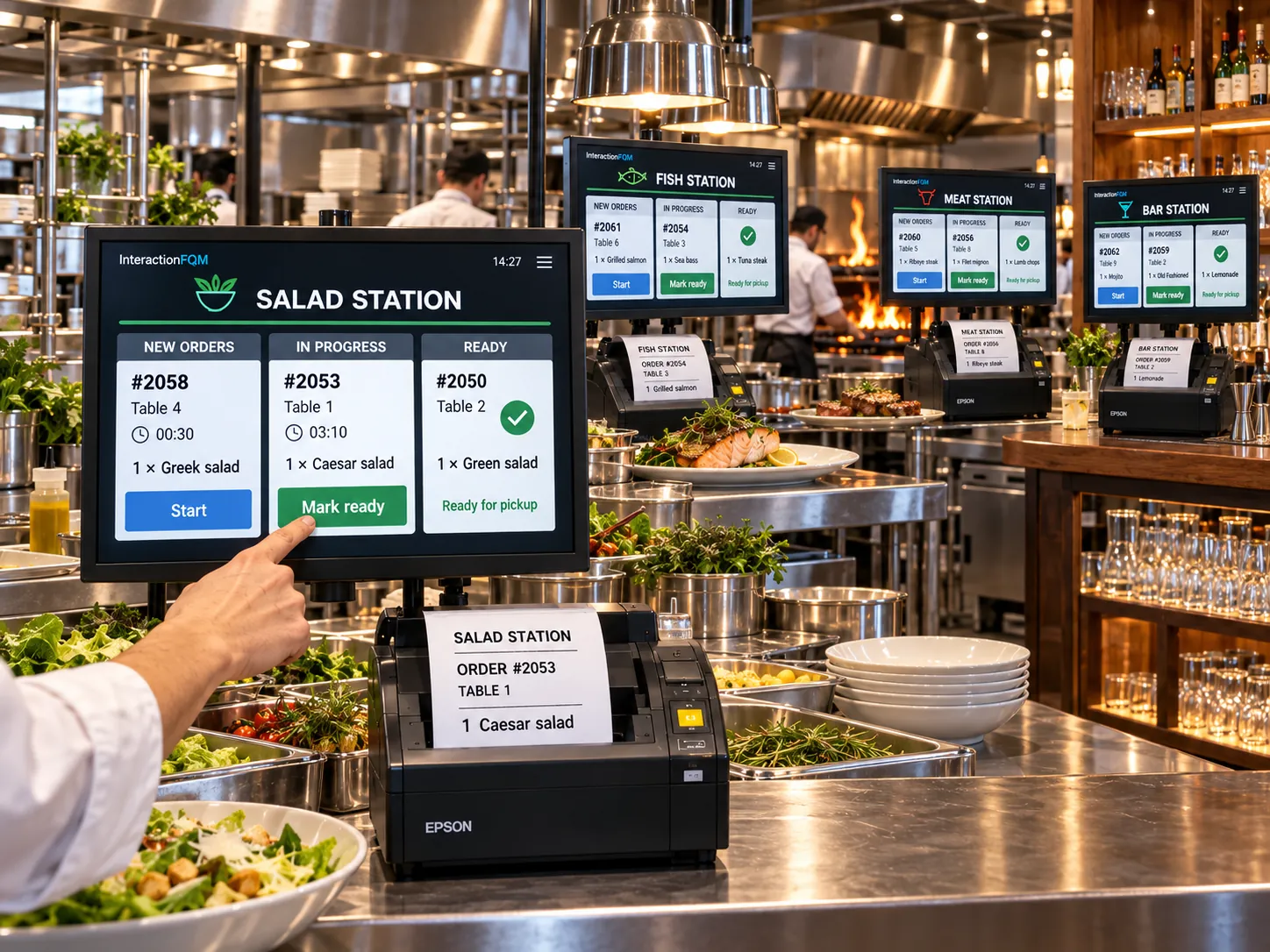
  • Preparation time, calories and macronutrients, portion size, tags, allergens and printer in the dish profile
  • Change the menu's primary language and review translations
  • AI fills in recipe cards, ingredient weights, calories and macronutrients; the team checks the data before use.

Categories, offers and schedules

  • Place a dish in multiple categories and create menu variants, such as lunch and evening menus
  • Venue promotions as a separate section
  • Timed lunch specials and combos
  • Categories remain visible but inactive outside their scheduled hours
  • Update menus, prices and offers on connected Outdoor A-Boards and Digital Menu Boards.

Change tracking and reports

  • Venue currency and time zone, plus daily and weekly email reports
  • Menu change log: who changed what and when

Setup and conditions

  • Menu materials and primary language
  • POS synchronisation rules
  • Editing permissions

Your team checks AI-prepared data; POS exchange depends on the configured integration.

Frequently asked questions

Does AI publish imported menus without review?

No. Imported menus must be checked before uploading and publishing.

Are changes sent to every service?

Only to connected channels, within the supported scope of data exchange.

See how it works for your venue

We will review your processes, demonstrate the features you need and help you choose modules. Setup and team training are free. Test the solution for 14 days, then decide whether to move to a paid plan.

Book a demo

Works with this product

See how the platform can work for your venue

In 20 minutes, we will show the features relevant to your business and answer your questions. Then we can discuss a 14-day free trial, with no deposit or obligation.

Book a demo