INTERACTIONFQM

Inventory & purchasing

Control stock, purchasing and dish costs.

Inventory & purchasing — Control stock, purchasing and dish costs.

What it brings to your venue

Stock levels, recipes and write-offs help you make purchasing decisions and understand menu economics.

For owners

Compare dishes by cost and margin, record purchases and log reasons for write-offs.

For guests and your team

The team works with items and recipes; the kitchen receives printed recipe sheets.

How it works

  1. Add products and suppliers

  2. Set up recipe cards

  3. Record purchases and write-offs

  4. Run stocktakes and analyse food costs

Module features

Stock levels, purchasing and stocktakes

  • Product catalogue: Excel import and export, categories and automatic product codes
  • Stock levels by warehouse and in total, with changes compared with the previous period
  • Purchases linked to suppliers, supporting decimal prices and quantities
  • Write-offs with a reason and a responsible person
  • Blind stocktakes or stocktakes with expected quantities visible, including reasons for discrepancies
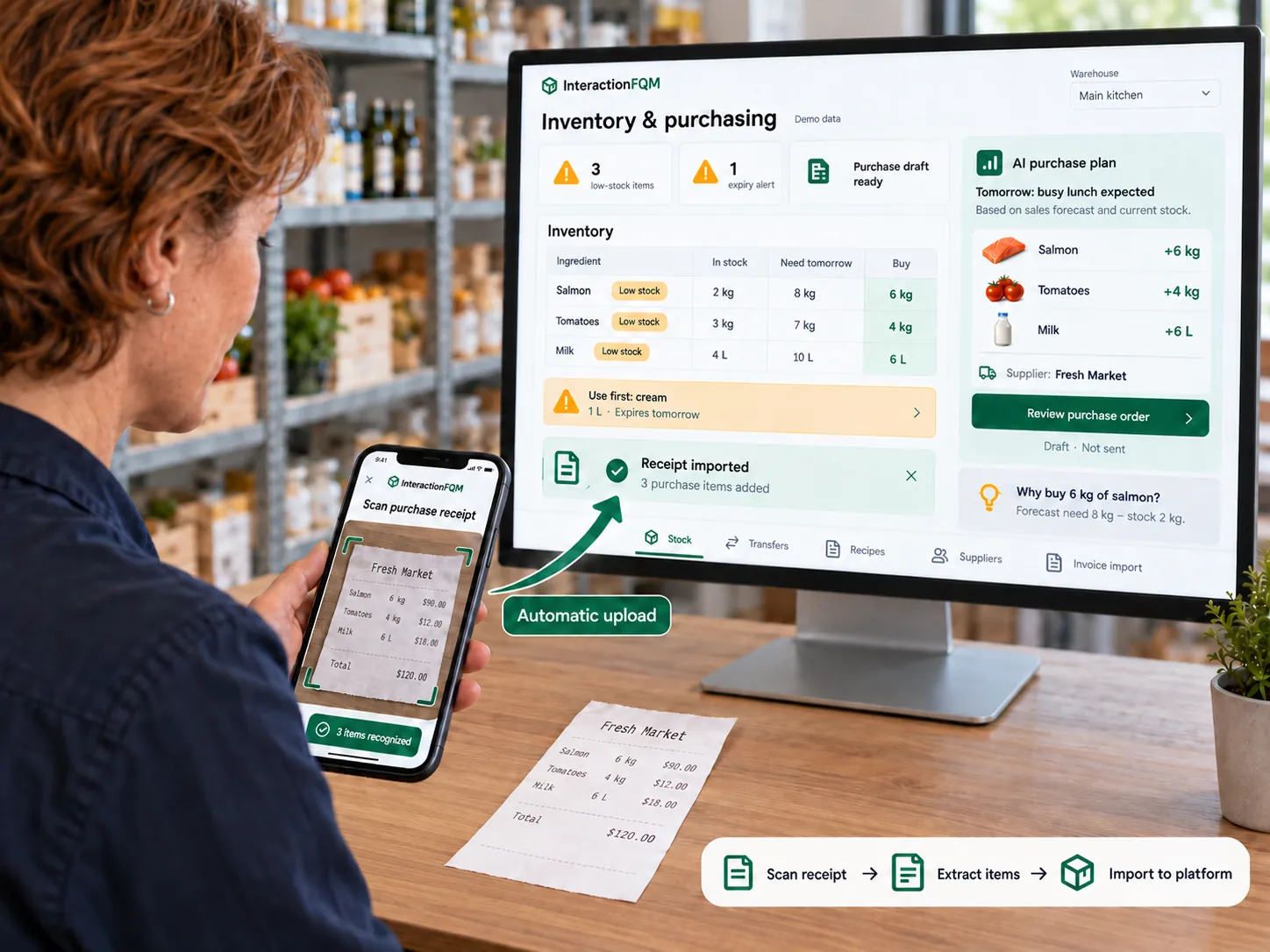
  • Purchasing forecast: urgent, soon or sufficient stock
  • How many portions the remaining stock can make

Recipe cards and dish profitability

  • Recipe cards: gross weight, preparation loss, net weight and semi-finished ingredients
  • Food cost, markup and margin with traffic-light indicators, plus pricing tools
  • ABC menu analysis
  • Compare theoretical and actual ingredient usage to identify discrepancies: availability must be confirmed. Recipe-based costs and write-offs are available for cost control.
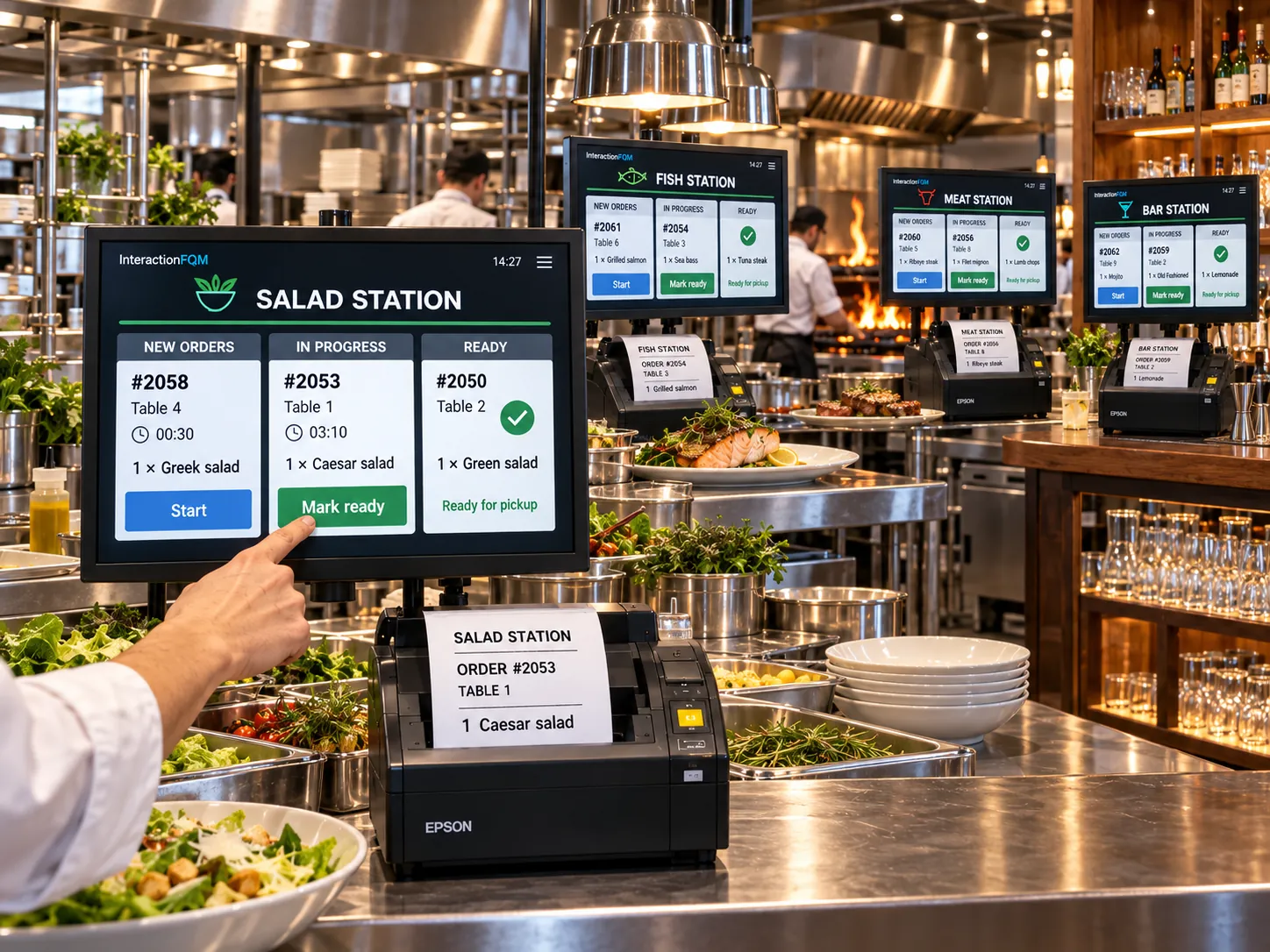
  • Print recipe cards for the kitchen
  • Automatic recipe-based ingredient deductions when a sale is closed.
  • AI-assisted recipe cards, subject to chef approval
  • AI analysis for owners: why a dish is not selling

Less manual document entry

  • Recognise delivery notes from photos or PDFs
  • Submit delivery notes through a Telegram bot or the app
  • Backdated cost calculations and one warehouse serving two restaurants
  • Scan purchase receipts in the mobile app and automatically upload recognised items.

Setup and conditions

  • Warehouses, units of measure and stock levels
  • Verified recipes
  • Write-off rules and review of recognised documents

We will configure stock locations, units, recipes and write-off rules; your team checks recognised documents and AI-generated recipes.

Frequently asked questions

What do food-cost reports show?

Reports show recipe-based costs, purchases, write-offs, markup and margin. Availability of a separate theoretical-versus-actual usage comparison is confirmed during setup.

Does AI replace the chef's review of a recipe card?

No. Recipes, ingredient weights and recognised document data must be checked by the responsible member of staff.

See how it works for your venue

We will review your processes, demonstrate the features you need and help you choose modules. Setup and team training are free. Test the solution for 14 days, then decide whether to move to a paid plan.

Book a demo

Works with this product

See how the platform can work for your venue

In 20 minutes, we will show the features relevant to your business and answer your questions. Then we can discuss a 14-day free trial, with no deposit or obligation.

Book a demo