INTERACTIONFQM

Team feedback / eNPS

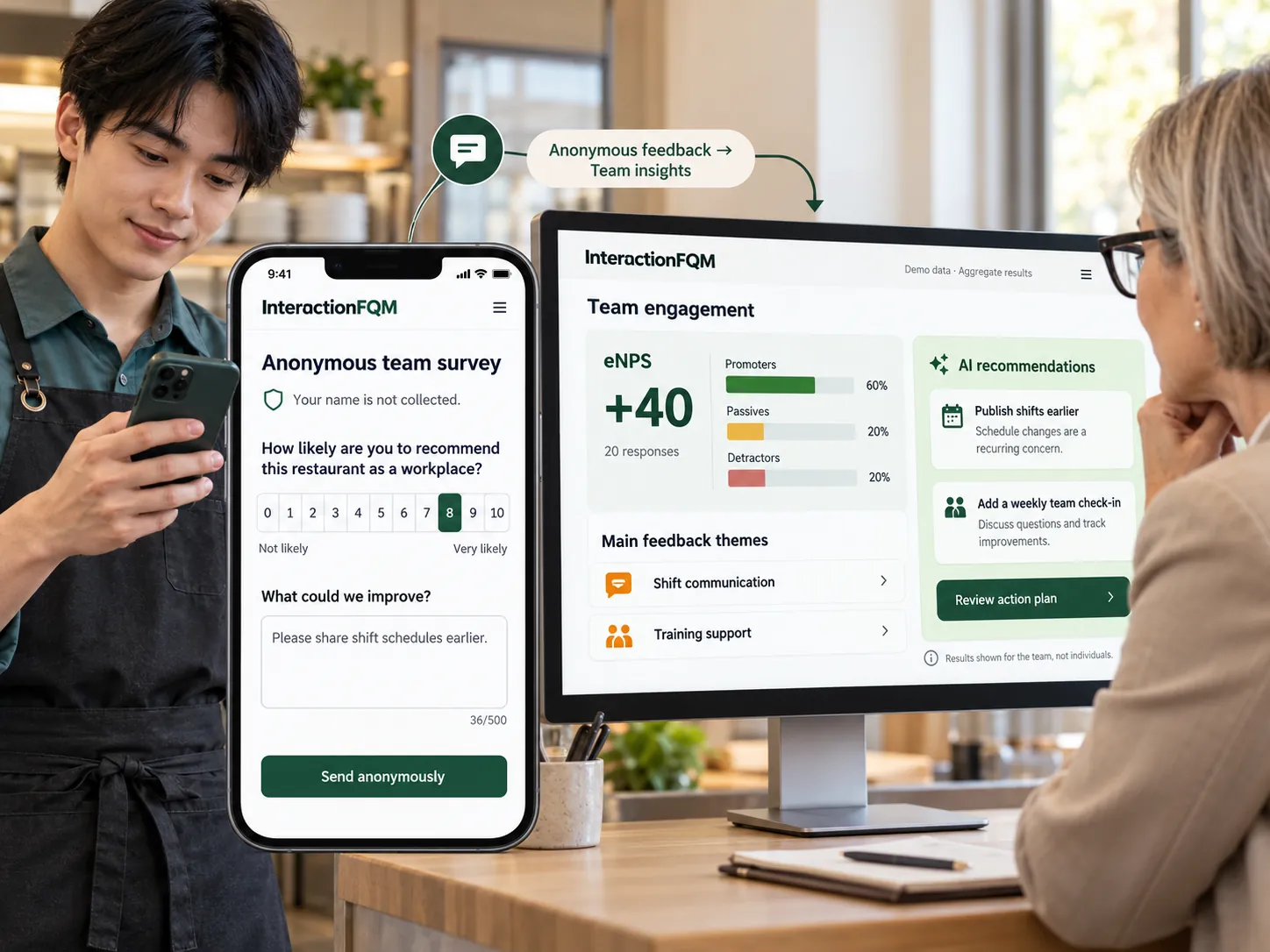
Gather team feedback through eNPS and custom surveys, and track responses and changes over time.

Team feedback / eNPS — Gather team feedback through eNPS and custom surveys, and track responses and changes over time.

What it brings to your venue

Managers receive structured feedback and can track changes across periods.

For owners

Configure questions and participation options. Use automated sentiment analysis as an additional signal when reviewing responses.

For guests and your team

Employees respond through a link or QR code; managers see survey results.

How it works

  1. Create a survey

  2. Choose the participation mode

  3. Invite the team

  4. Review results and communicate your actions

Module features

Creating surveys and quizzes

  • eNPS builder: welcome screen with a logo, questions and closing screen
  • 15 question types: eNPS scale from 0 to 10, ratings, choices, text, date, time, phone number and more
  • Use the same builder for any employee or guest survey
  • Guest and employee surveys of any length, with 15 question types and results export.
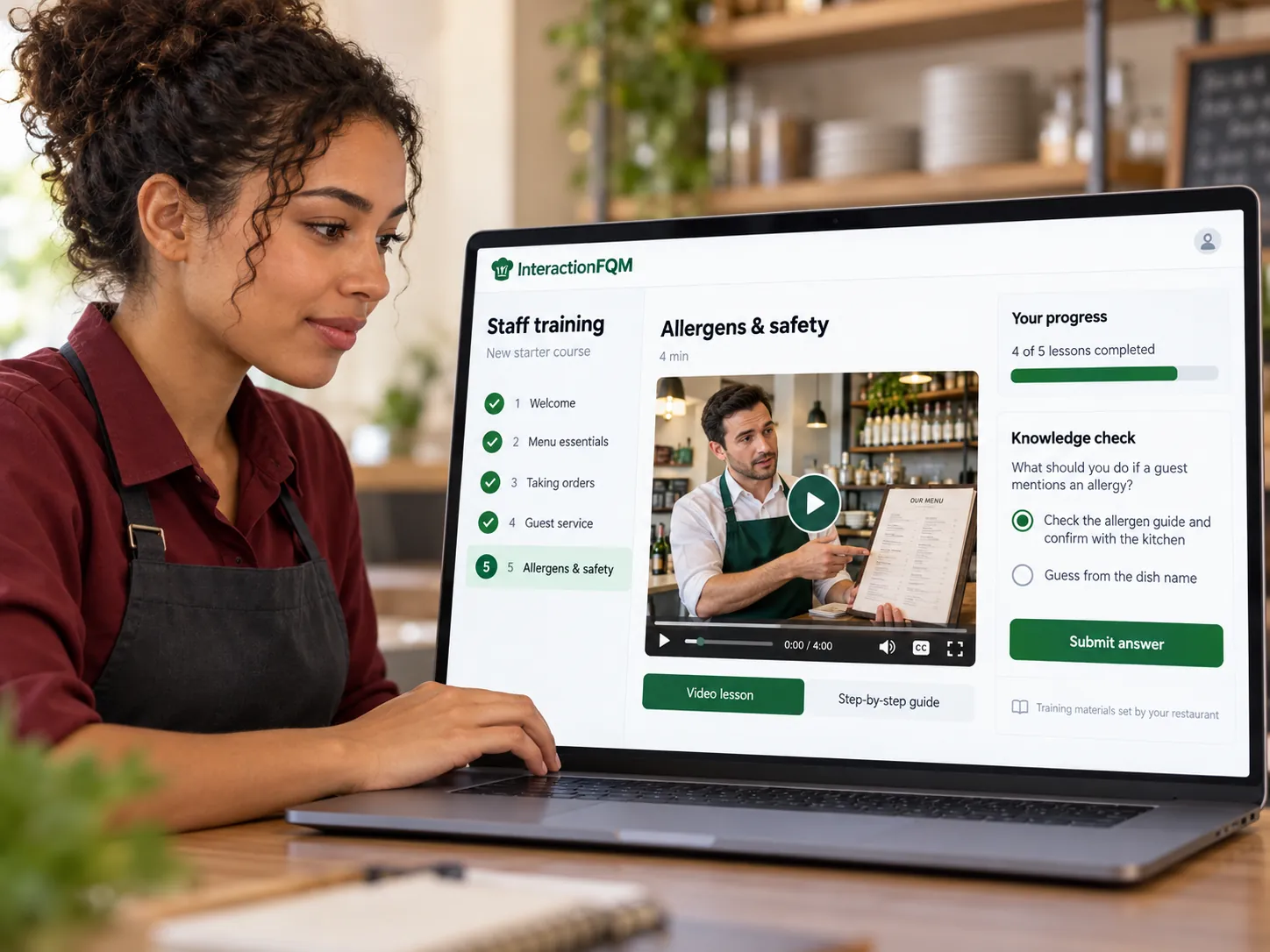
  • Knowledge quizzes with correct answers and repeat attempts, for guests and staff

Employee and guest participation

  • Anonymous participation or optional name, phone number or email
  • Share by link, QR code or messenger
  • Webinar mode: QR code on the screen and real-time responses

Results and notifications

  • Charts and tables for the selected period, respondent lists and Excel export
  • Manager notifications for new responses and survey start and end
  • Automatic sentiment analysis of text responses

Setup and conditions

  • Purpose and questions
  • Anonymity rules
  • Access to results

Frequently asked questions

Does AI identify every feedback topic?

The system identifies the sentiment of text responses; the manager performs the substantive analysis.

Can the builder be used for guests?

Yes. The builder supports guest and employee surveys.

See how it works for your venue

We will review your processes, demonstrate the features you need and help you choose modules. Setup and team training are free. Test the solution for 14 days, then decide whether to move to a paid plan.

Book a demo

Works with this product

See how the platform can work for your venue

In 20 minutes, we will show the features relevant to your business and answer your questions. Then we can discuss a 14-day free trial, with no deposit or obligation.

Book a demo