INTERACTIONFQM

Shifts & permissions

Shifts, roles and permissions for waiters, cashiers, administrators and other staff. Orders, payments and tips are linked to a specific shift.

Shifts & permissions — Shifts, roles and permissions for waiters, cashiers, administrators and other staff. Orders, payments and tips are linked to a specific shift.

What it brings to your venue

Linking orders, payments and employees helps you control money and hand over unfinished work.

For owners

Set the working day and staff permissions. Owners and administrators manage shift closing and bill corrections.

For guests and your team

Waiters see their orders and shift totals; colleagues receive the tables handed over to them.

How it works

  1. The employee starts a shift

  2. They accept orders and payments

  3. They hand over open tables

  4. They close the shift and reconcile the totals

Module features

Opening, closing and handing over shifts

  • The waiter opens a shift in the app, and all orders, payments and tips are recorded against that shift
  • The app requires an open shift to work and prompts the employee to start one
  • Each venue has its own shifts, such as morning, evening or night, with start times and durations
  • Shift functionality can be enabled or disabled for each venue using a toggle
  • A forgotten shift closes automatically at the business-day cutoff; the owner or administrator can also close it manually from the dashboard
  • When a shift closes, open tables are handed over to another waiter
  • The venue defines its own business day, such as 07:00–07:00, and all reports use that period
  • Waiters do not receive notifications outside their shift

Shift revenue and payments

  • Shift summary in the app: revenue excluding tips, card and cash payments, tips and the amount to hand over to the owner
  • Shift cash report: breakdown by payment method and bank, receipt-printer output and file export
  • Payments are attributed to the person who collected them; with a split bill, each waiter has their own share
  • Shift and closed-order history by guest, showing who paid for what
  • Shift analytics: each shift on a separate row for the selected period
  • Administrator shift acceptance: Cash received confirmation and Handed over / Not handed over status

Roles and individual permissions

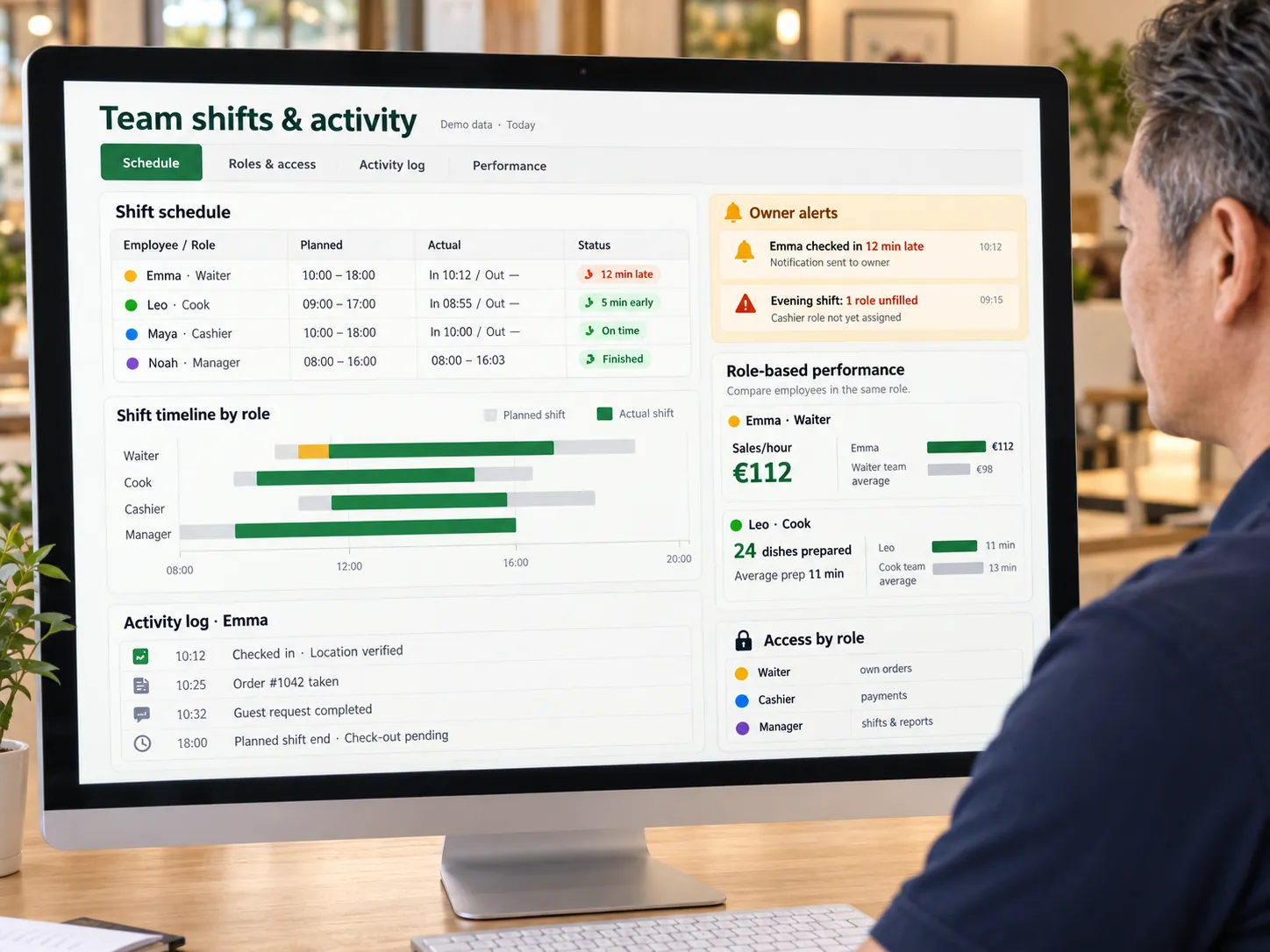
  • Waiters see only their own orders and tables
  • Roles: owner, venue administrator and waiter, plus custom roles with view, create, edit and delete permissions
  • Individual employee permissions for cancelling items, entering an open price and editing the menu in the app.
  • Employees are assigned only to their venues and invited through a link
  • Only the owner and administrator can correct a closed bill
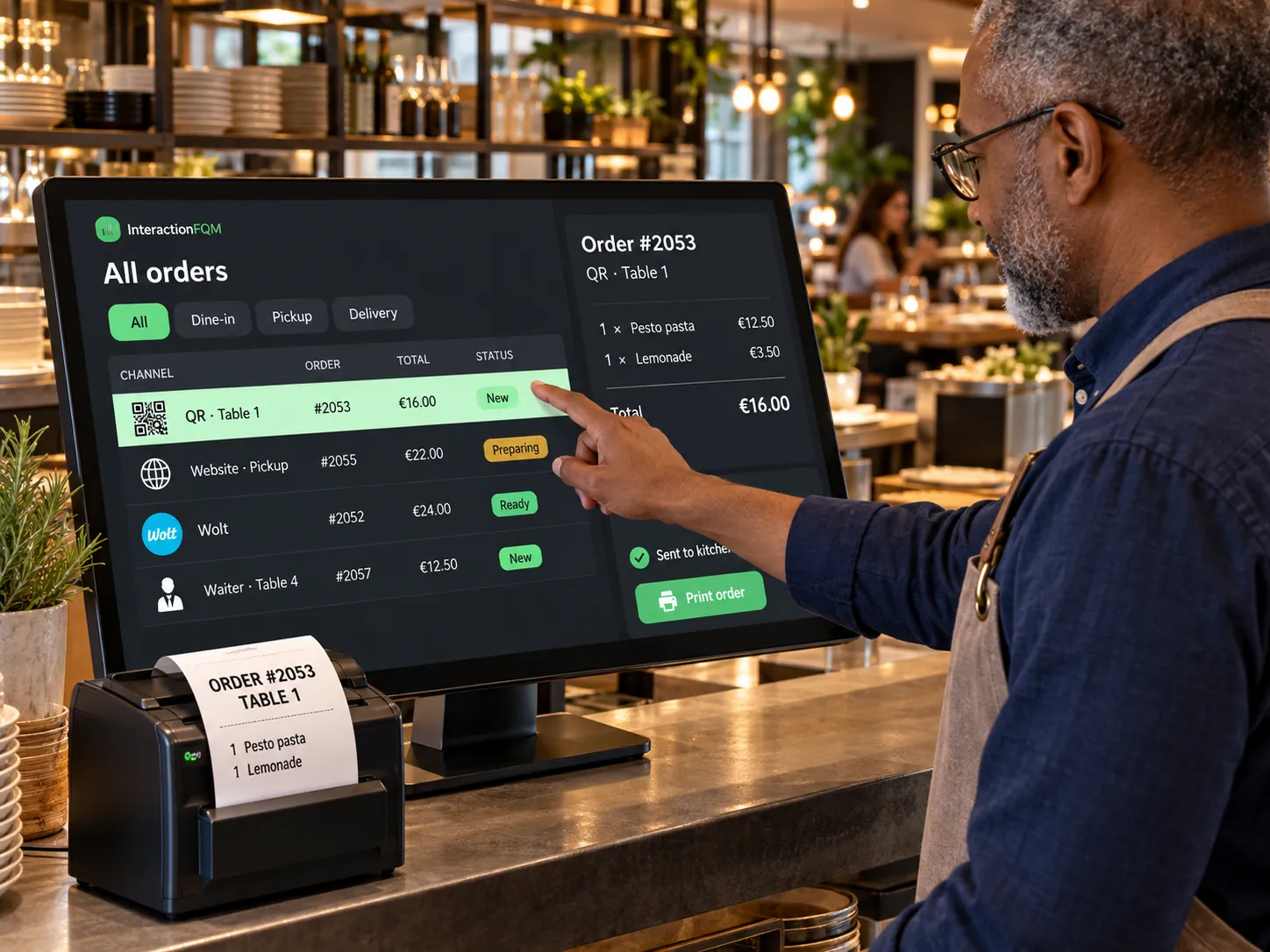
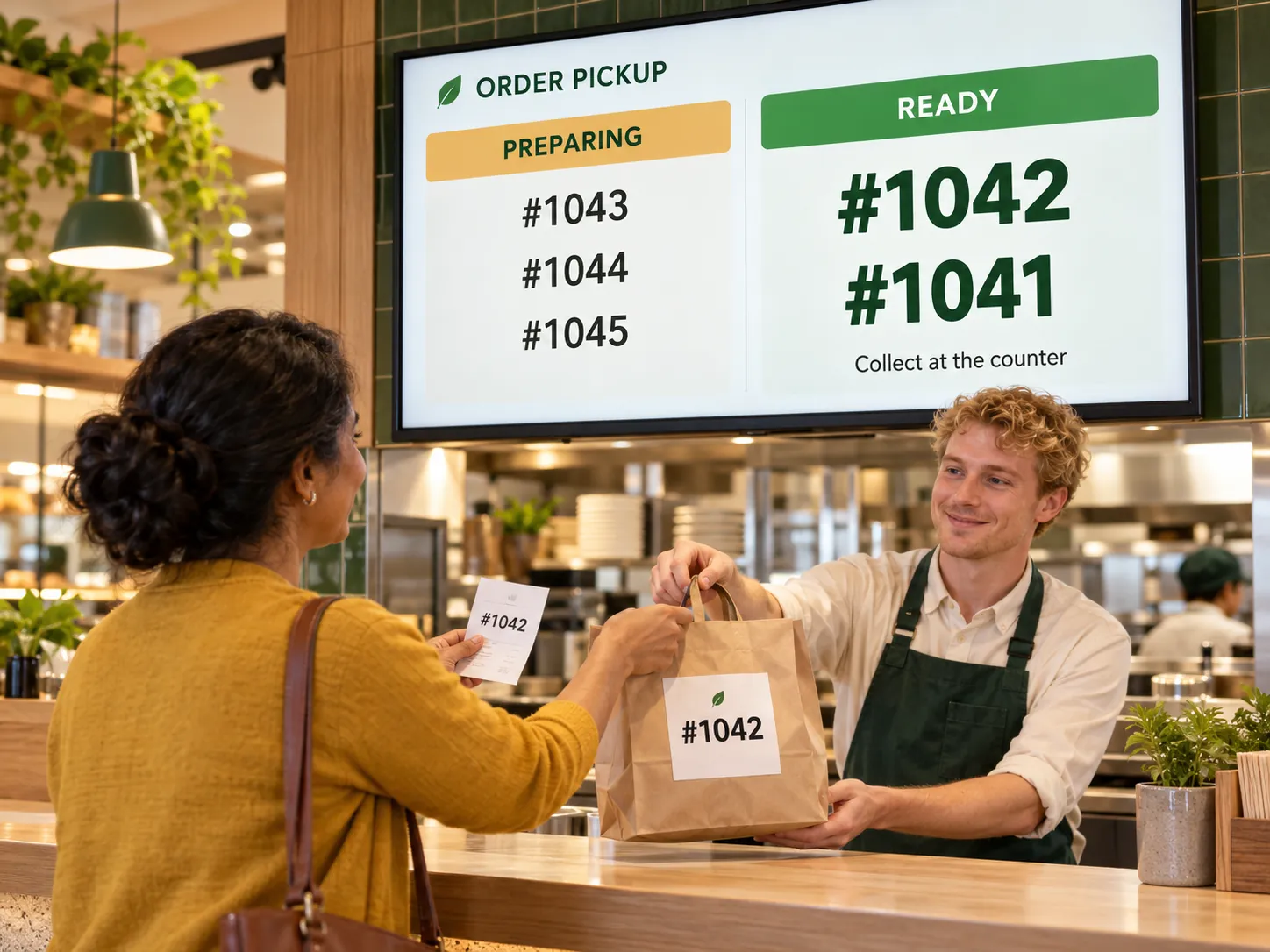
  • Cashier role with a separate till for counter orders, payments and pickup
  • Cancellation without permission: the cashier requests approval from the owner or administrator via push notification or password
  • Configurable feature and access matrix for each role
  • Administrator role in the mobile app: shift totals, waiter selection and analytics
  • Courier and host roles

Monitoring team activity

  • Menu change log: who changed what and when
  • Cancelled item and order report: person, time, item, amount and reason
  • Shift planning and time tracking: schedules, arrival times, overtime and hourly reports. Availability for your configuration is confirmed during setup.
  • Compare scheduled and actual arrival and departure times when the time-tracking feature is connected.
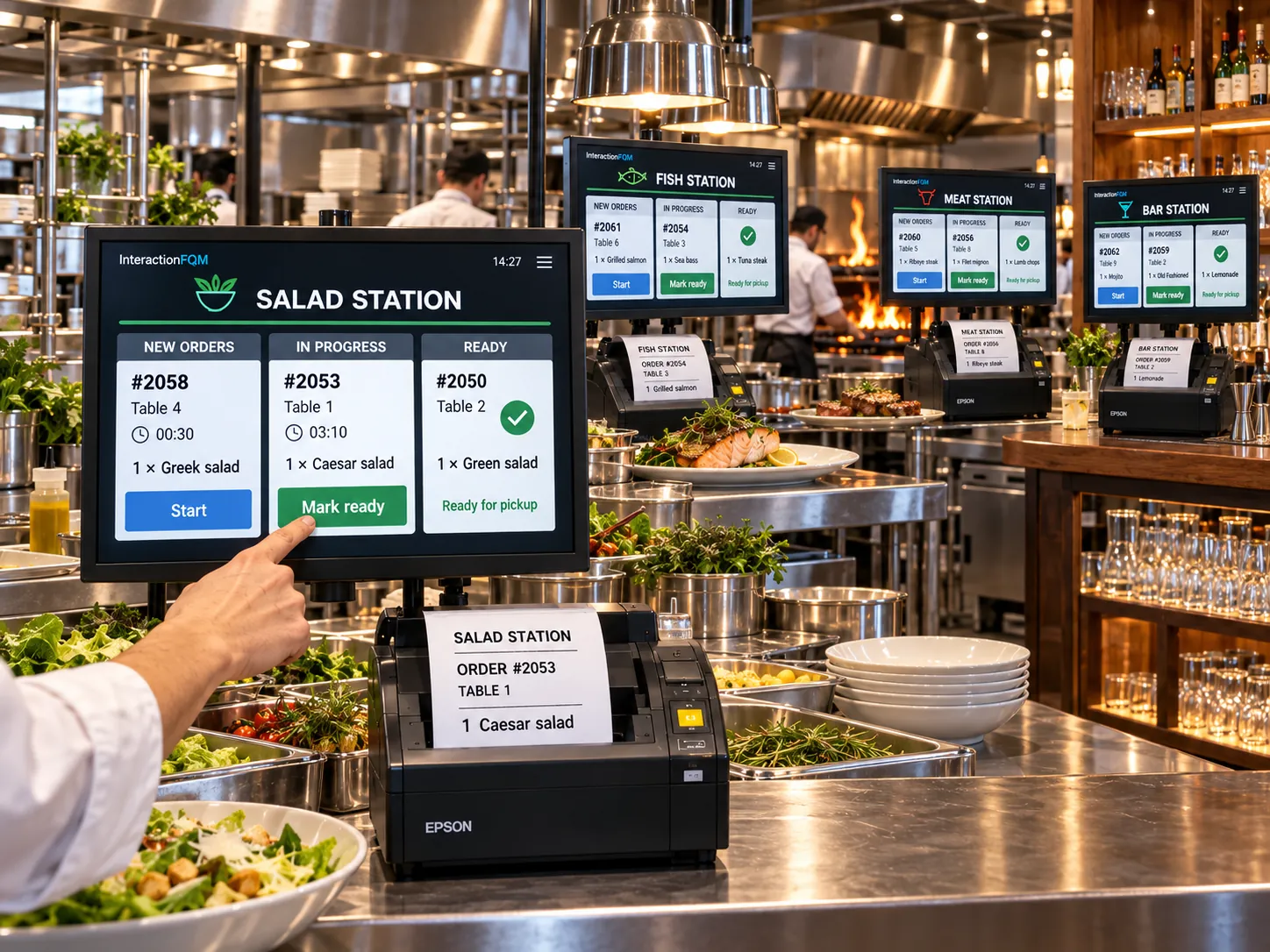
  • Kitchen preparation metrics
  • Review shift order history and the menu change log.

Setup and conditions

  • Business day and shift types
  • Roles and permissions
  • Payment reconciliation and cash handover rules

Frequently asked questions

Can we plan shifts and track hours?

The planning feature covers schedules, scheduled and actual arrival and departure times, overtime and hourly reports. Availability is confirmed for your configuration; operational shifts, orders and permissions are described separately.

How are night shifts calculated?

The venue defines its business day, such as 07:00 to 07:00, and reports use that cutoff.

See how it works for your venue

We will review your processes, demonstrate the features you need and help you choose modules. Setup and team training are free. Test the solution for 14 days, then decide whether to move to a paid plan.

Book a demo

Works with this product

See how the platform can work for your venue

In 20 minutes, we will show the features relevant to your business and answer your questions. Then we can discuss a 14-day free trial, with no deposit or obligation.

Book a demo