
For owners
Know in advance which service handles fiscalisation and how it connects to payments at your venue.

Use fiscalisation through InteractionFQM’s integration with fiskaly or through other fiscal services operated by your venue. We will choose a connection setup suited to your country and POS system.
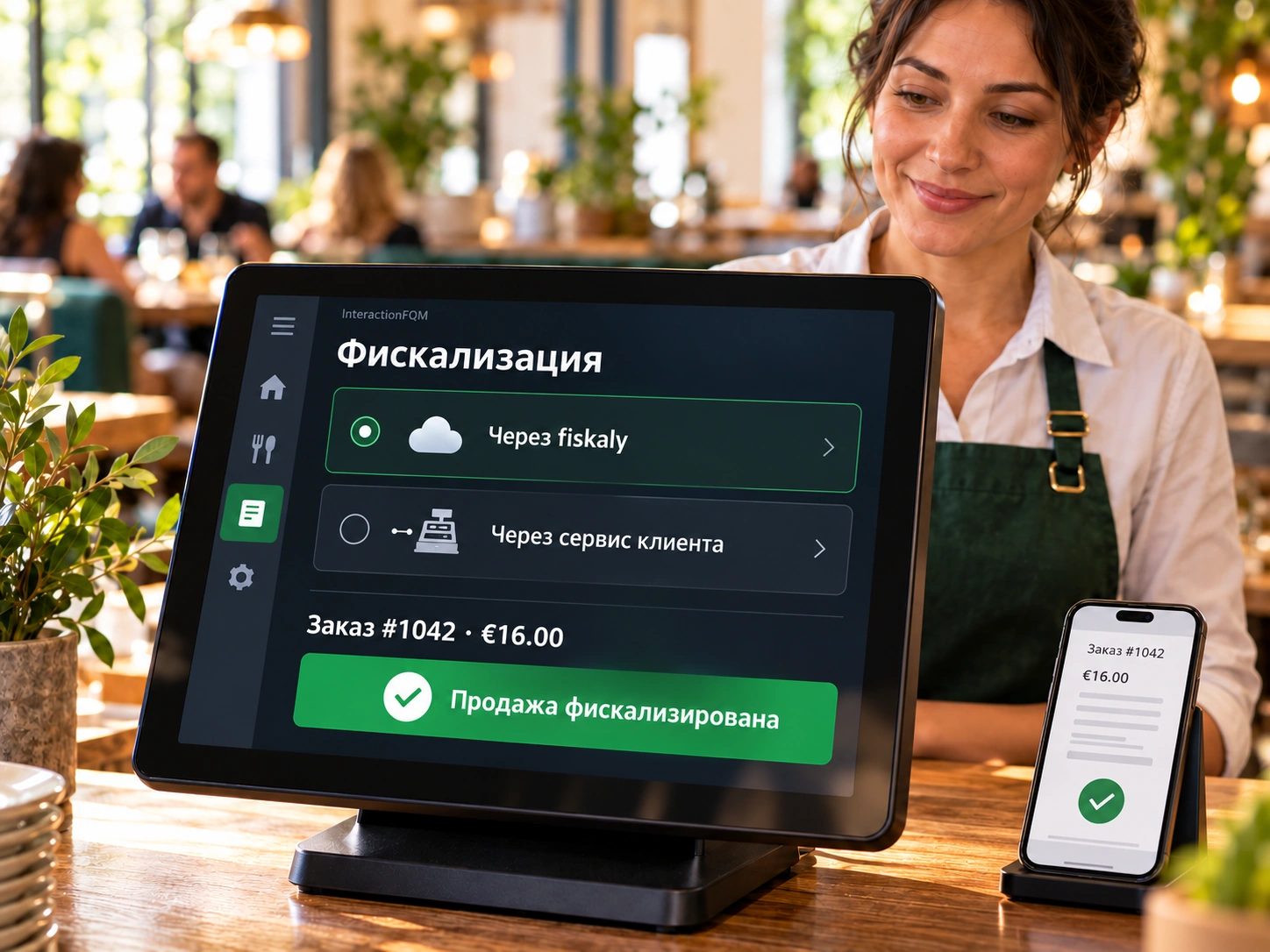
The fiscal configuration is selected for the country and the implementation requirements.
Know in advance which service handles fiscalisation and how it connects to payments at your venue.
Staff process payments through the configured workflow and issue the required document to the guest.
We identify the country, POS system and existing fiscal service.
We select a supported connection option.
We configure data exchange and check test payments.
We review the documents with the responsible member of staff.
Fiscalisation is performed through an integration with the selected service. Requirements and responsibility for registration are checked for each venue; provider services and fees are clarified separately.
Yes, if it supports the required data exchange. We check compatibility before launch.
No. The selected service performs fiscalisation; the printer prints the document.
No. The service, configuration, registrations and terms depend on the country and POS system.
We will review your processes, demonstrate the features you need and help you choose modules. Setup and team training are free. Test the solution for 14 days, then decide whether to move to a paid plan.
Book a demo