
For owners
Use a compatible printer within one payment workflow and keep track of shift documents.

Print pre-bills, guest receipts and shift reports on a compatible receipt printer.
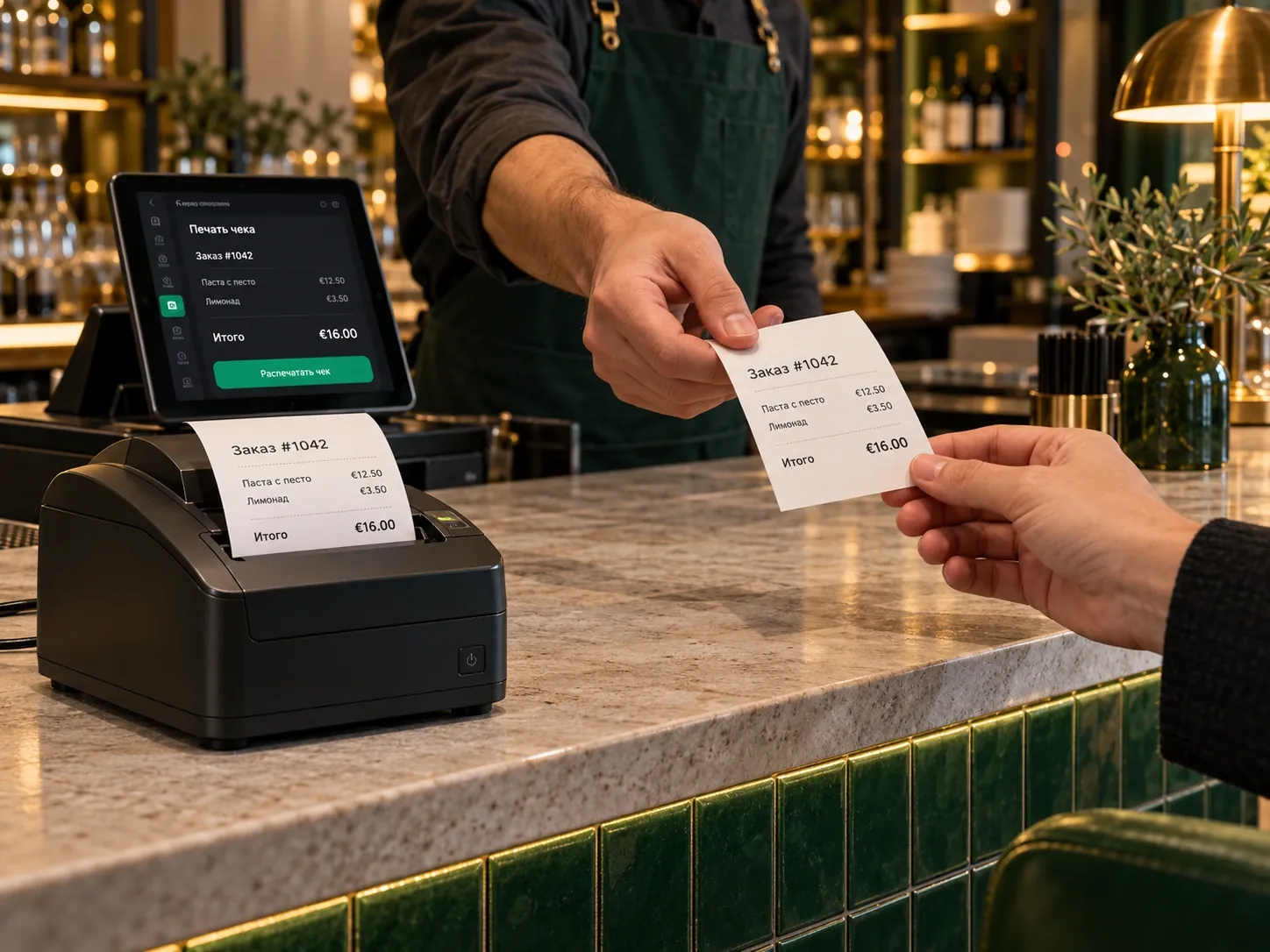
Guest documents are issued within the agreed till workflow.
Use a compatible printer within one payment workflow and keep track of shift documents.
Staff issue the appropriate document to the guest and print shift reports within their workflow.
We check the printer model and connection.
We configure the required documents and print format.
We run a test payment and check the pre-bill, receipt and shift report.
Compatibility depends on the model and connection. Printing a guest document does not replace fiscalisation.
Yes, if the model and connection method are compatible. We will check the device before launch.
No. This module covers payment and shift documents. Kitchen tickets belong to the KDS and kitchen printing module.
Not on its own. Fiscalisation is connected through the relevant service.
We will review your processes, demonstrate the features you need and help you choose modules. Setup and team training are free. Test the solution for 14 days, then decide whether to move to a paid plan.
Book a demoUse fiscalisation through InteractionFQM’s integration with fiskaly or through other fiscal services operated by your venue. We will choose a connection setup suited to your country and POS system.
Learn more →Send each kitchen station its items and the guest’s preferences.
Learn more →