INTERACTIONFQM

Own delivery & takeaway

Take direct orders from your website and set your own delivery and pickup terms.

What it brings to your venue

Guests see fulfilment terms in advance, and the team receives the order with its delivery address or selected pickup location.

For owners

Manage delivery terms, pickup locations and order recipients. Connect incoming orders to kitchen and till workflows.

For guests and your team

Guests choose an address or pickup location, payment method and collection time, then track their order.

How it works

  1. The guest chooses delivery or collection

  2. They enter an address or select a pickup location and time

  3. The team accepts and prepares the order

  4. The guest receives the order and leaves feedback

Module features

Clear terms before placing an order

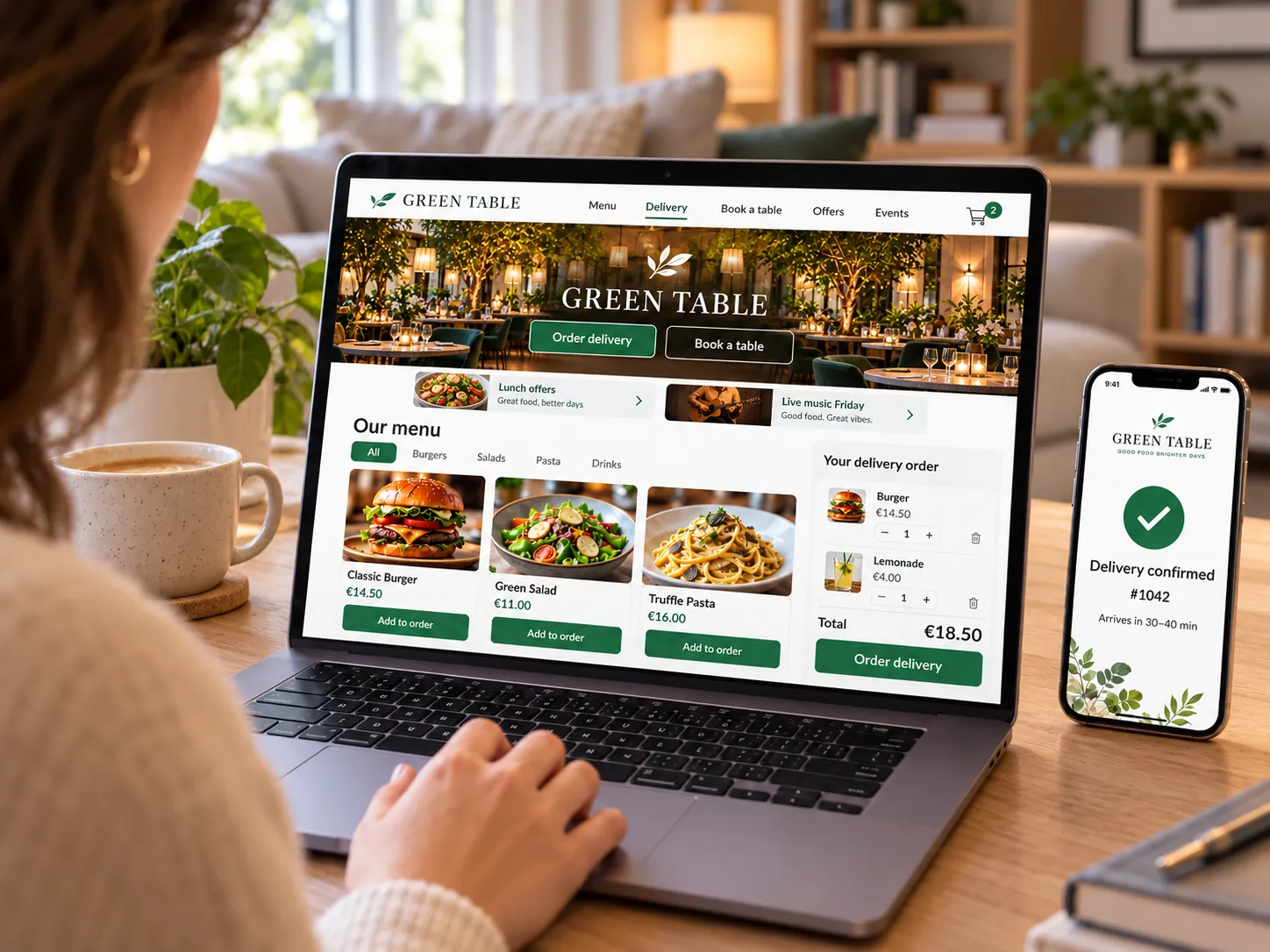
  • Delivery charge, minimum order value and a free-delivery threshold
  • A basket progress bar showing how much more to spend for free delivery
  • The promised delivery time, such as 30–45 minutes, on the Delivery button
  • Address suggestions while typing, using Google Maps
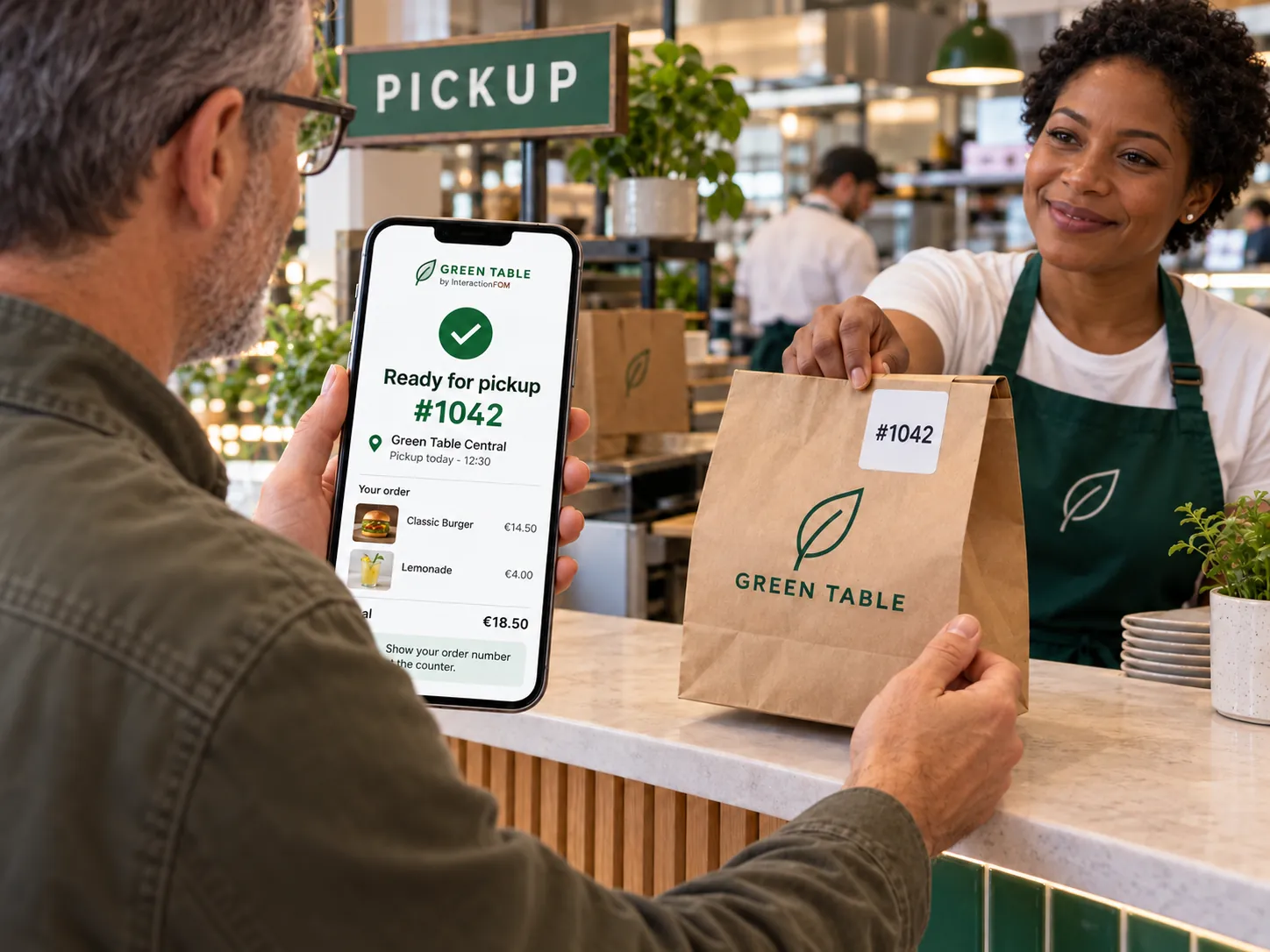
  • Multiple pickup locations with addresses, opening hours and phone numbers
  • Estimated preparation time: ready in approximately N minutes
  • Delivery zones on a map

Ordering and payment without a table

  • Delivery coordinator and recipients of website orders
  • Pay the courier by cash or card
  • New delivery orders appear immediately in the waiter app and Telegram
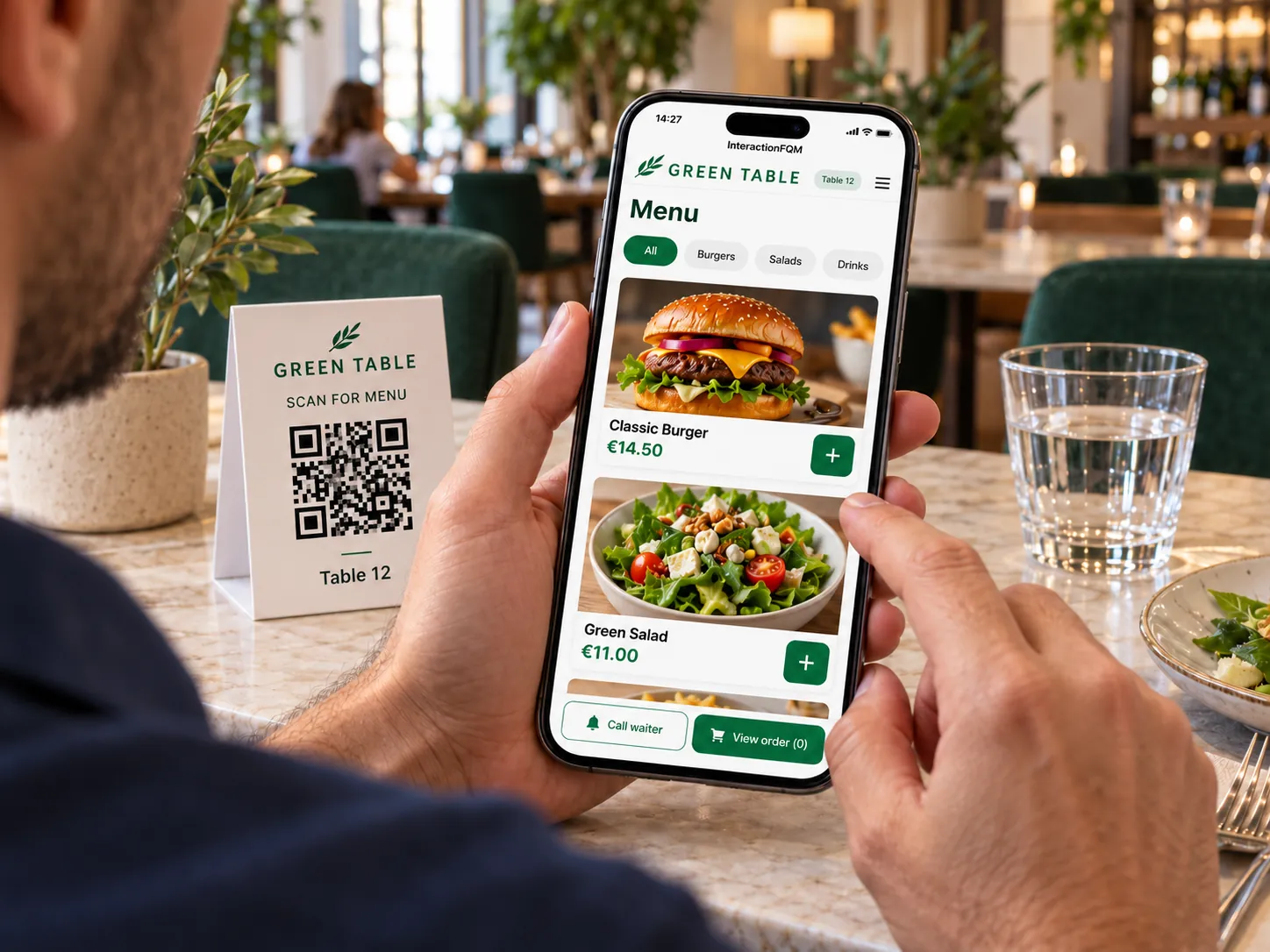
  • Orders can be placed through a general link, without a table
  • Receipt by email after payment
  • Delivery and collection orders sent to Lightspeed POS through HubRise

From the kitchen to the guest's door

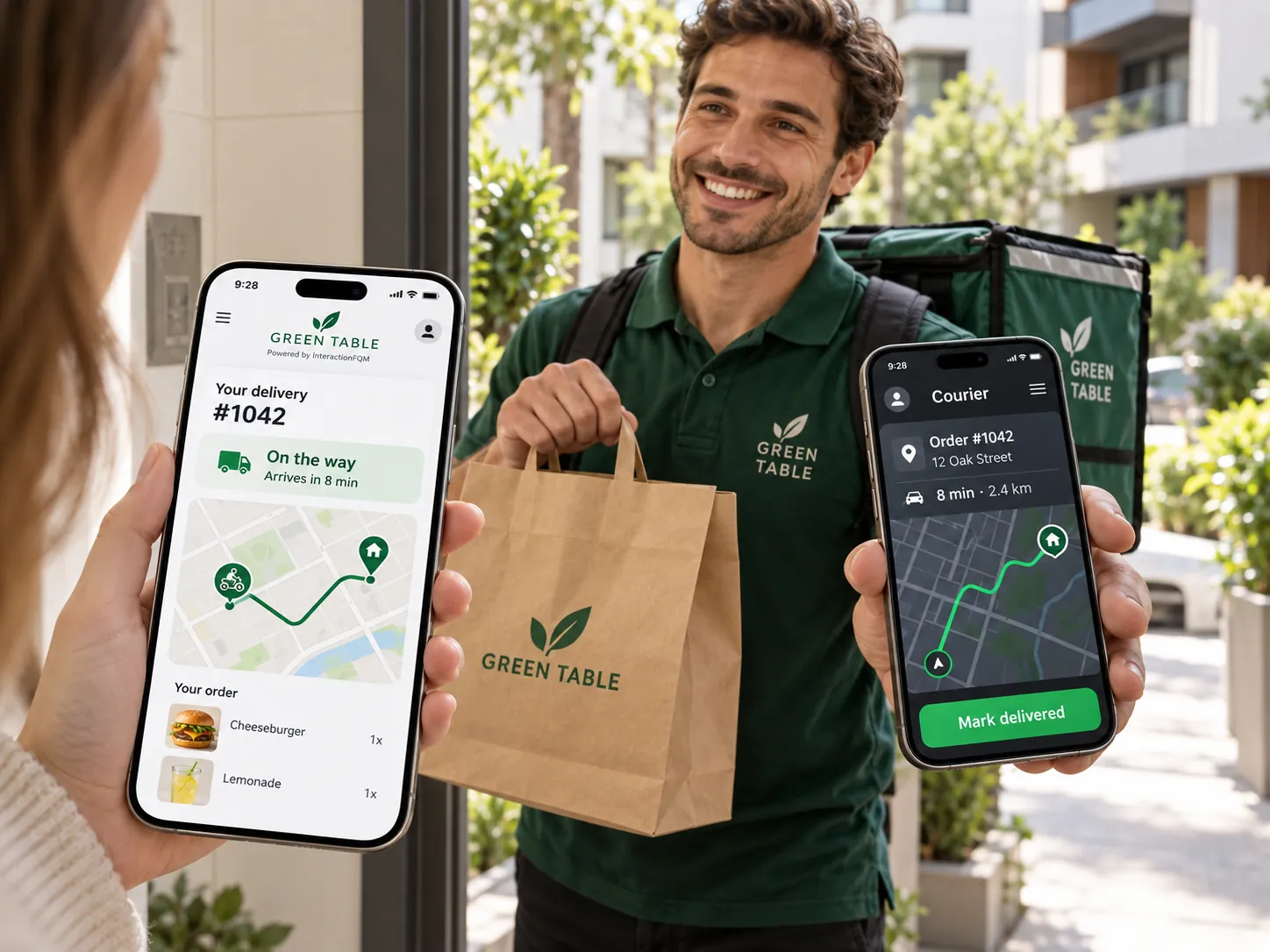
  • Guest order page with Accepted → Preparing → Ready → Collected stages and a prominent order number
  • Courier location on the guest's map, arrival time and courier chat
  • Assigning delivery to external courier services
  • Couriers and routes

Keeping in touch after delivery

  • A bonus and review request after delivery

Setup and conditions

  • Delivery terms and pickup addresses
  • Payment methods and POS connection
  • Workflows for your own or external couriers

Before launch, we will configure delivery zones, fees, timing, pickup locations and courier service connections.

Frequently asked questions

Can collection orders be accepted without tables?

Yes. Guests order through a general link and choose where and when to collect.

Is a courier service connected automatically?

No. Handover to an external service and available courier actions depend on the specific integration.

See how it works for your venue

We will review your processes, demonstrate the features you need and help you choose modules. Setup and team training are free. Test the solution for 14 days, then decide whether to move to a paid plan.

Book a demo

Works with this product

See how the platform can work for your venue

In 20 minutes, we will show the features relevant to your business and answer your questions. Then we can discuss a 14-day free trial, with no deposit or obligation.

Book a demo