
For owners
Create promotions and choose where they appear. Distinguish promoting an offer from a pricing rule that changes the order total.

Create promotions, combos and personalised offers, show them at the right time and guide guests towards an order.
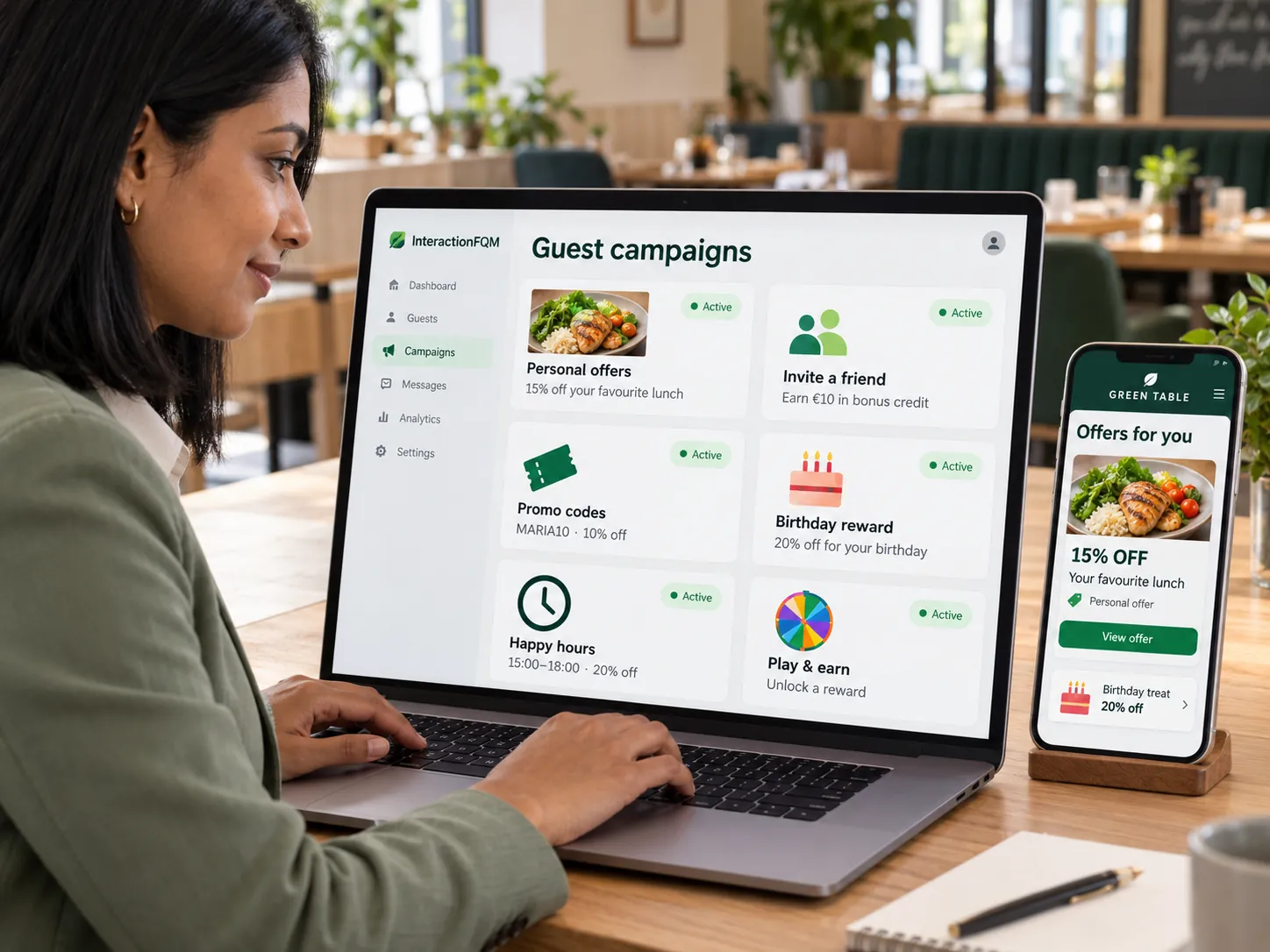
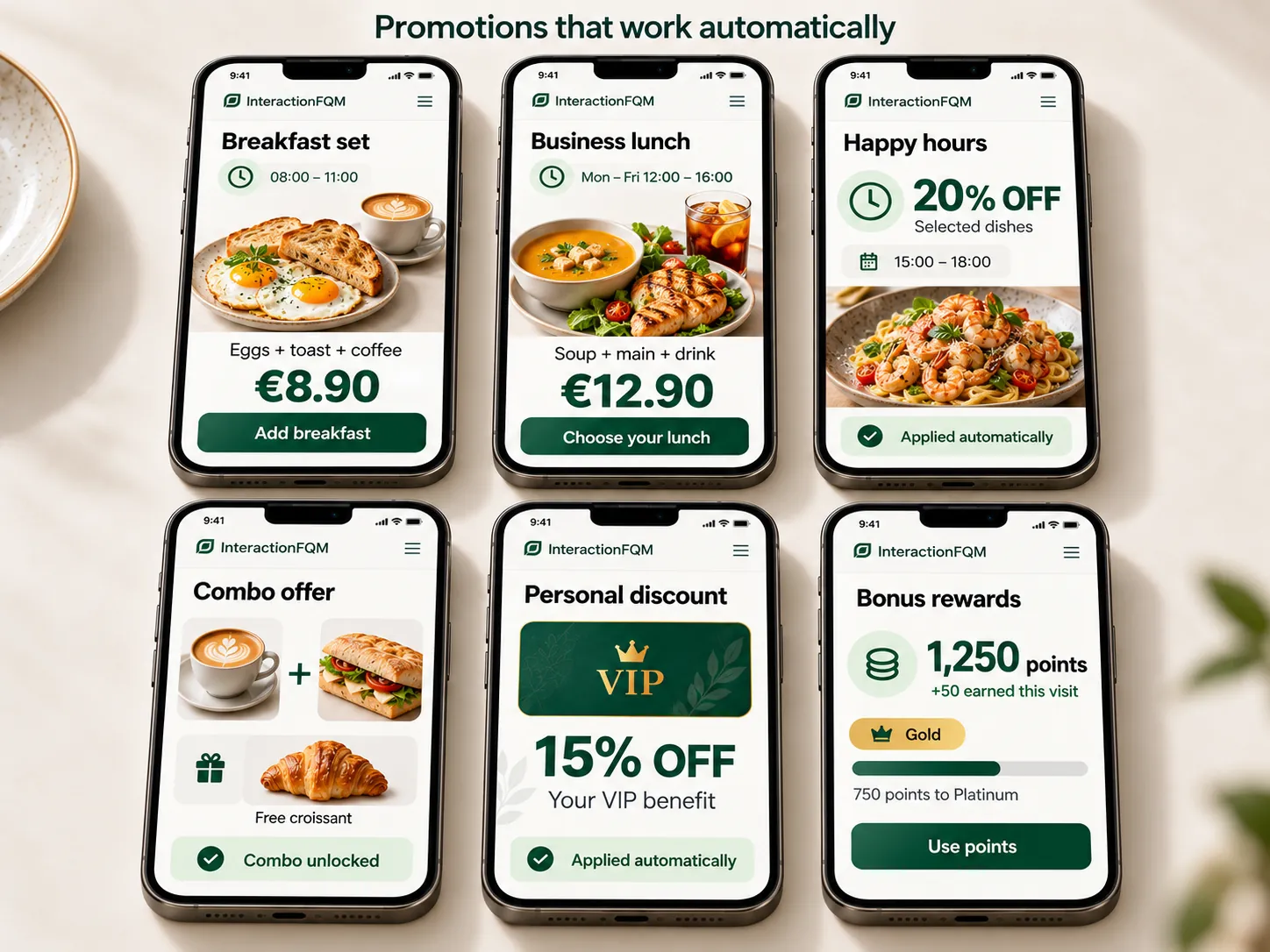
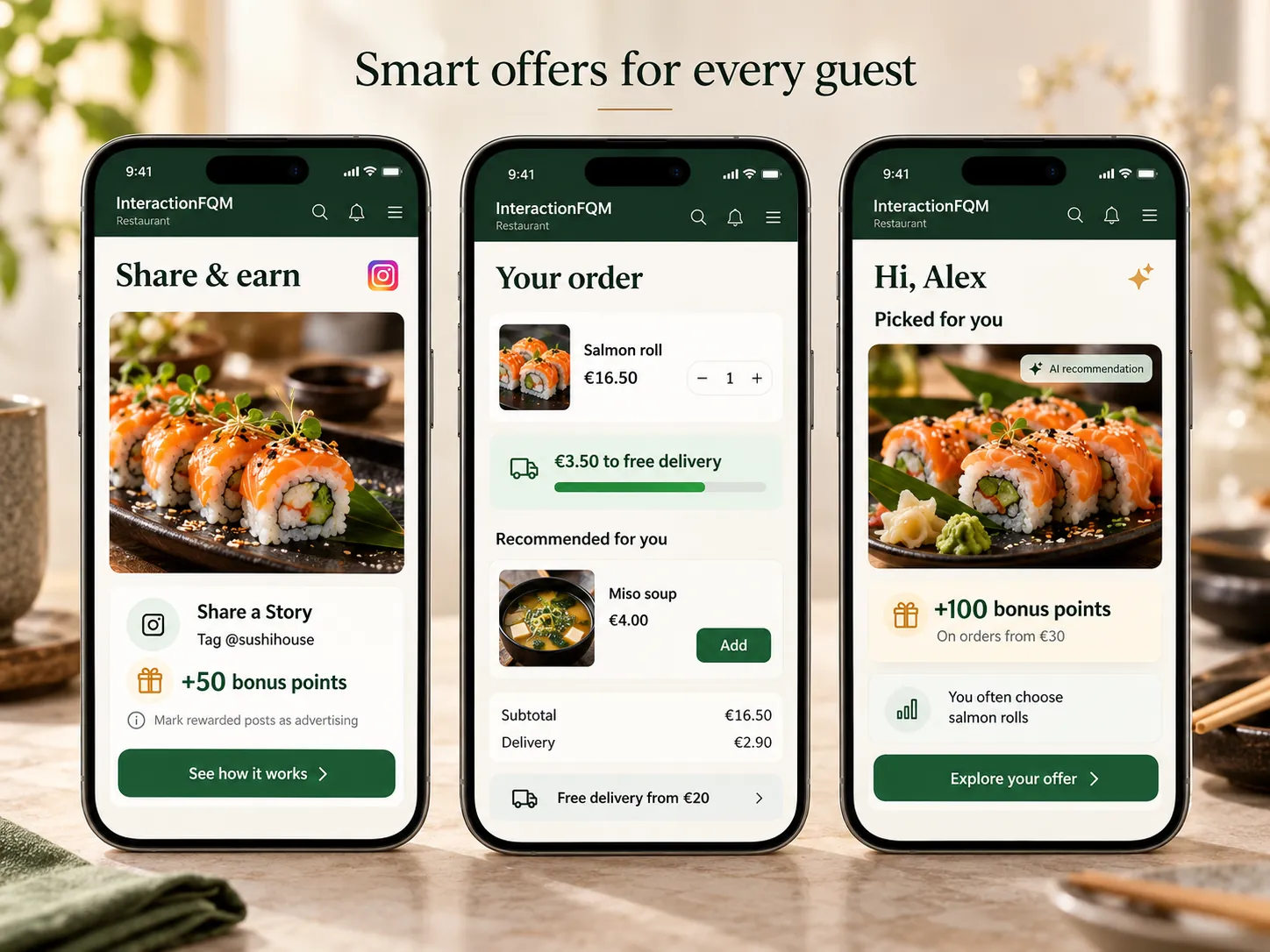
Guests see a current promotion alongside the menu, while the venue controls the offer and its display period.
Create promotions and choose where they appear. Distinguish promoting an offer from a pricing rule that changes the order total.
Guests see what is included, the price and the terms of the offer before ordering.
Create an offer and its conditions
Choose when and where it appears
The guest opens the offer
The configured ordering rule is applied
No. Displaying a banner and applying a discount are separate settings.
Yes. Categories can be scheduled by time and day of the week.
We will review your processes, demonstrate the features you need and help you choose modules. Setup and team training are free. Test the solution for 14 days, then decide whether to move to a paid plan.
Book a demo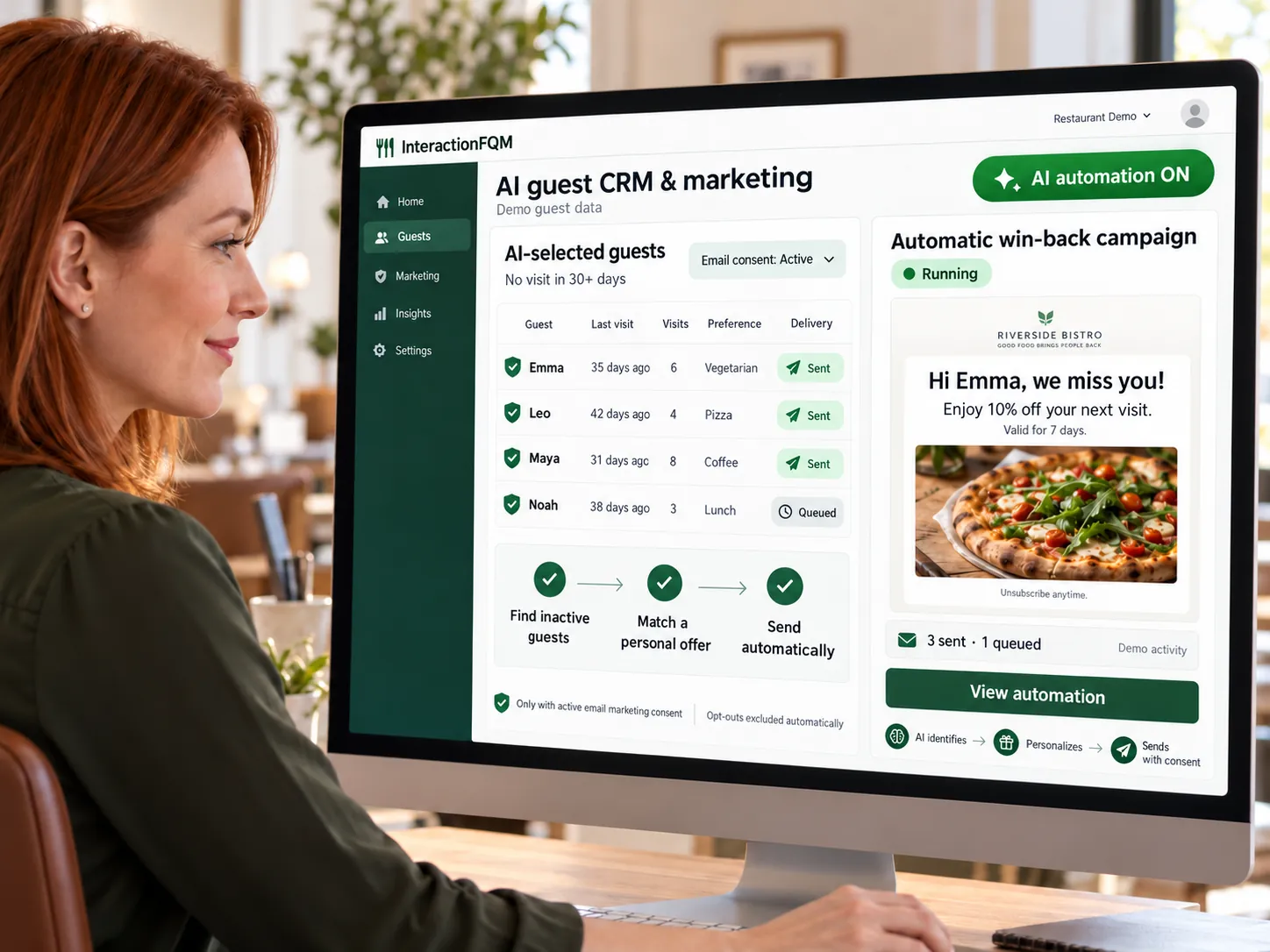
A unified guest database from your website, QR menu, app and Wi-Fi: contacts, orders, preferences, rewards and consents.
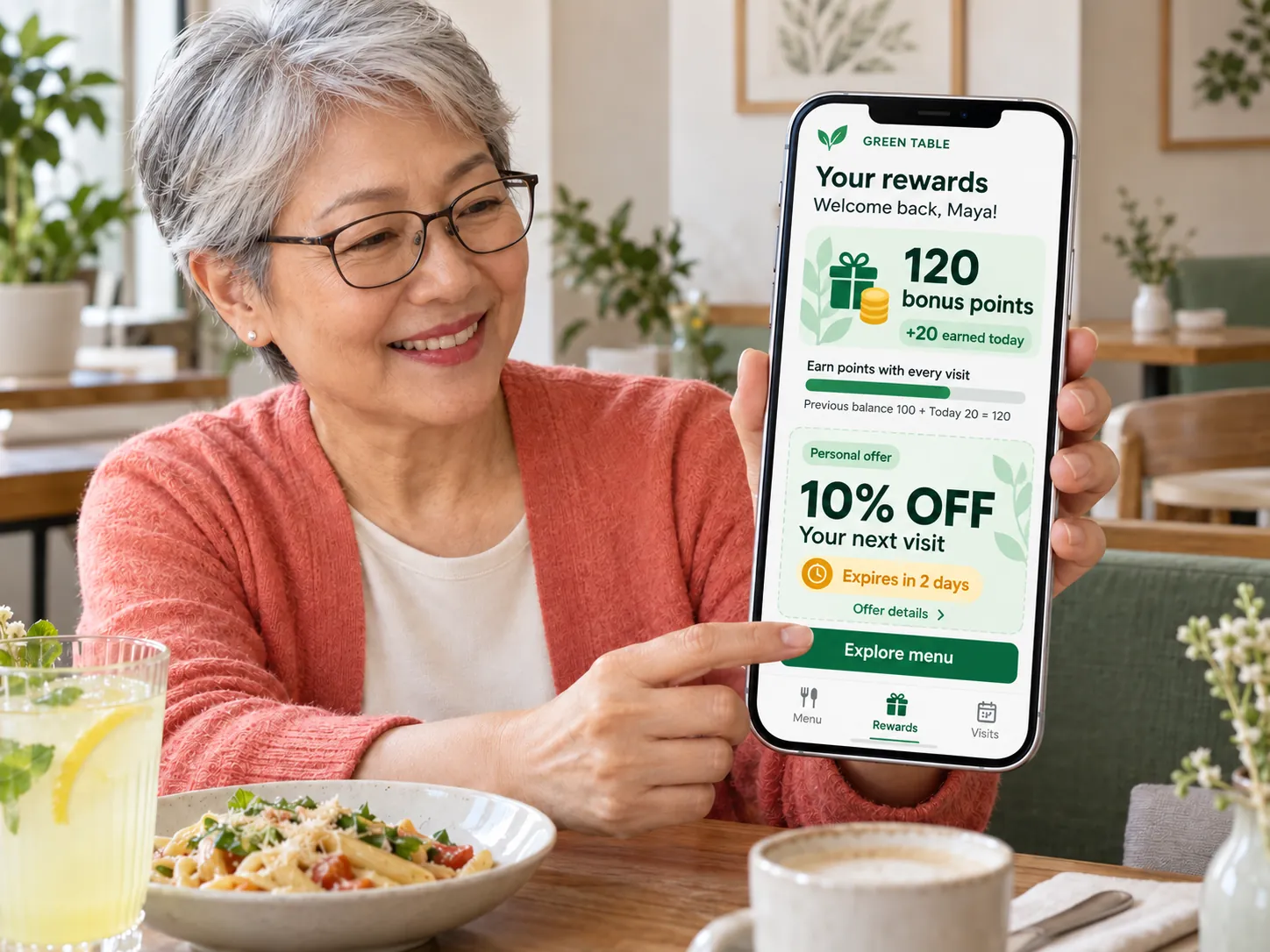
Help guests return with rewards for their next visit, guest cards, offers and referrals to friends.
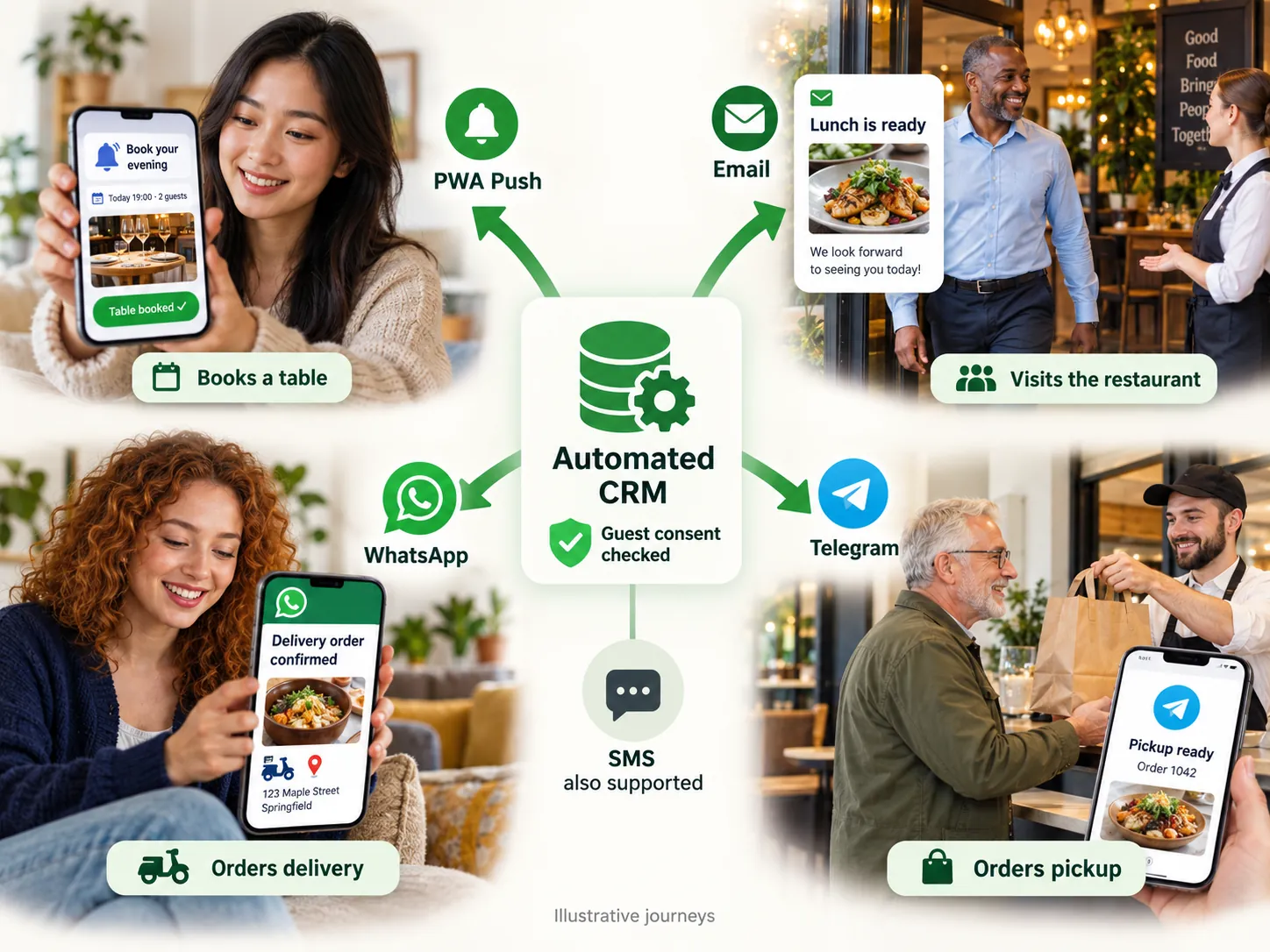
Keep guests informed about their orders, invite feedback and send offers through selected channels according to their consent choices.
In 20 minutes, we will show the features relevant to your business and answer your questions. Then we can discuss a 14-day free trial, with no deposit or obligation.
Book a demo