

INTERACTIONFQM
Connect orders, kitchen and pickup
The flow depends on selected modules and confirmed connections.
Features
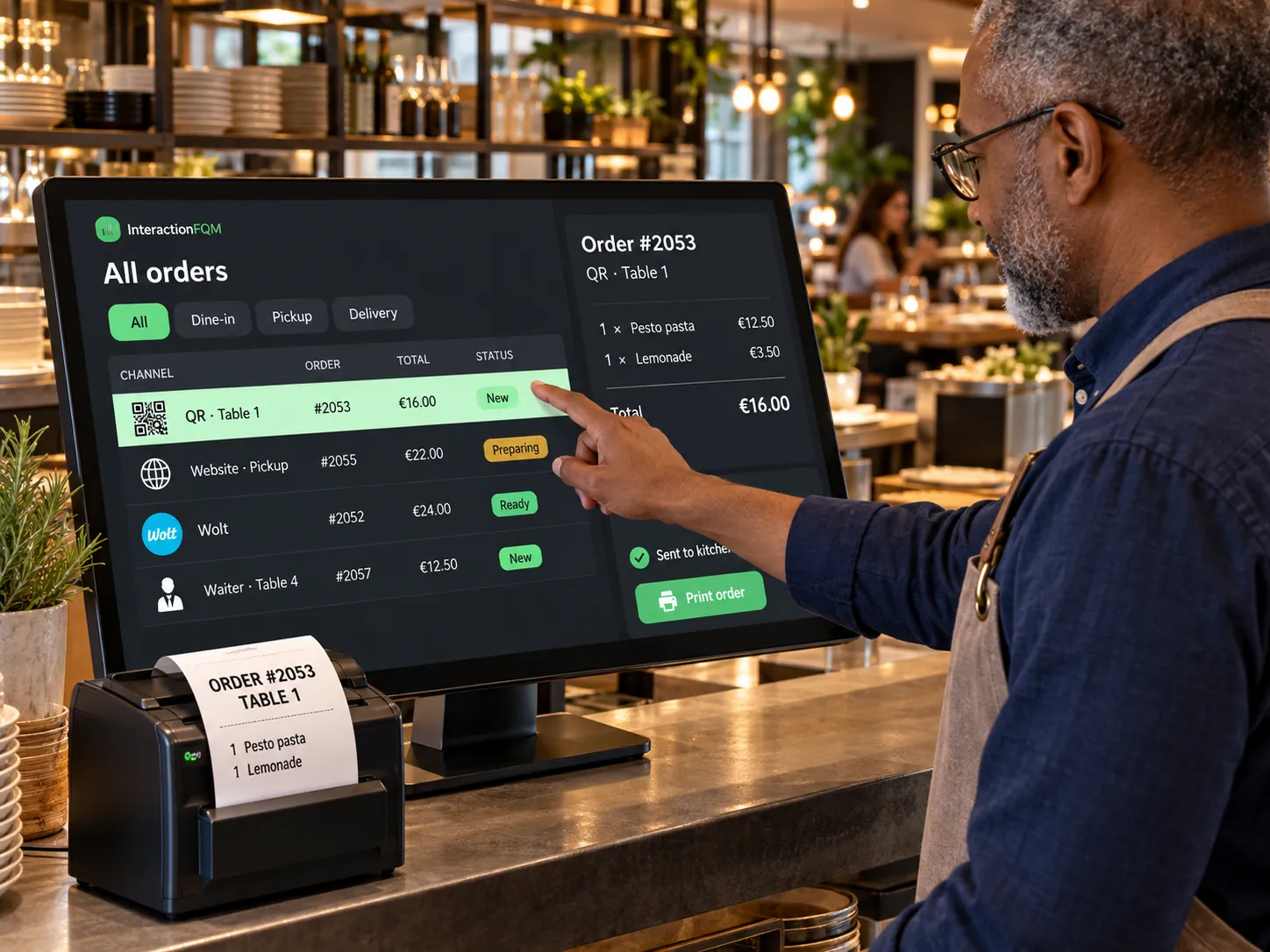
Unified orders
The team sees orders from connected channels in one working list.
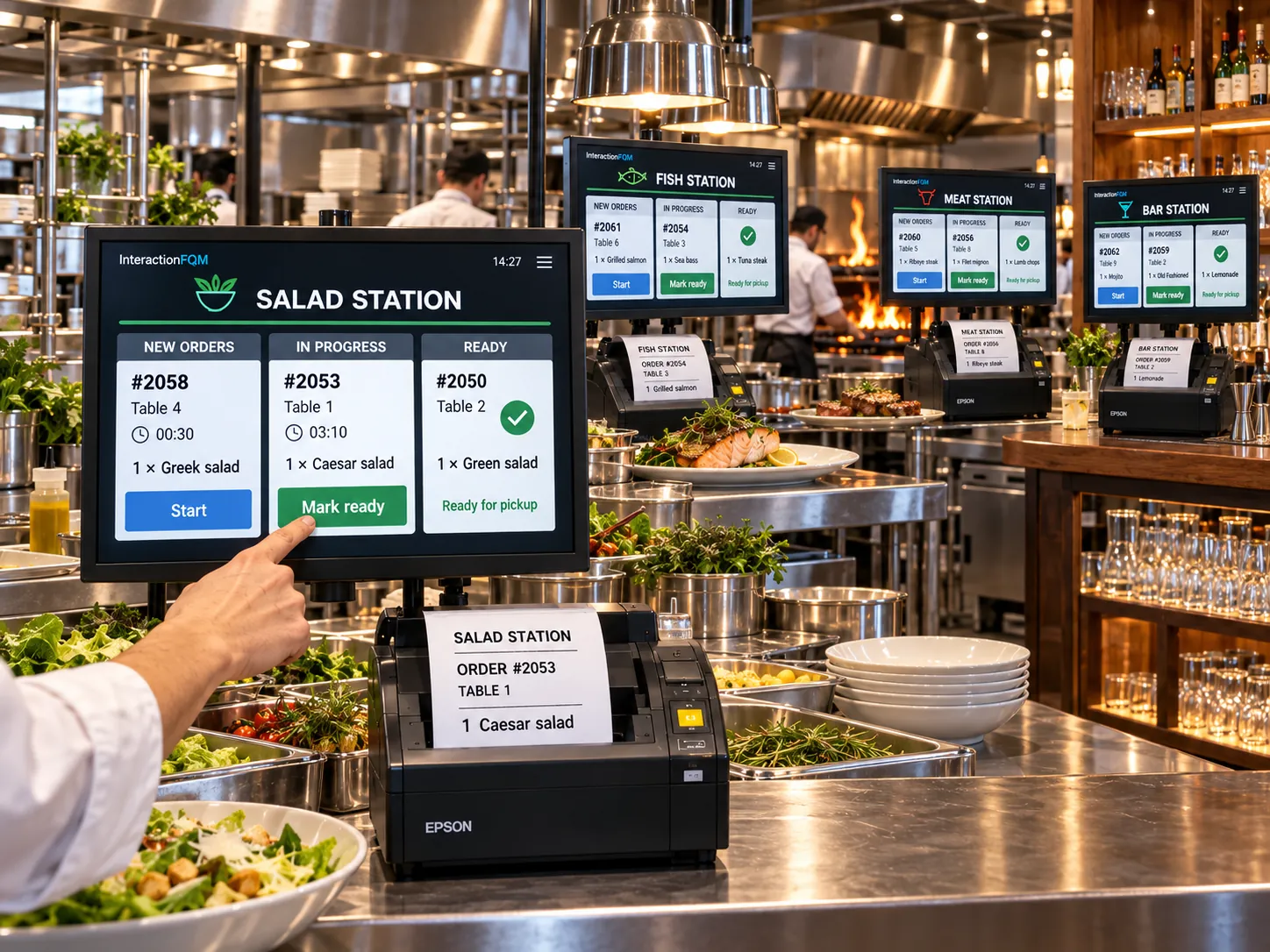
KDS & kitchen printing
Send each kitchen station its items and the guest’s preferences.
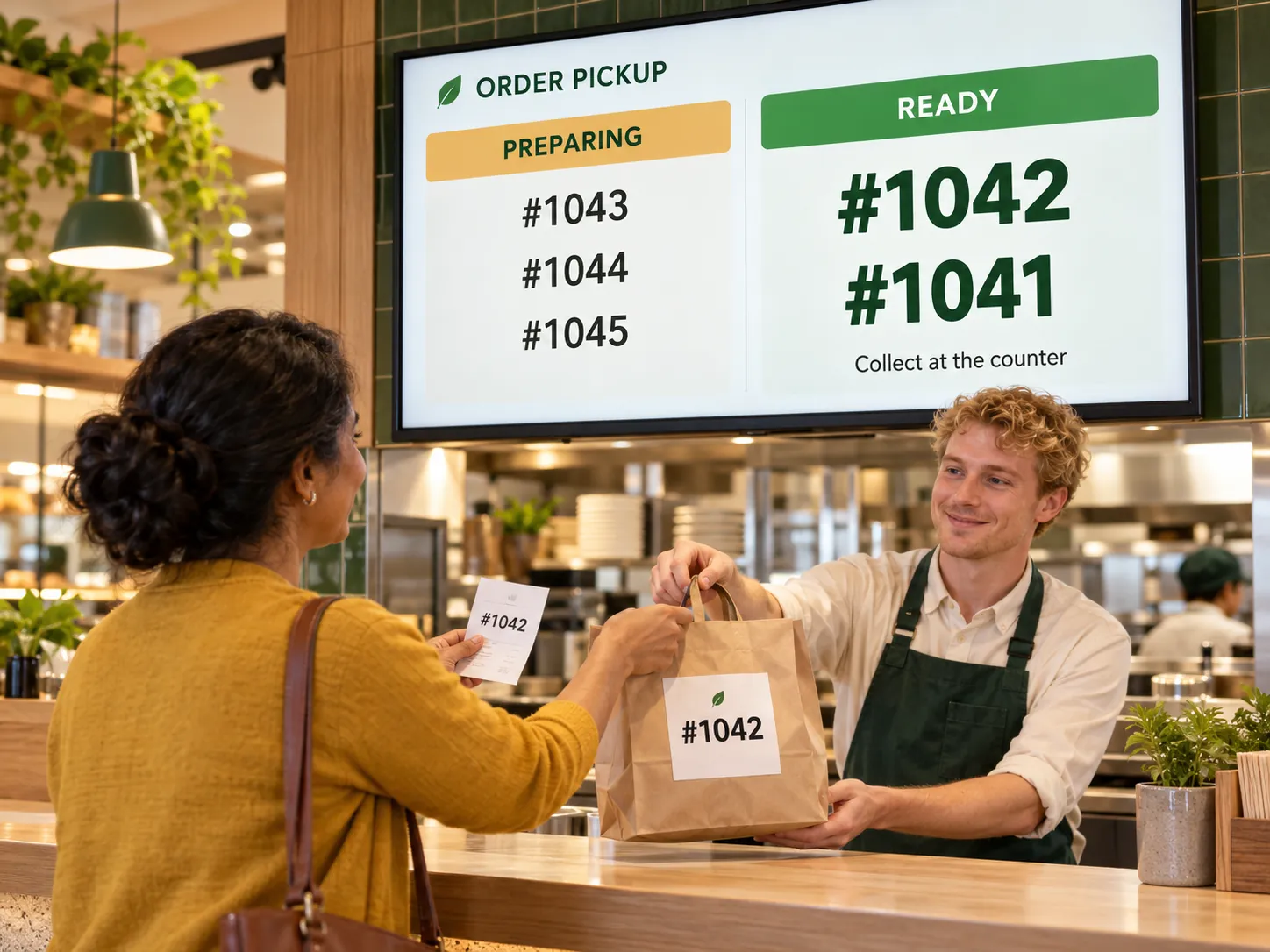
Pickup display
Help guests know when to collect their orders.
Works with this product
Guides
See how the platform can work for your venue
In 20 minutes, we will show the features relevant to your business and answer your questions. Then we can discuss a 14-day free trial, with no deposit or obligation.
Book a demoCheck how orders reach the kitchen
- Assign printers to categories or dishes for each preparation station.
- Check modifiers, comments, portion sizes and the kitchen ticket language.
- Check cancellation printing and notifications when a printer disconnects.
- Agree on the kitchen display and collection workflow for your configuration.